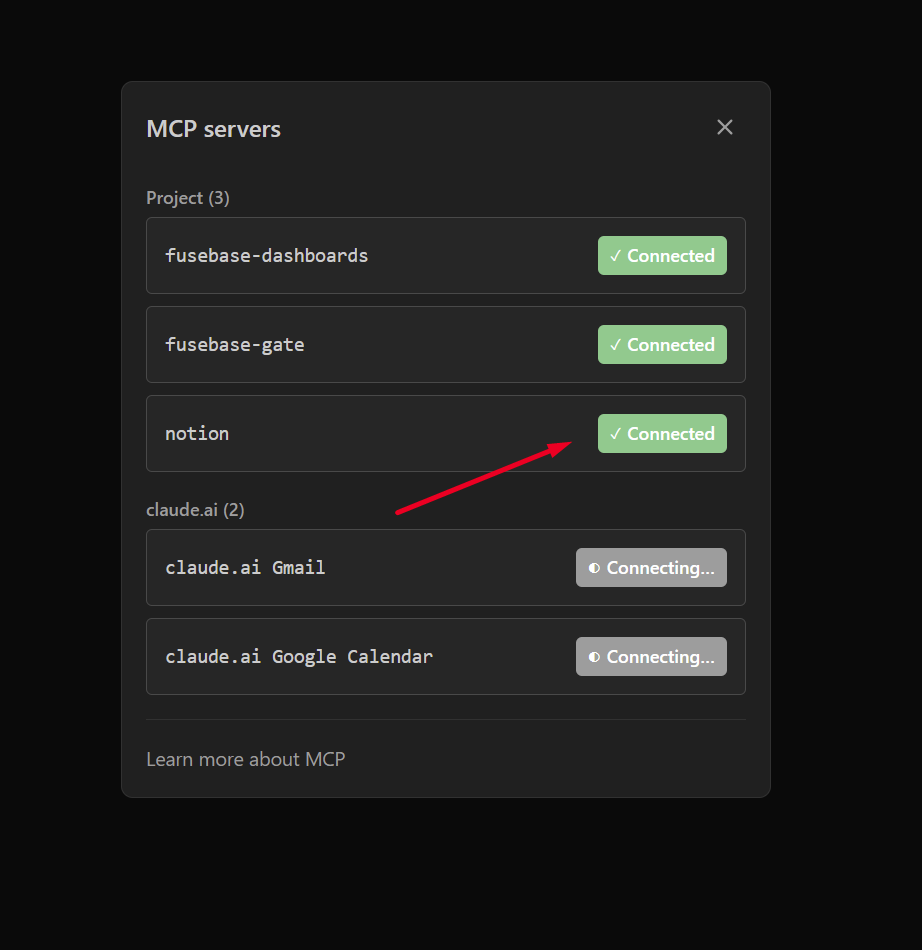
Important! This guide describes the integrations that are available out of the box in Fusebase CLI. However, you can integrate Fusebase with any other service that has an open API—simply specify this in the prompt to the AI.
Fusebase CLI allows you to create apps based on data from other services, and for convenience, we have added default MCP support for Notion, Figma and Asana (the list will be expanded). To enable integration, enter the command fusebase integrations in terminal and select the desired service with a space. Then, press Enter.
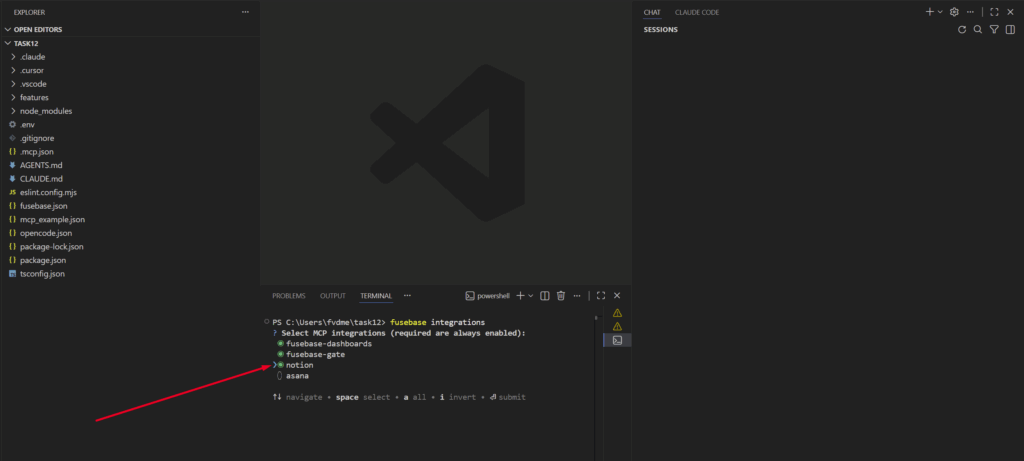
Important! After activating the MCP of another service, we recommend restarting the ID to activate this MCP. After that, select the /mcp command in Agent’s chat and authorize in the required service.