Page Editor
Commenting on table cells
Commenting on cells You can comment on the contents of the table cells and discuss them with other members of the organization. Creating a сomment 1) Click in the menu of the...
Guide details
- Published
- July 7, 2023
- Read time
- 1 min read
- Category
- Page Editor
Commenting on cells
You can comment on the contents of the table cells and discuss them with other members of the organization.
Creating a сomment
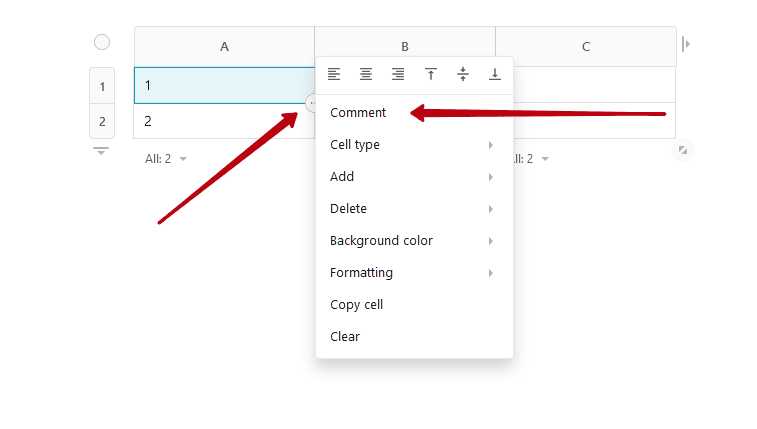
1) Click in the menu of the desired cell and select Comment.
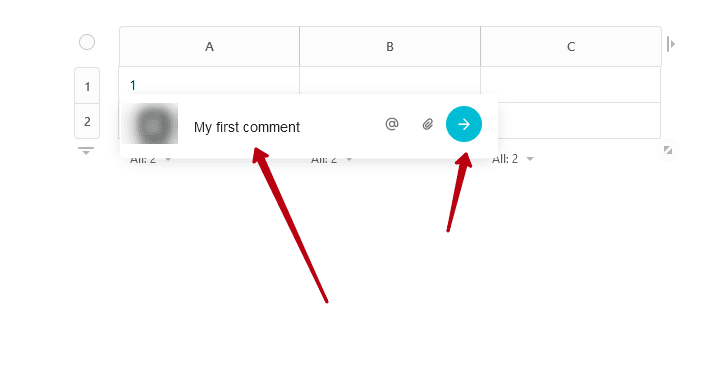
2) Write a comment and press Enter or the submit icon.
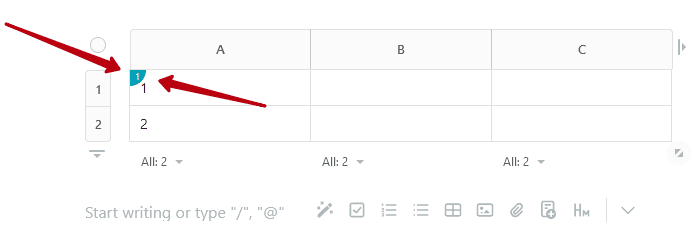
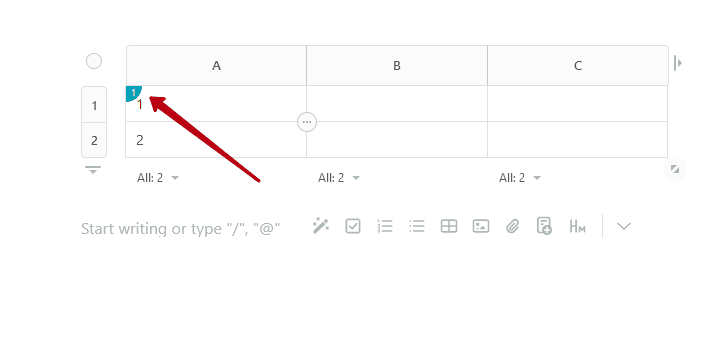
In the upper left corner of the cell, you will see an icon that shows when there is a comment.
Response to сomment
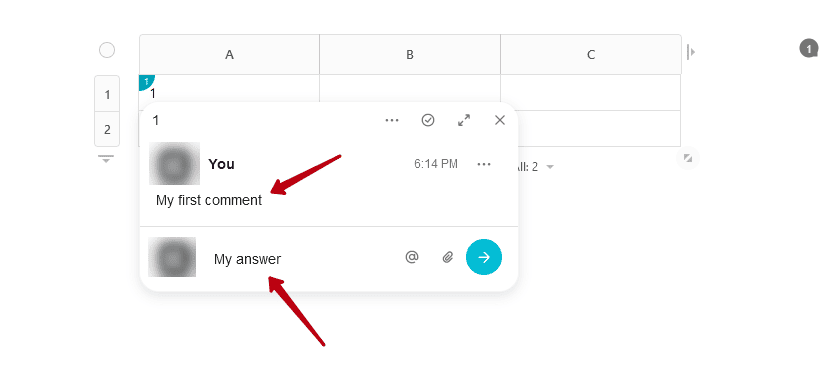
To open a comment on a cell, click the comment icon.
Next, you can read the comments in the thread or write a response.