Sales assistant
Researches leads and prepares relevant follow-ups.
We use required cookies to keep this site working and, with your consent, optional cookies to measure visits and support advertising and referrals. We use required cookies and optional cookies for analytics, advertising and referrals. Select Decline to turn off optional tracking. Privacy Policy
Solutions / Virtual hosting
Built into the FuseBase ecosystem
Your team of AI coworkers
Powered by PaperclipResearches leads and prepares relevant follow-ups.
Gathers inputs and drafts your reports.
Prepares account reviews and next steps.
Keeps connected records and tasks in sync.
One shared connection to read and update information, with the access you allow.
AI coworkers
Powered by Paperclip
Give your AI team a role,
context, and work to do.
Create specialized AI coworkers for the responsibilities your business needs. Provide them with their related knowledge and associated tools, and leave them in charge of organizing and performing the task.
Integrate your AI coworkers into your workspaces, records, applications, and portals, and grant them access based on their roles.
Use n8n to link the steps of a repeated process. Combine data, amend records, and initiate the next step without the need to repeat every handoff manually.
Connect n8n workflows to your applications and workspaces. FuseBase Work agents may assist in the development, testing and maintenance of those automations.
Web research
Give your assistants
useful information from the web.
Get the information on the websites that are related to your business into your business workflows. Keep that background and your own knowledge to make more relevant work.
Feed research to FuseBase Work and linked apps, such that it can inform a proposal, a record or a client deliverable.
We are increasing the hosted collection. Begin with the existing solutions.
A new lead triggers n8n. FuseBase Work uses company research from Firecrawl and sales materials from internal workspaces to prepare a proposal. Your team reviews it before delivery through a client portal.
A relevant proposal, ready for your client.
A reporting schedule triggers n8n to collect data from connected apps and client records. FuseBase Work prepares a branded report for team review and delivery in the client portal.
One place for your client to review the results.
n8n routes a meeting transcript to FuseBase Work. Meeting notes and client context inform a follow-up draft and next steps for team review in internal workspaces.
A follow-up draft and clear next steps for the team.
n8n brings selected project updates from connected tools to FuseBase Work. Project knowledge helps it summarize progress, with configured access and sharing into the client portal.
Clients see relevant progress while your team keeps its tools.
A question in a connected FuseBase app reaches FuseBase Work. It uses permitted workspace documents and database records to prepare contextual guidance for the team.
Useful guidance based on the information your team can access.
Use FuseBase Work and FuseBase CLI to build FuseBase Apps. Add the apps to client portals, use them internally with your team, or share them externally.
Build once. Choose where your app belongs.
How self-hosting works
Where n8n is run, it is said to be self-hosted. FuseBase will install a dedicated n8n on your account in our environment.
They can operate on a schedule or something occurs even when you have closed your computer.
Connect n8n with your FuseBase workspaces, apps and portals, as well as with the business tools you already have.
Your workflows run here
A few useful details
Get to know the tools, the hosting environment, and its compatibility with your business.
Three, each running within the hosted environment: FuseBase Work (with Paperclip as the AI coworker) to power workflow automation, n8n to power workflow automation, and Firecrawl to power web research.
They provide between them the principal elements of an iterative process, such as someone to do the work, something to pass between tools, and a means of pulling in outside information. Each or all three can be used.
More hosted tools are coming. We're expanding the collection, but we're not putting dates on what's next. Begin with what is at present and not what it is not.
It is the place where the tools are run. FuseBase creates individual instances of each tool in your account and links them to your FuseBase environment to allow them to access your workspaces, records, apps and portals.
Hosting may be on the basis of shared or personal virtual servers. That would be worth being specific about: you don't necessarily have a separate instance to account. Your setup determines what resources you receive as well as the access being configured.
In case you care about the existence of dedicated infrastructure, tell it at scoping. It rearranges, and it is easier to plan ahead than to change afterwards.
No. Most of what you need is a clear idea of the process you want to improve. The others can be scoped with you.
There is a support in the implementation, which is typically the quicker way. We will examine the process, calculate which tools to use, and establish the links. You do not have to know what n8n is prior to the initial call.
With that said, when your team does have technical experience, you are not prevented to configure supported solutions yourself. The deployment is well documented to be turned over. Your choice whether left or right.
No. Begin with whatever you actually need in your work.
Many teams select to start FuseBase Work alone, and then use AI coworkers to perform a recurring job without linking anything to it yet. n8n can then be used to make sense when a workflow requires running on a schedule or transferring information between systems. Firecrawl is applied in case a colleague requires data beyond your company.
It is not worthwhile to add a tool that you do not need but only to support. The three interlock when you are ready, so no penalty of being narrow at the start.
Yes. The tools relate to the supported external systems and your team continues to work in those systems instead of transferring everything to them.
The detail is what is negotiated in setup: what is shared, where to, and what can be done. That is what to get right. A read only connection is quite different as compared to the one that can write back to your CRM.
Not all systems are compatible, so it is better to check your soon. A path of most common tools exists.
Yes. The configuration of access and responsibilities is process-centric, rather than global.
Each coworker gets its own role, instructions and connected tools. There you make a choice of what it can reach, what it can accomplish on its own, and what must be approved by a person. Automatic preparation is possible. Anything that is facing the clients or that is related to a commitment can be tabled.
Those are not set in stone. When something is not acting as you want it to, you change the permission and it is used in the subsequent task.
Your configuration defines the resources used in hosting, and who does the maintenance, backup and support.
That can take several ways. Other teams adopt the entire set up where we run and support the deployment. Some desire it to be constructed, written and delivered over to others so that it may be managed day by day by their own people. Both works. They are simply alternative agreements.
Continuing workflow assistance might as well be scoped independently, in accordance with what your group really requires. The only thing we would not do is to believe that something is covered when it is not and that is why it is written.
Examine Firecrawl, n8n, and FuseBase Work in an integrated FuseBase environment. Select a task that is important to your workforce.
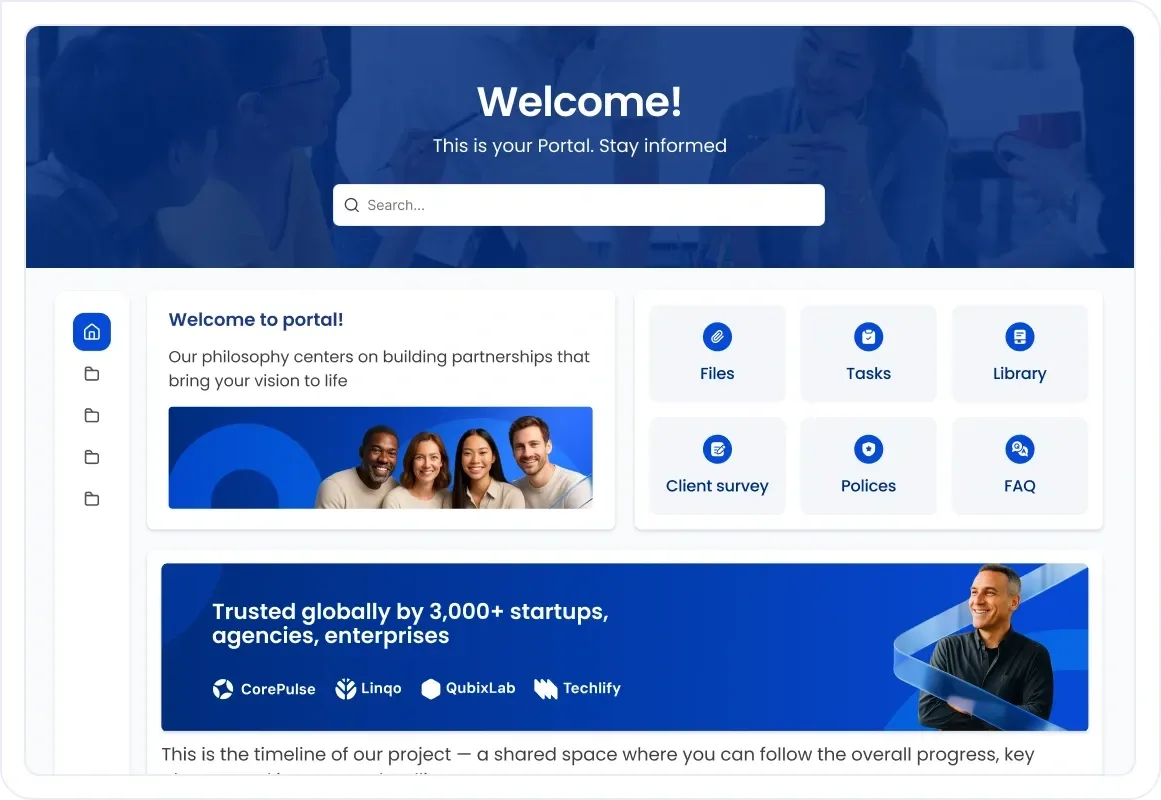 Personalized portal
 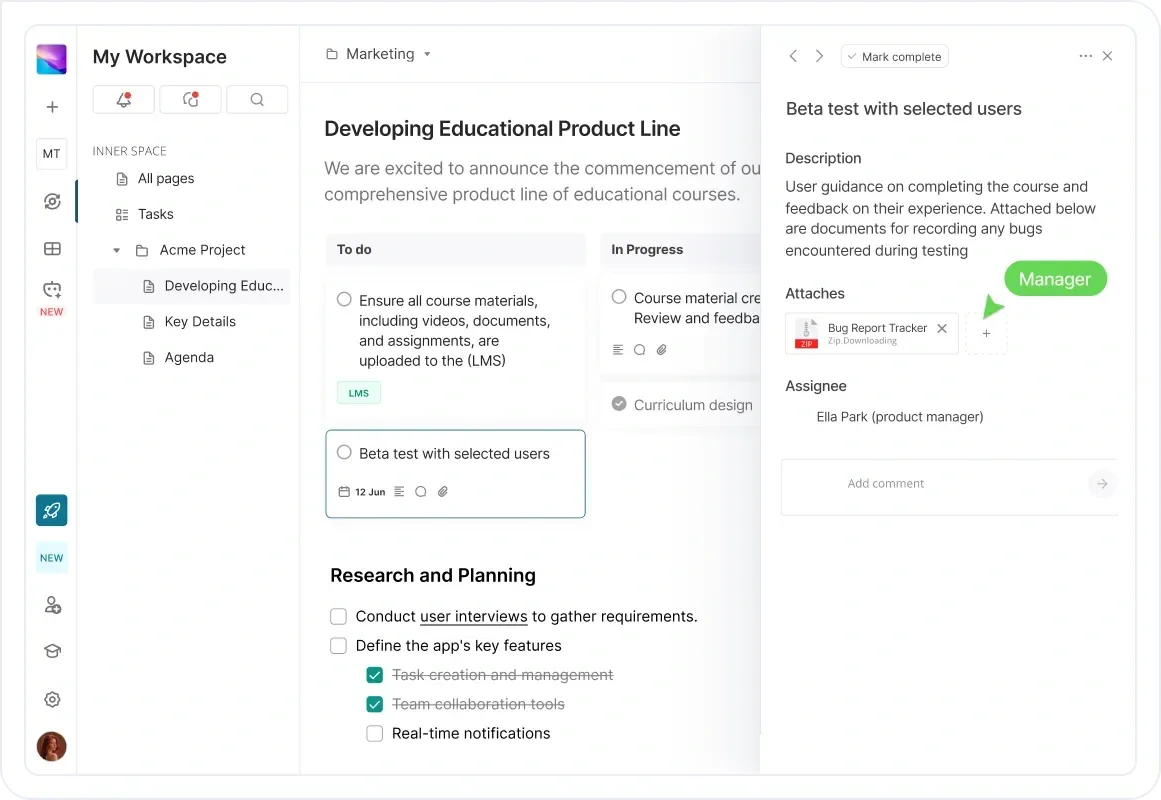 Follow-up & next steps
 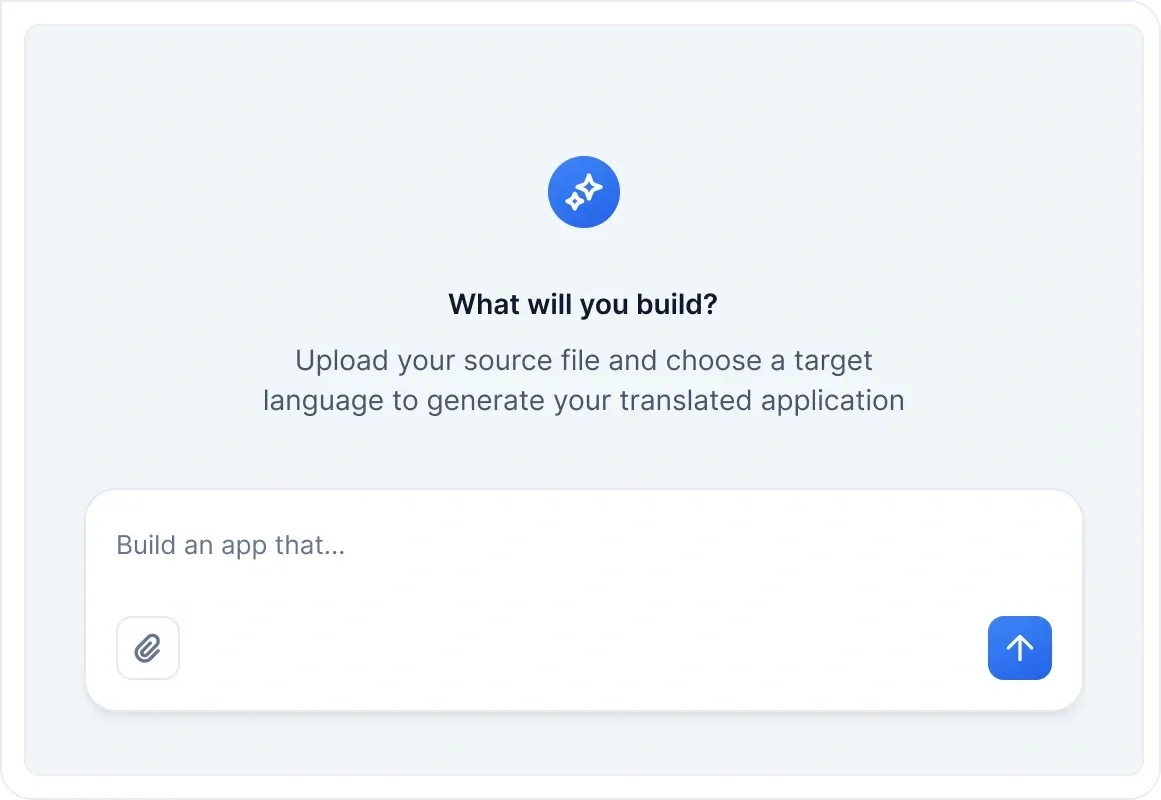 FuseBase Apps