Notion
A flexible workspace for your team
Organize documents, knowledge, databases and projects for internal collaboration.
We use required cookies to keep this site working and, with your consent, optional cookies to measure visits and support advertising and referrals. We use required cookies and optional cookies for analytics, advertising and referrals. Select Decline to turn off optional tracking. Privacy Policy
FuseBase vs Notion
FuseBase adds branded portals, connected workflows, and AI coworkers to a flexible team workspace.
Both help teams organize work. FuseBase adds the client-facing operating layer.
Organize documents, knowledge, databases and projects for internal collaboration.
Give your team a flexible workspace and give clients a separate, branded place to participate.
The FuseBase platform
Use docs, data, apps and AI across internal and client-facing work.

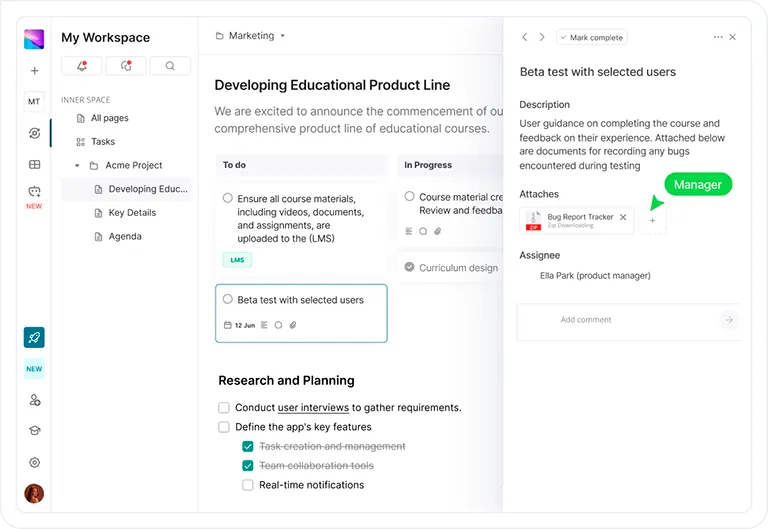

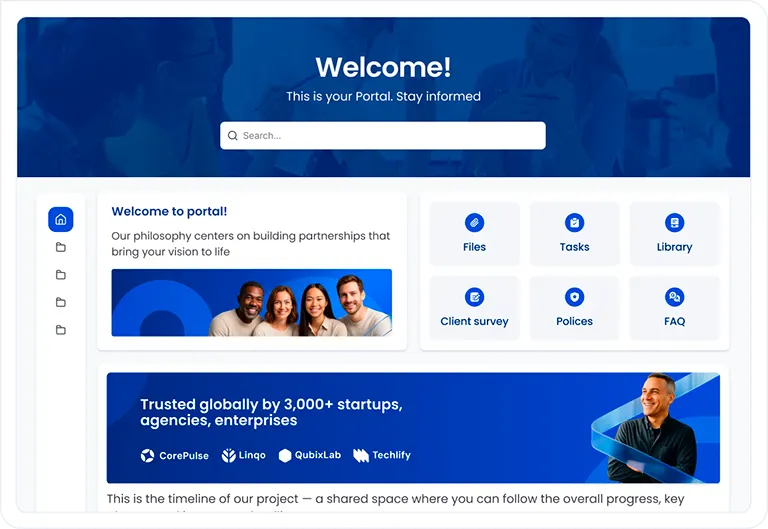
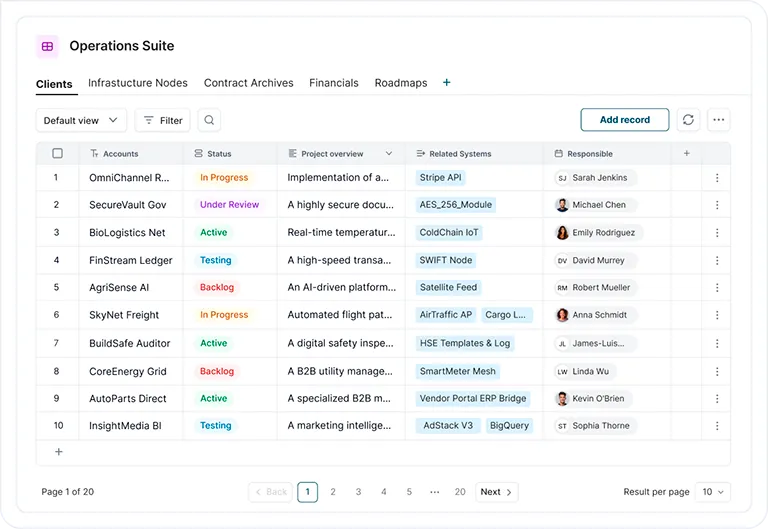

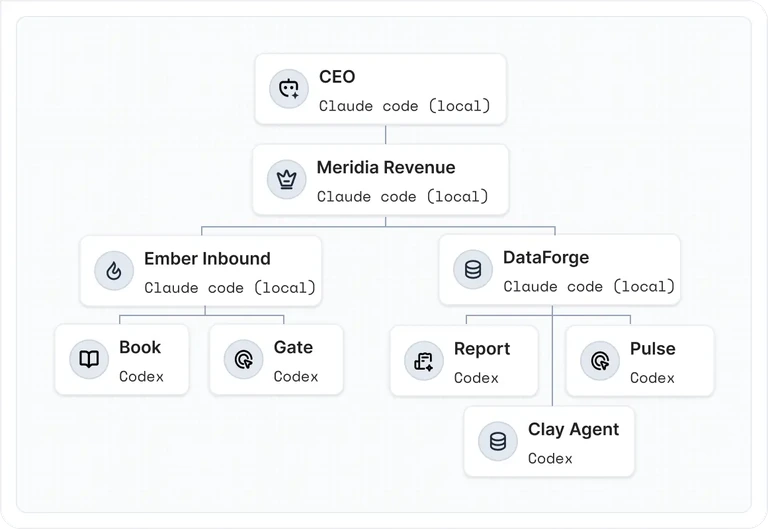



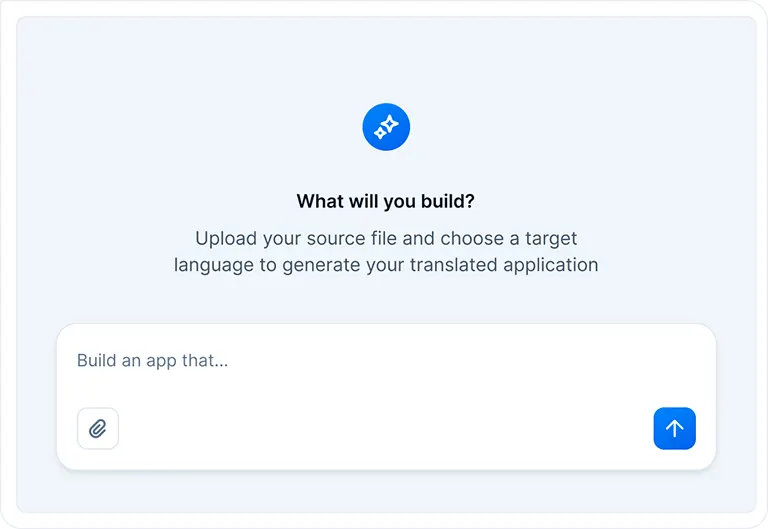
FuseBase keeps the workspace model and adds what client delivery needs.
| Capability | Notion | FuseBase |
|---|---|---|
| Team workspace | Flexible docs, knowledge, projects and databases. | The same core foundation, connected to client-facing work. |
| Client portal | Shared pages, sites and guest access. | Branded portals, client spaces and deal rooms built for ongoing relationships. |
| Internal and client views | Teams decide which workspace pages and permissions guests use. | Employees and clients get distinct experiences connected to the same process. |
| Client workflow | Teams assemble pages, databases, forms and integrations. | Requests, internal preparation, approvals, delivery and feedback stay connected. |
| AI and implementation | Workspace AI with implementation available through partners. | Role-based AI coworkers plus direct help putting the process into practice. |
Comparison reflects product information reviewed September 15, 2026. Plans and implementation scope should be confirmed before purchase.
Internal work and the client experience are different parts of one process.
Clients see their brand, information, actions and next steps.
Client requests reach the team with the information attached.
People and AI coworkers handle assigned work under your rules.
Approved results return to the right client and start the next step.
FuseBase Work
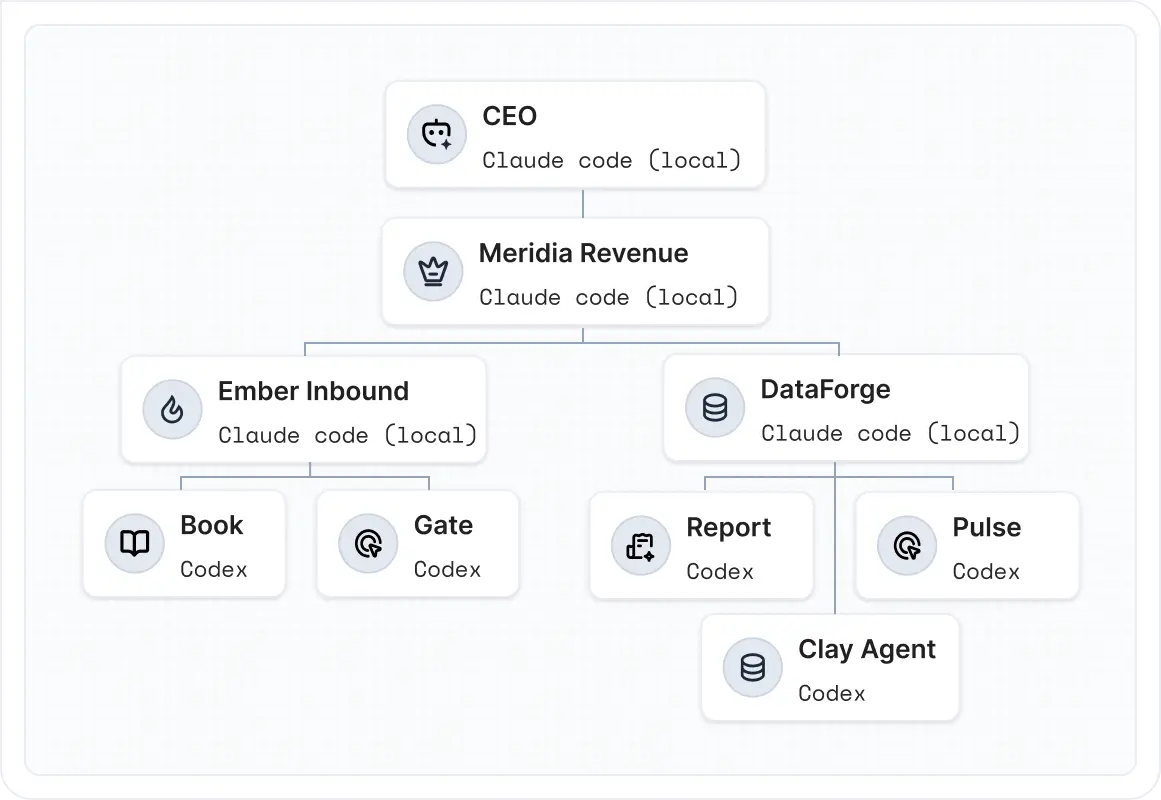
Your workspace holds the knowledge and work. Portals bring clients into the right parts of the process. AI coworkers help move assigned work forward.
FuseBase Work is powered by Paperclip.
Compare the platforms using the client work you actually deliver.
Yes, especially for client-facing businesses. FuseBase combines a flexible team workspace with purpose-built client portals and connected delivery workflows.
A separate branded client experience, connected internal and external steps, role-based AI coworkers, and hands-on implementation help.
No. Start with one valuable client process and connect supported systems where they are useful. Implementation scope depends on the engagement.
Bring one recurring client process. We will map it in FuseBase.
Book a demo