Self-hosted Firecrawl · Connected to FuseBase
Turn web content into useful client work.
Bring website content into FuseBase Work, apps and workspaces. Plan research, develop records and develop better briefs.
Self-hosting, simply explained
Web content, collected in your hosting environment.
Firecrawl is deployed on an online server (VPS), and crawls the pages of your choice and provides you with content that your connected tools can consume.
Hosting, access and maintenance are defined for your deployment.
Use cases
Less collecting. More understanding.
Go into the first call with context.
Company pages, then Firecrawl collects content, then FuseBase Work prepares prospect brief
Spend the call on their needs, with the groundwork prepared.
Give your lead records more context.
Company websites, then Firecrawl collects content, then FuseBase apps + n8n prepares enriched records
Useful company context alongside your existing lead information.
Bring the sources behind a brief together.
Industry content, then Firecrawl collects content, then FuseBase Work prepares research brief
Build the brief from source material your team can check.
Make your published knowledge useful inside FuseBase.
Guides and FAQs, then Firecrawl collects content, then FuseBase workspaces prepares knowledge inputs
Give your team and AI coworkers a shared starting point.
Start the next draft with relevant research.
Topic research, then Firecrawl collects content, then FuseBase Work prepares content brief
Your team reviews the direction before writing or publishing.
See what changed on the pages that matter.
Selected website pages, then Firecrawl collects content, then FuseBase Work + n8n prepares change summary
A connected workflow for changes worth your team’s attention.
Why FuseBase
From source pages to client deliverables.
- Firecrawl collects the website content.
- FuseBase Work prepares the brief with your business context.
- Your team reviews and delivers it through a client portal.
FuseBase Work (Powered by Paperclip)
Explore the connected FuseBase environment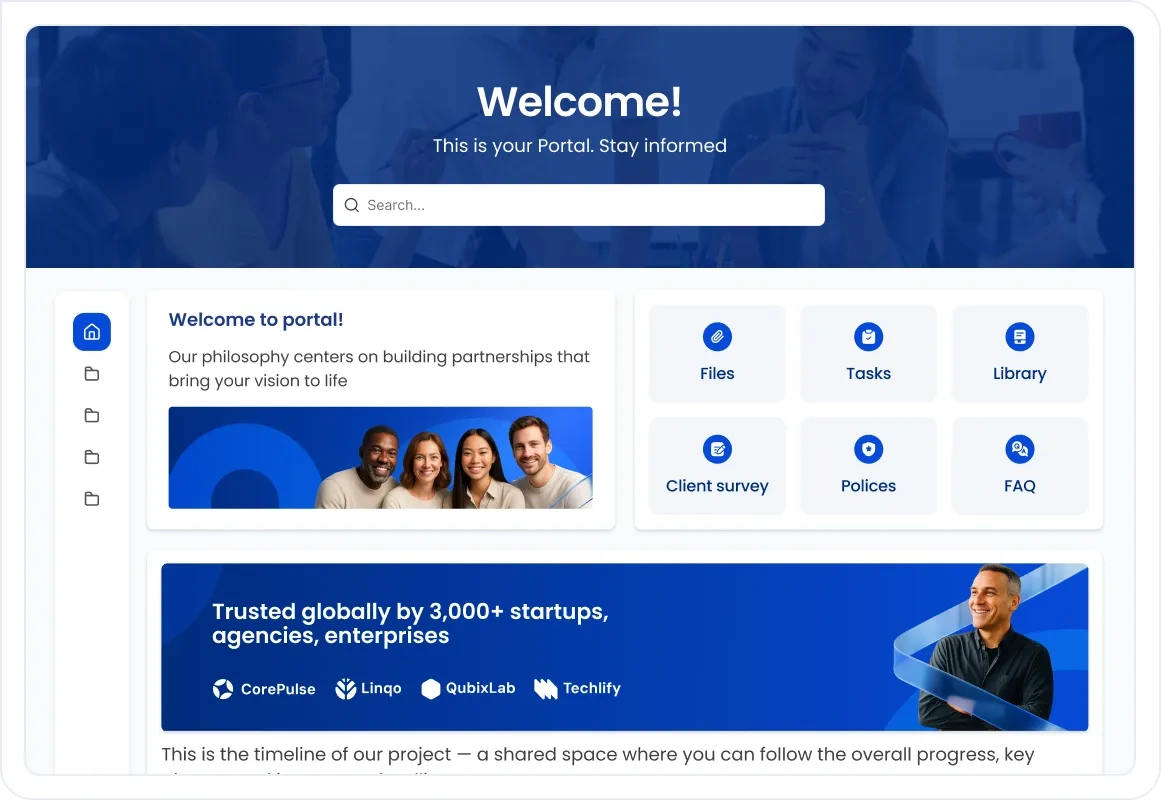
Start with your next research task
The web changes.
Your research should too.
Refer to the material behind your next brief, rather than starting with last month’s notes.
Discuss your setup- Choose the sources
- Agree the websites, permitted content and useful result.
- Connect the destination
- Send acquired data to your app, workspace or AI coworker.
- Test and repeat
- Check the results. Add scheduled collection with n8n as required.
A few useful details
Before you start.
Is this the same as Firecrawl Cloud?
No. The version that we provide is a self-hosted version, which is hosted on your server instead of Firecrawl.
Firecrawl Cloud offers a list of managed features in the form of Browser, Interact and hosted dashboards, which are managed on your behalf. The default self-hosted stack doesn't include those. You inherit the engine of crawling and scraping the core and the rest of it is your business to operate.
That's not necessarily a downside. Self-hosting implies that you have control over the version, resources and the location of data. It simply means that the conveniences you would enjoy with Cloud are not in the picture unless added on its own.
Can it read every website?
No, and it is better to say that simply.
The ability to read a page depends on three aspects: access controls set by the site itself, the structure of the page, and your deployment setup. Other websites simply prevent automated access. Certain load contents are in such a form that they require additional treatment. Others are okay, provided a particular setting or proxy exists.
We examine your real target sites when you are setting up and inform you what works. We cannot guarantee you access to blocked or restricted material; that is the choice of the site, and not a configuration issue.
Can I use the content it collects?
Just use what you have a right to.
Public visibility in the web is not like freedom to reuse. The terms of service, copyright policies, and privacy requirements of the websites continue to apply to the content collected and they do not vanish because a tool has collected the content on your behalf.
Practically, that entails being conscious of what sources you are pointing it at, and what you do with the results. Internal research, briefs and enrichment are most of the time easy. Whether to republish the content of another person is a separate issue and one that is worth inquiring before you come to trust it.
Who manages hosting and maintenance?
That is, according to your agreement, which is where the detail resides.
There, infrastructure, server resources, access arrangements, updates, and backups and support are all defined. This may be run and supported by us, as a whole, installed, documented, and handed over depending on the arrangement.
One fact to be aware of: a separate installation can be used on shared hardware. That saves on expenses, yet it results in pooled resources with additional deployments. Your consent will inform you of what arrangement is applicable to you.
Are AI and other provider costs included?
Where your order tells you so.
The cost of running Firecrawl alone is one thing. Anything that it is linked to is another. Each AI process, proxy service and any third-party tool may require its own account and have its own usage fees, charged by the provider.
Those, too, are volume-dependent costs. Minor research workflow scarcely amounts. Its workflow on hundreds of pages per day is another figure. We would prefer to create such an expectation prior to setup than following the initial invoice.
Does the data stay in one place?
No, and it is worth correcting that supposition.
Firecrawl makes calls to the sites it visits; that is the entire objective. Whatever it gathers must have an external source of your server. In case the output is then forwarded to a related AI service or via a proxy, that data is being accessed by a third party as well.
Depending on your configuration: which services are attached, what each one has been allowed to accept, how long data is stored, and whether the setup is the one that ensures compliance with your requirements. Those get signed on your targeted deployment; not everybody can get the same answers.
What would you research first?
The free trial is for FuseBase. Firecrawl deployment and hosting are scoped separately.
Firecrawl is third-party software, primarily licensed under AGPL-3.0 . Applicable component licenses apply.