Screenshots and Videos
How to add my own watermark to a video?
To get started, you can watch this video showing basic Watermark features.
Guide details
- Published
- September 13, 2022
- Read time
- 1 min read
- Category
- Screenshots and Videos
How to add my own watermark to a video?
To get started, you can watch this video showing basic Watermark features.
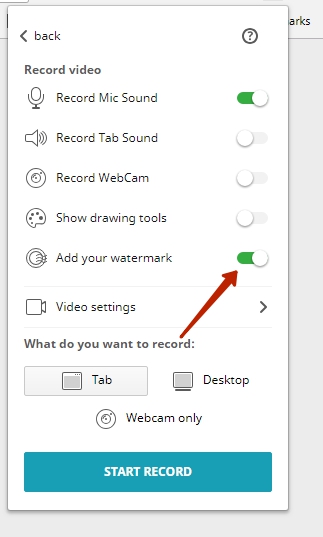
1) Before recording a video, press Add your watermark.
2) You will be taken to the Watermark settings window, where you need to press Enable watermark.
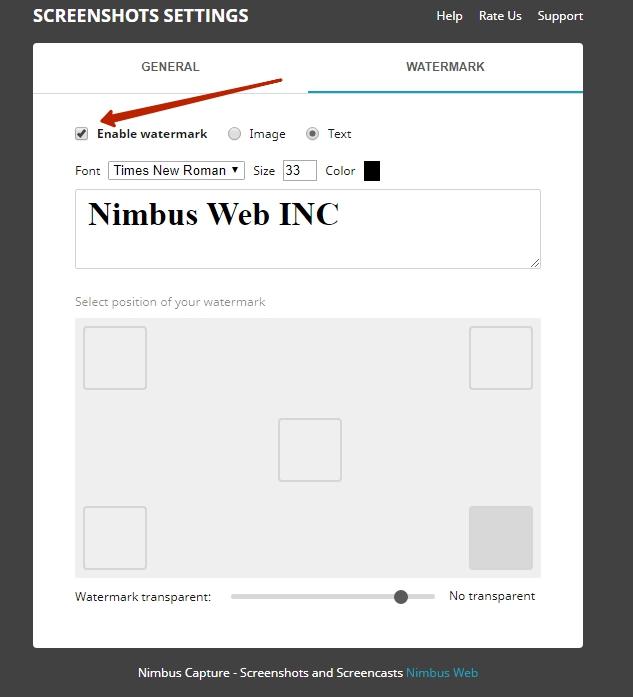
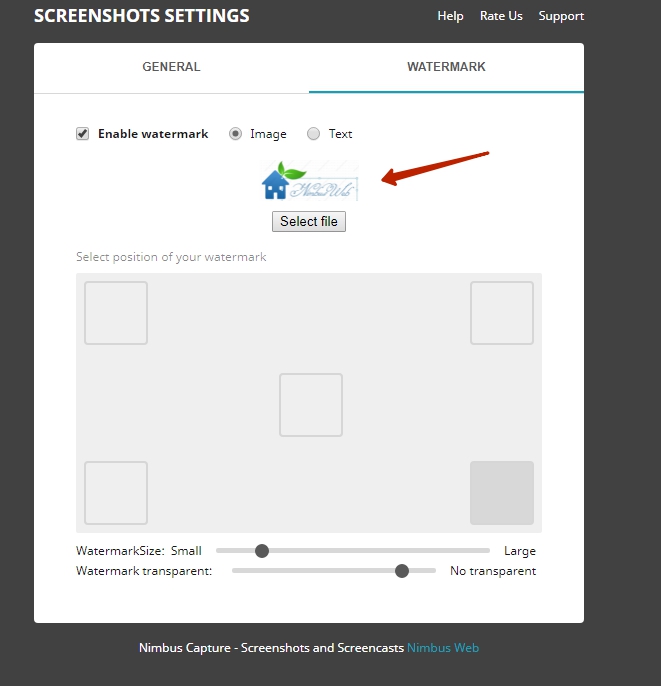
3) Select watermark type:
– if you are using a picture, select “file”
– if you are using text, write the one you need, then choose font and color.
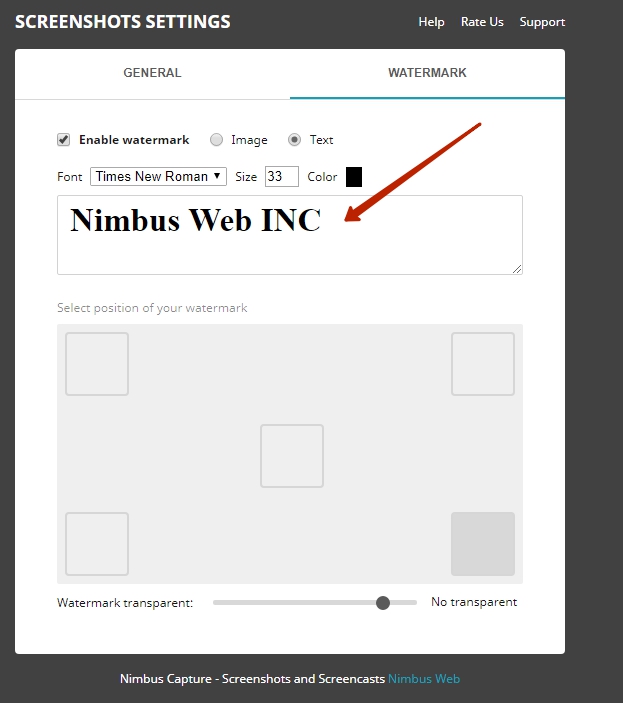
4) Specify the watermark location on the video.
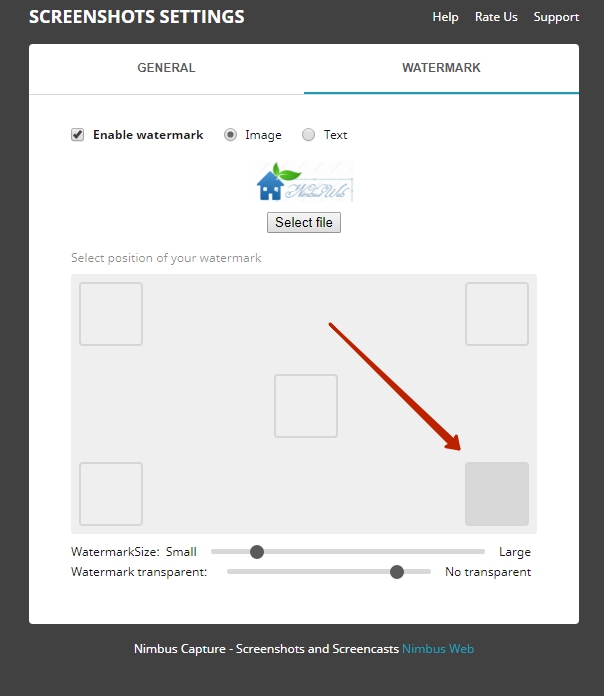
Now watermarks will be added to all of your videos automatically.