Portals
Switching from the Customiser
You can visit the FuseBase directly from your portal. Just click on "To FuseBase" and it redirects you to FuseBase in the new tab.
Guide details
- Published
- September 20, 2022
- Read time
- 1 min read
- Category
- Portals
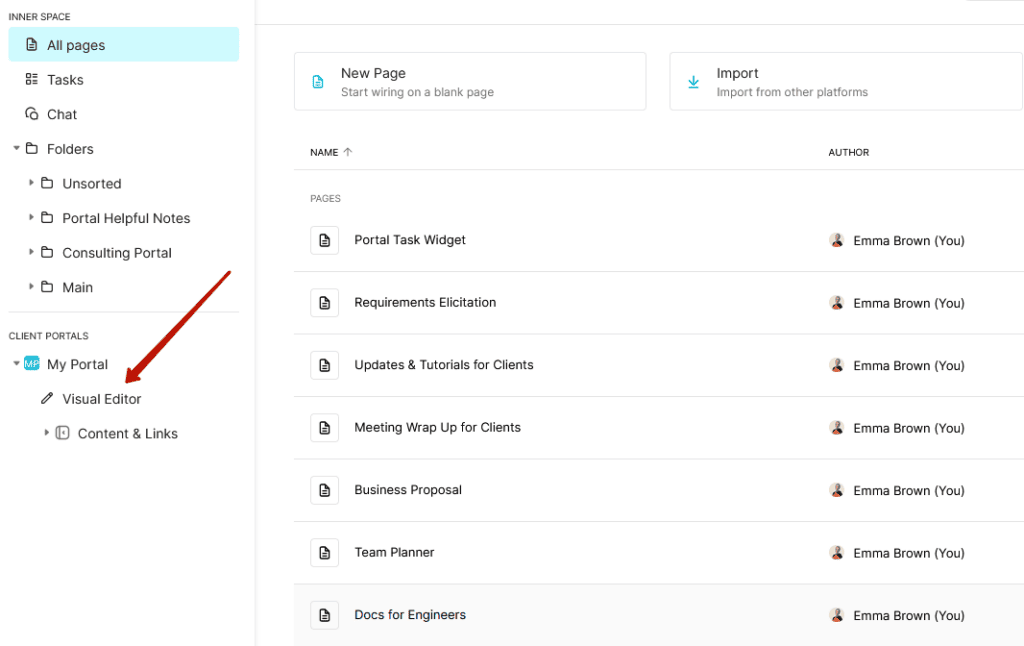
You can manage portal content from both the Customiser and the FuseBase client. In the client itself, the entire portal structure is displayed in the sidebar.
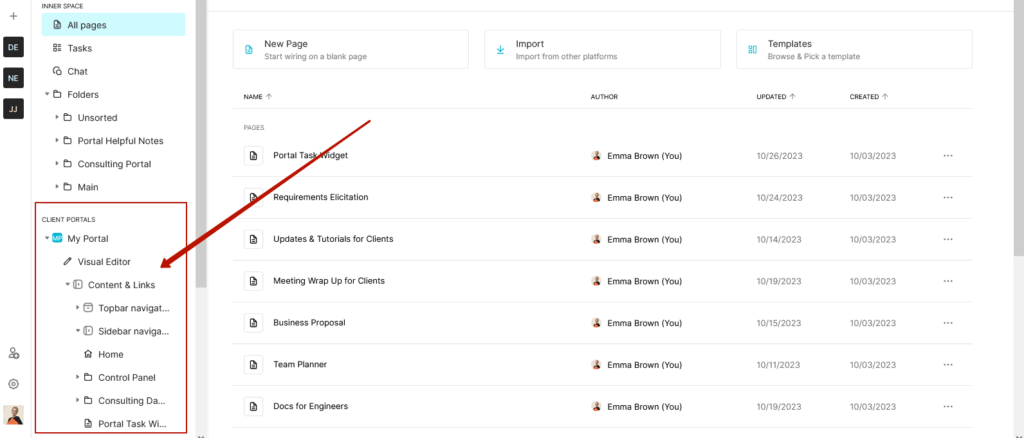
Here you can
- Edit the content of a page created in FuseBase Editor (click on the page and start editing).
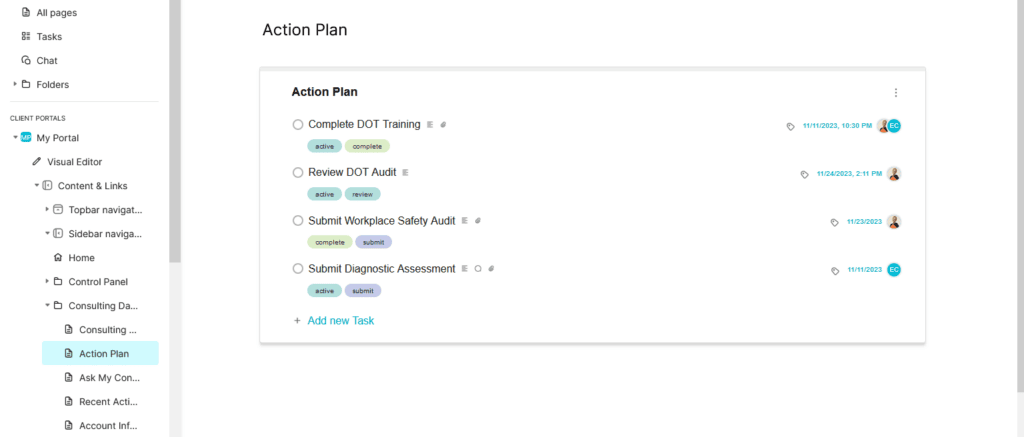
- Open a page created in the Portal Editor in the Customiser (click on the page).
- Add a new page or folder by clicking on the plus or Add item.
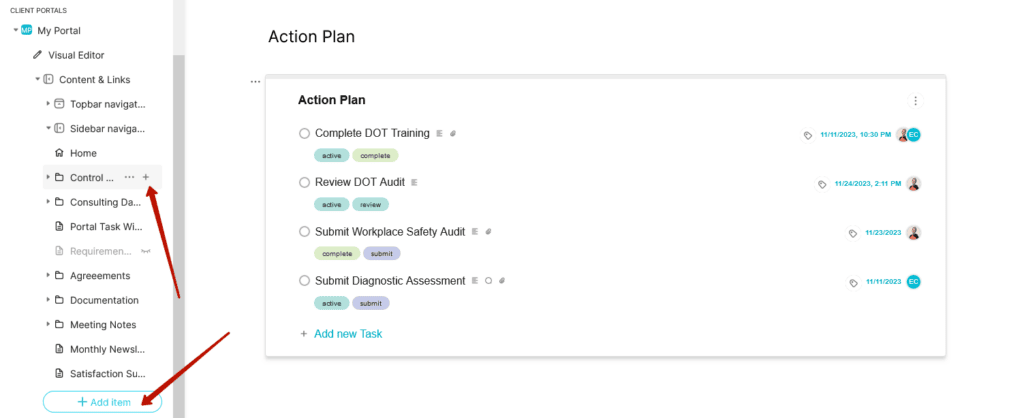
- Go to the Customiser by clicking the Visual Editor.
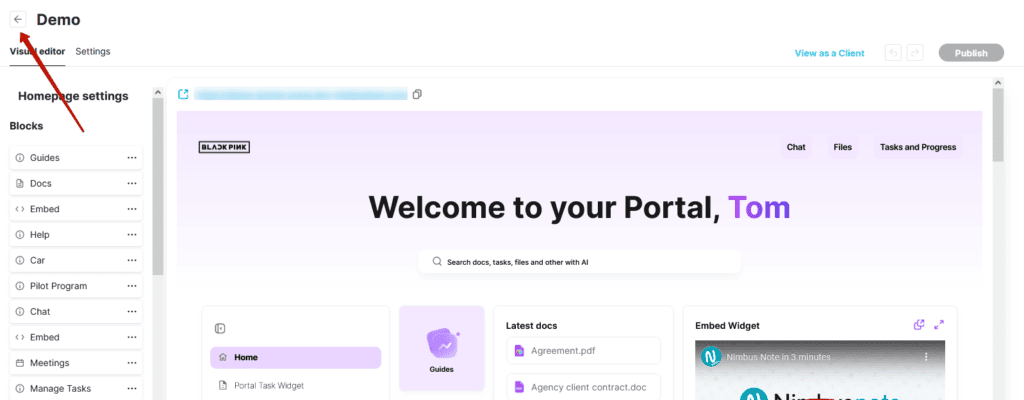
Go to the FuseBase workspace from the Portal Customiser
When working in the Portal Customiser, you can always return to the FuseBase workspace by clicking the Back button in the top bar of the Customiser.