Portals
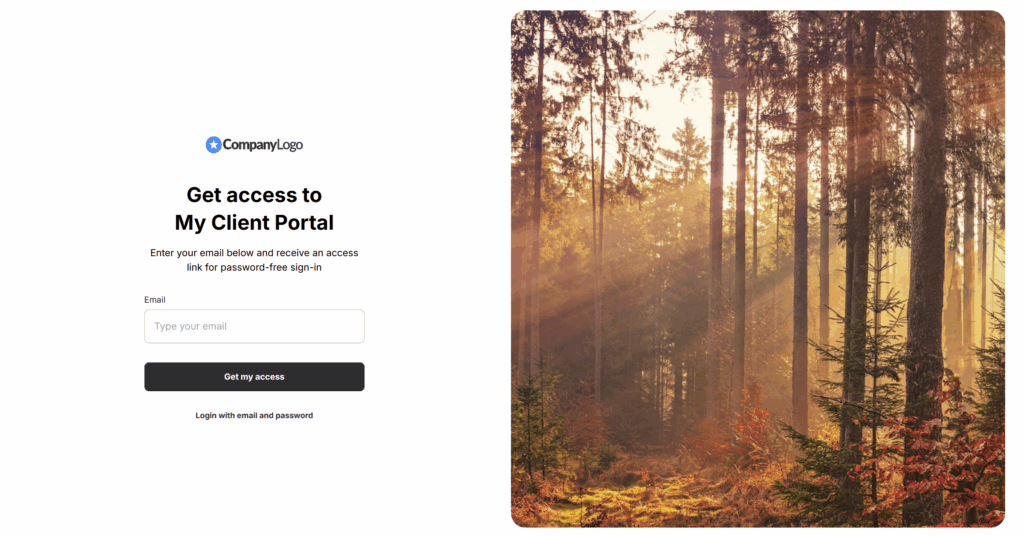
Tip: How to change the image on the Login page
If you need a custom image on the login page of the portal, this can be easily done through custom styles. 1) Go to Custom Code. 2) Add this code in Custom Style and save and...
Guide details
- Published
- October 3, 2025
- Read time
- 1 min read
- Category
- Portals
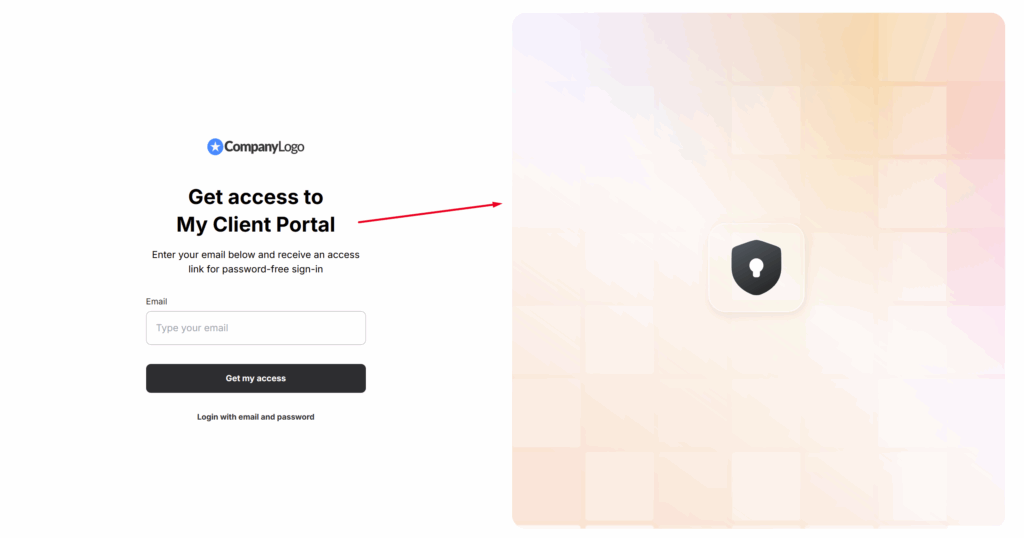
If you need a custom image on the login page of the portal, this can be easily done through custom styles.
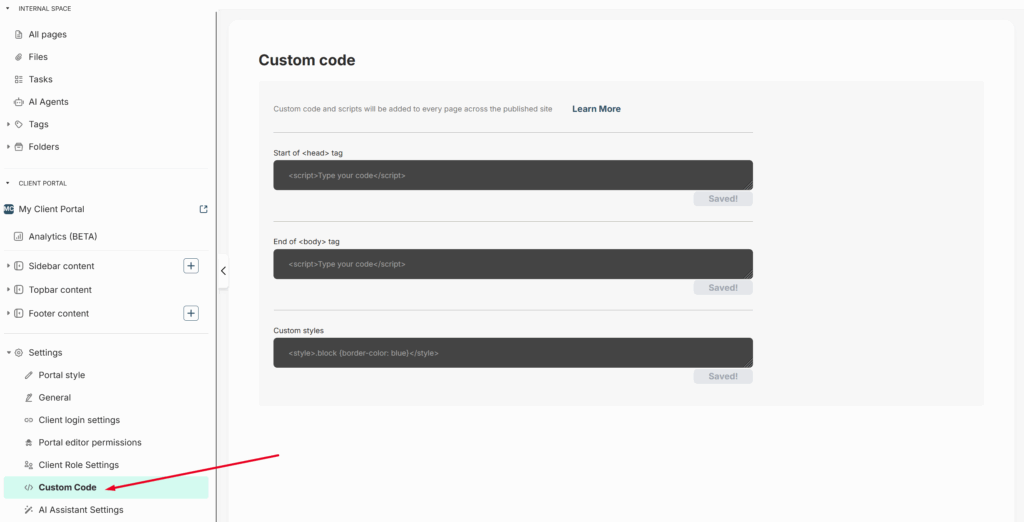
1) Go to Custom Code.
2) Add this code in Custom Style and save and publish it (Important: replace the link with the link to your image.)
<style>
.bg-error-layout {
      background-image: url("https://images.unsplash.com/photo-1523712999610-f77fbcfc3843?q=80&w=1740&auto=format&fit=crop&ixlib=rb-4.1.0&ixid=M3wxMjA3fDB8MHxwaG90by1wYWdlfHx8fGVufDB8fHx8fA%3D%3D");
}
.bg-error-layout img {
      display: none;
}
</style>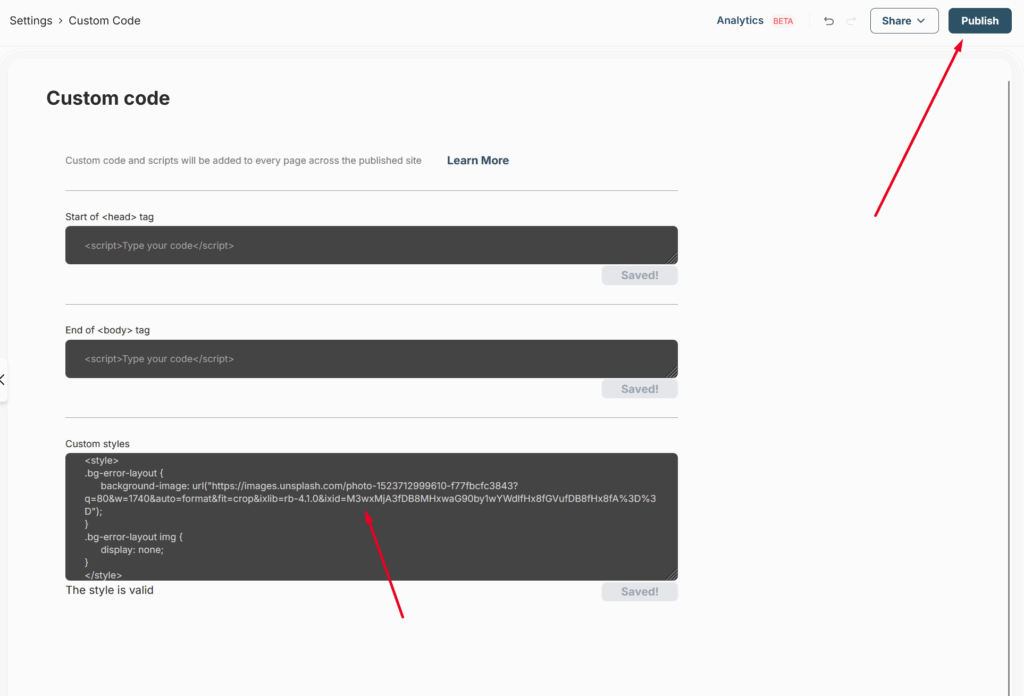
3) That’s it, you’re all set!