Portals
How Do I Manage Access to Portal Customizer?
Two levels of access are available: Who can access Builder Console, Who can access this Portal.
Guide details
- Published
- September 20, 2022
- Read time
- 1 min read
- Category
- Portals
Set the permissions of your portal in the “Portal editor permissions“ menu.
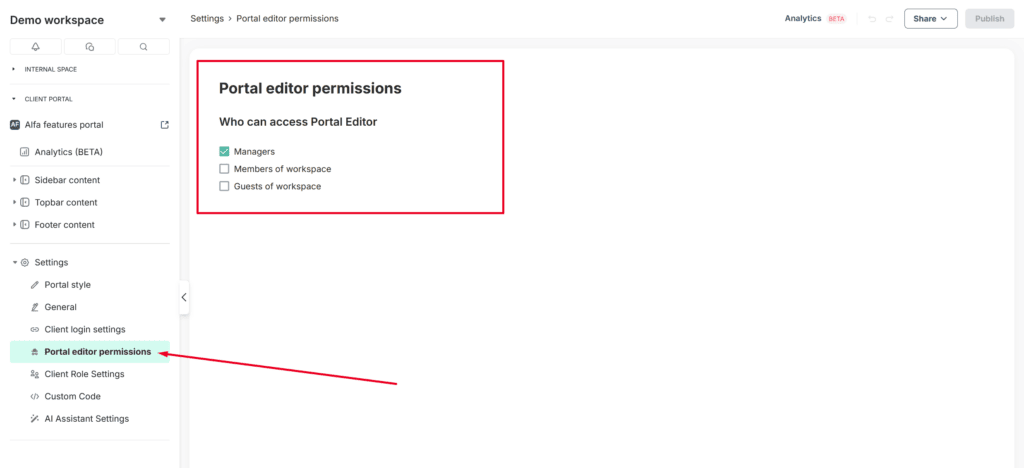
As you can see, there are some options that define what kind of users from your organization will have access to the editor.
By default, access to the customizer is available to the organization owner and managers. However, you can also grant access to members and guests. After making changes, don’t forget to click Publish to save them.