FuseBase Basics
How to duplicate templates and tables
To make a copy of a template in your workspace, right click on the page and choose Duplicate.
Guide details
- Published
- August 28, 2022
- Read time
- 1 min read
- Category
- FuseBase Basics
How to duplicate a template page
- To make a copy of a template in your workspace, right click on the page and choose Duplicate.
.png)
How to copy a table from a template
.gif)
- To copy a table of a template click on the menu button and choose Copy table
- Then you will be able to paste it into other pages via Ctrl + V or right-click menu, then Paste
How to save a template from public page
- Click on the Save button and select the workspace where you would like to save the template
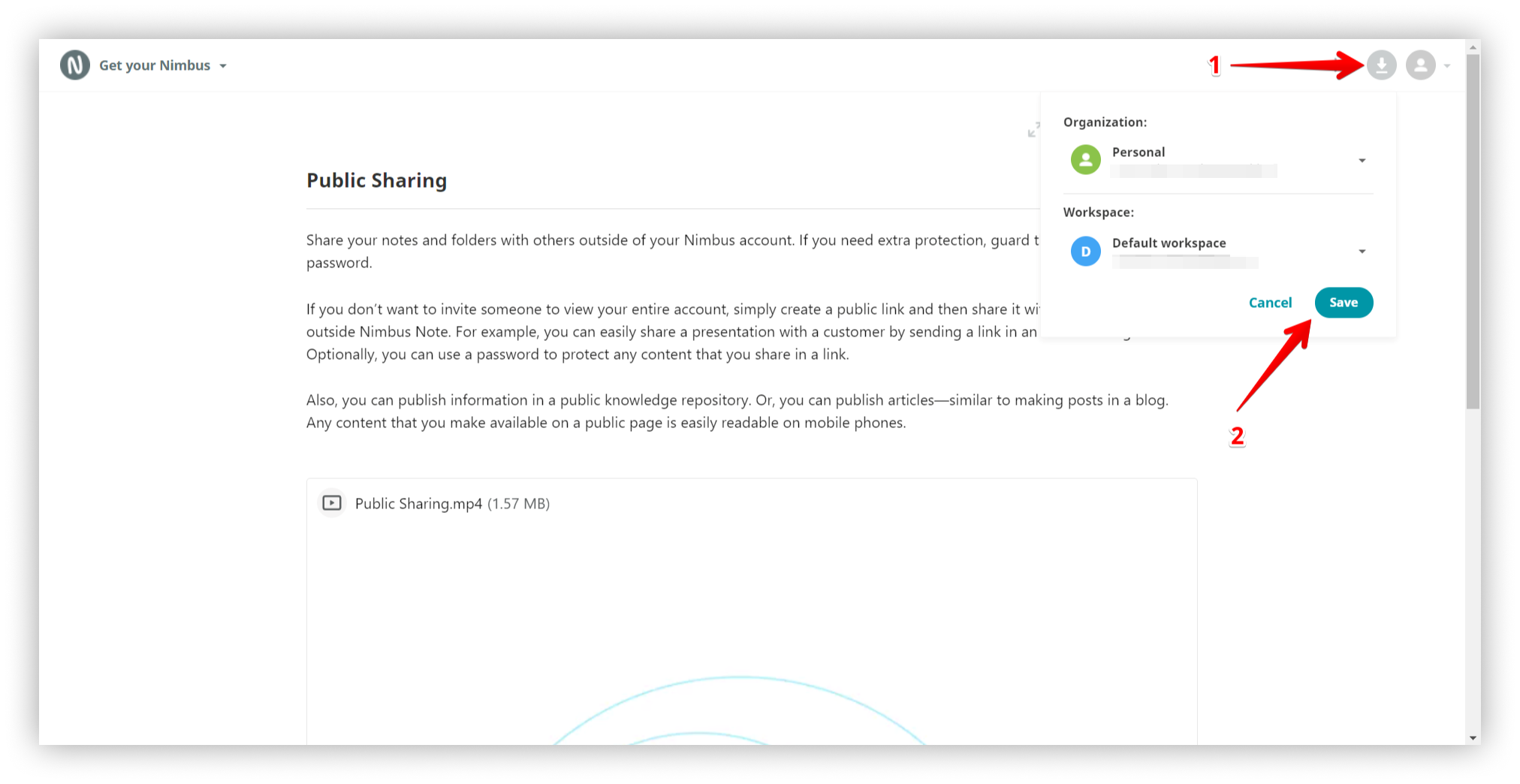
Then go to FuseBase web client (https://thefusebase.com/client) and you can find saved template.