FuseBase Basics
Favorites – Quick Guide
Favorites is a category where you can add the pages you use most frequently and want to keep easily accessible. You can open your favorite pages through the special category in...
Guide details
- Published
- June 24, 2026
- Read time
- 1 min read
- Category
- FuseBase Basics
Favorites is a category where you can add the pages you use most frequently and want to keep easily accessible.
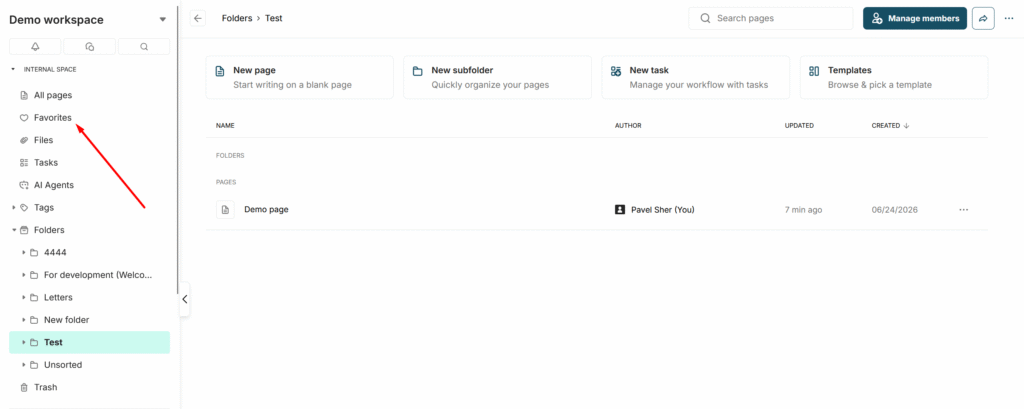
You can open your favorite pages through the special category in the sidebar –
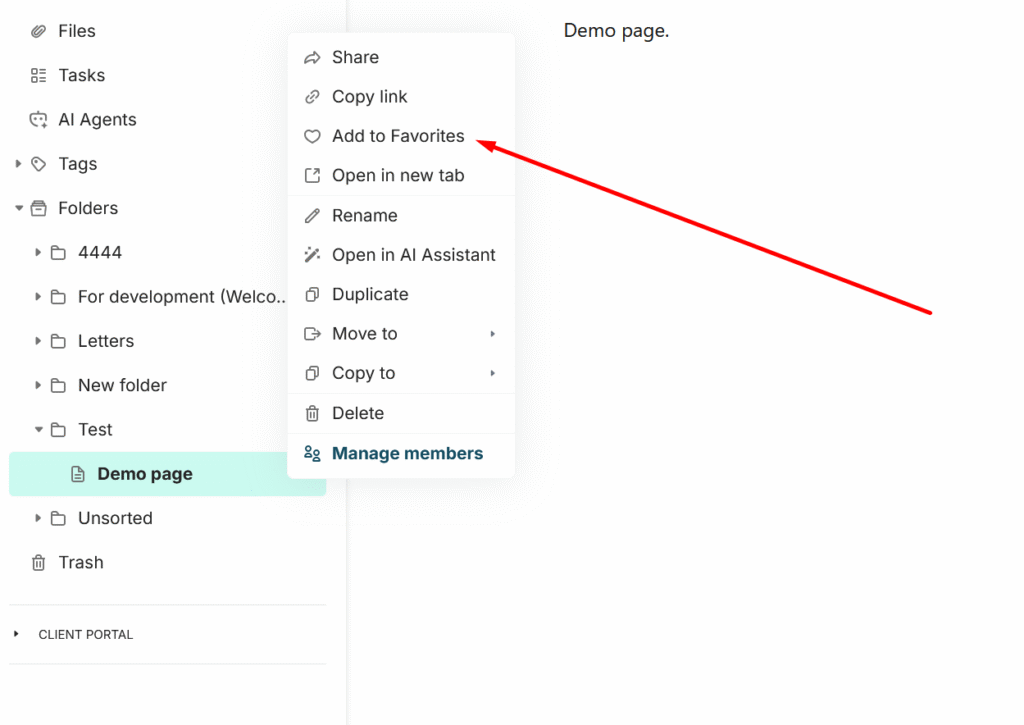
Adding a Page to Favorites
To add a page to Favorites, open its menu and click the “Add to Favorites” button.
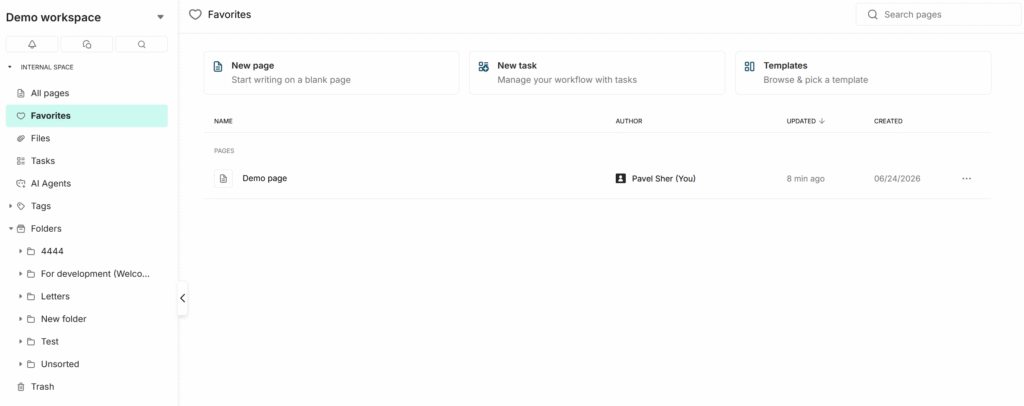
Afterwards, the page will be available in the Favorites list –
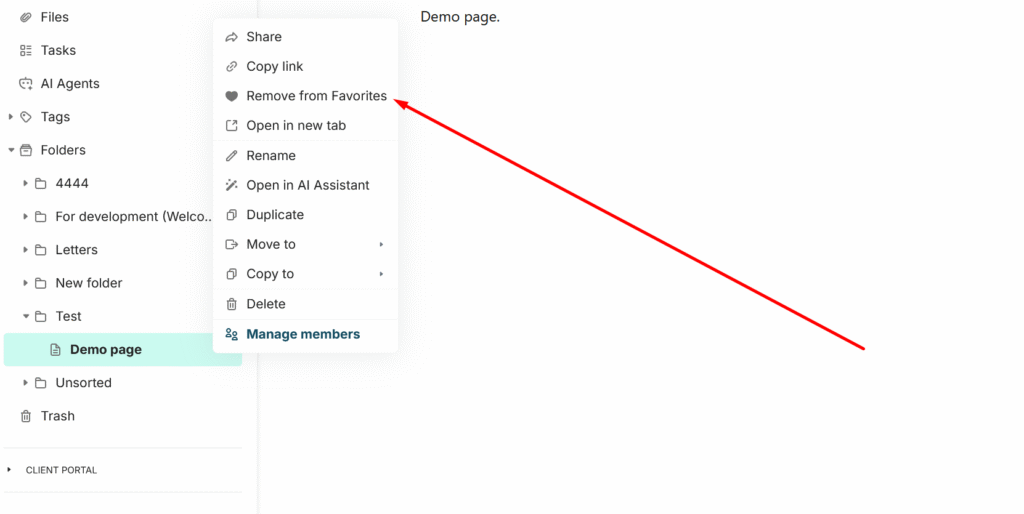
How to remove a page from Favorites
You can do this through the page menu, where you will find the “Remove from Favorites” option. Important! This option only removes the page from Favorites and does not delete the page itself.