Table & Database
Exporting a Table to CSV – Quick Guide
In Fusebase, you can export any table to a CSV file. 1) Open the desired database and navigate to the table you want to export. 2) Click on the menu arrow and select Export. 3)...
Guide details
- Published
- January 22, 2026
- Read time
- 1 min read
- Category
- Table & Database
In Fusebase, you can export any table to a CSV file.
1) Open the desired database and navigate to the table you want to export.
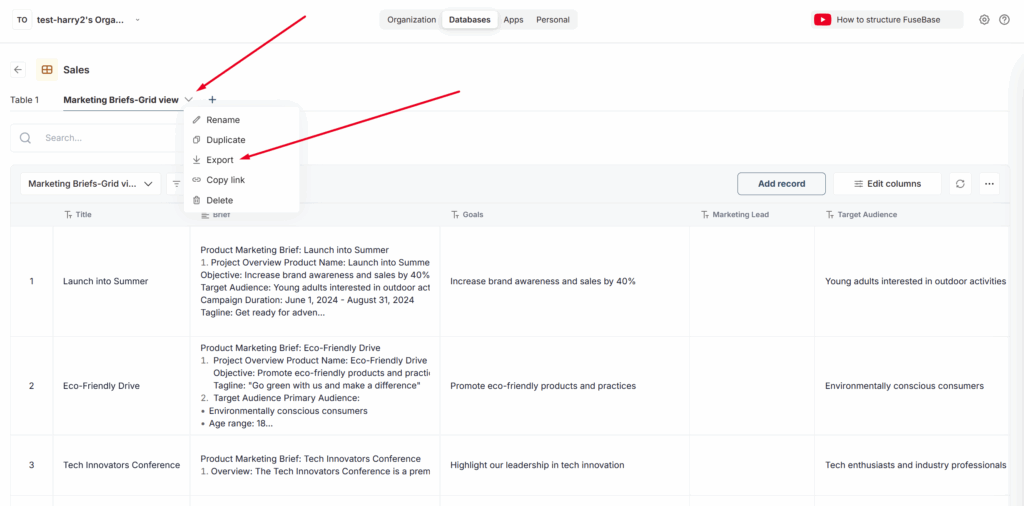
2) Click on the menu arrow and select Export.
3) Next, specify the column delimiter. By default, this is usually a comma, and we recommend keeping this setting.
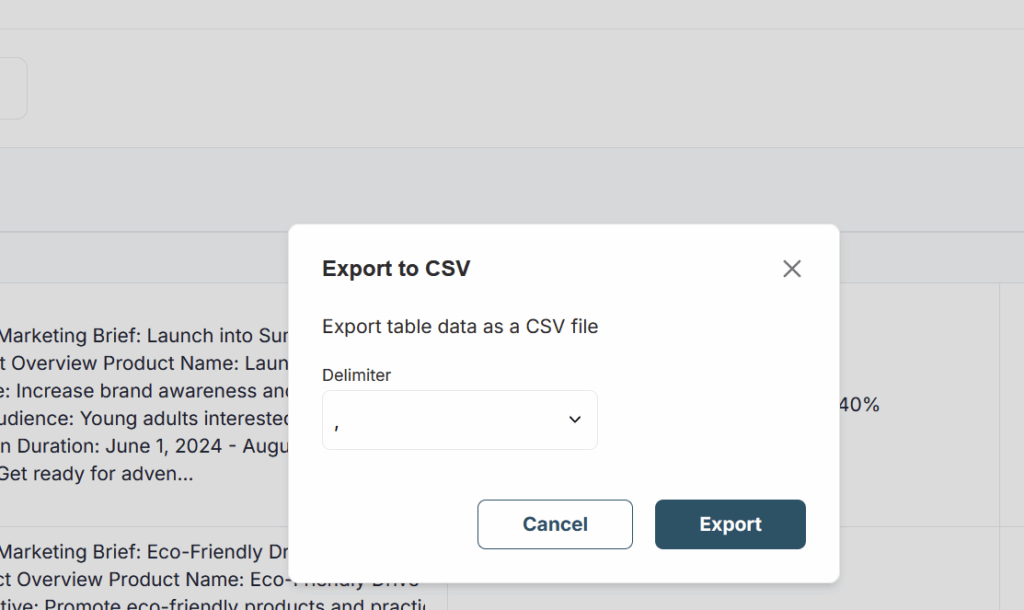
4) Next, click Export and wait for the export process to complete.