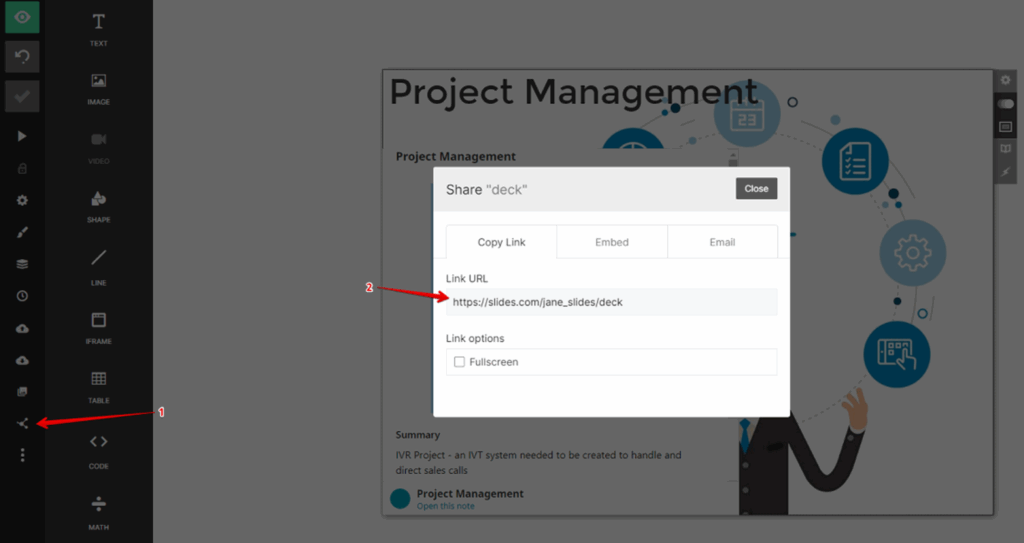
With Slides.com, you can create a presentation with FuseBase public pages.
- Log into your Slides.com account (or create a new account).
- Create a new presentation or open an existing one.
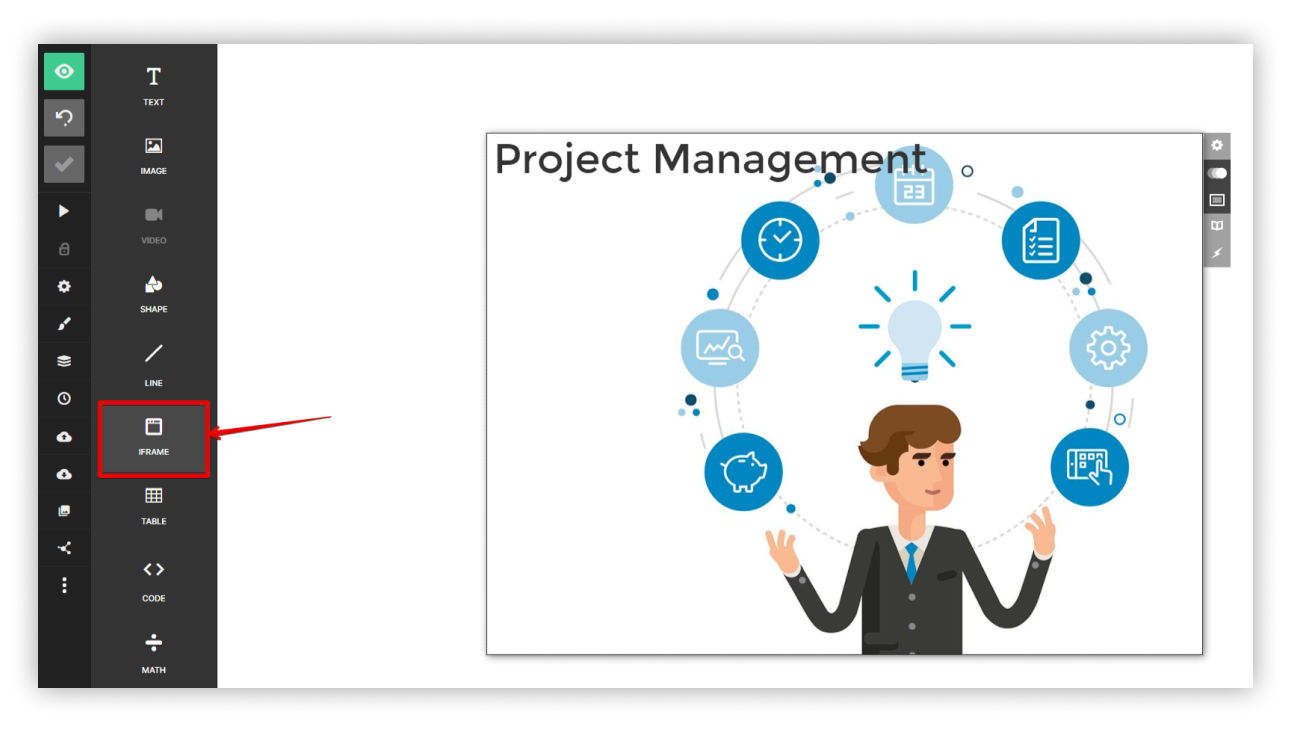
- Click on Add Iframe.
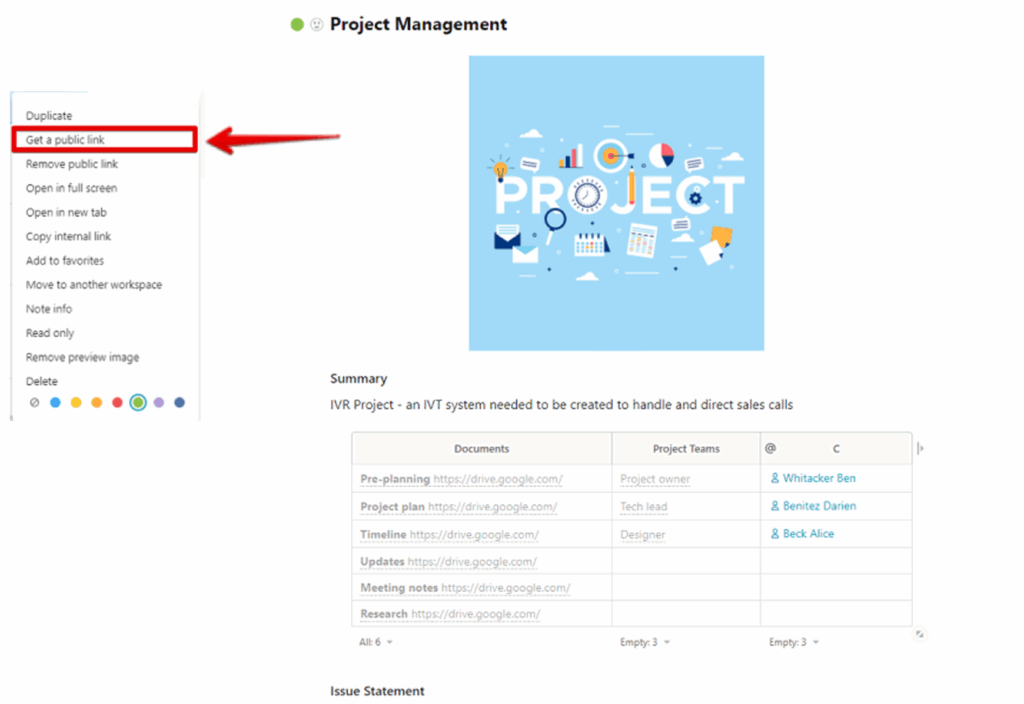
- Open the desired FuseBase page and make it public.
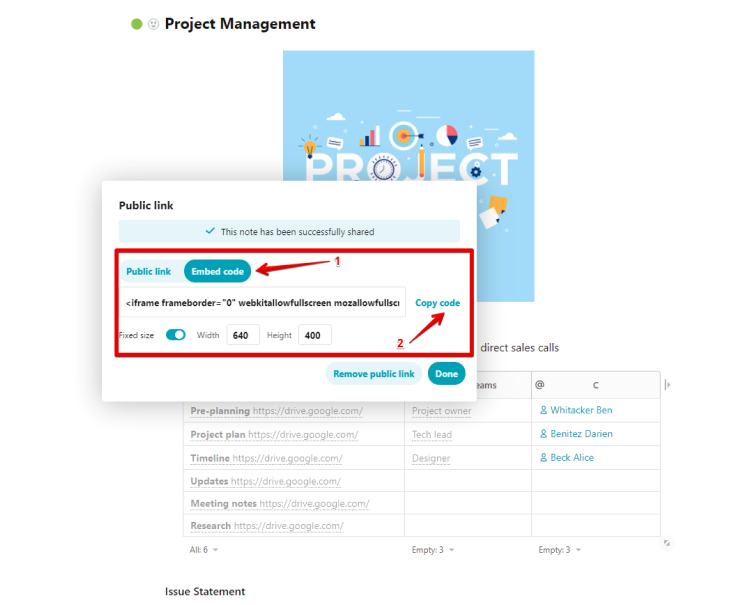
- In the public link dialog, select Embed and copy the iFrame code.
- Add the copied code to Slides.
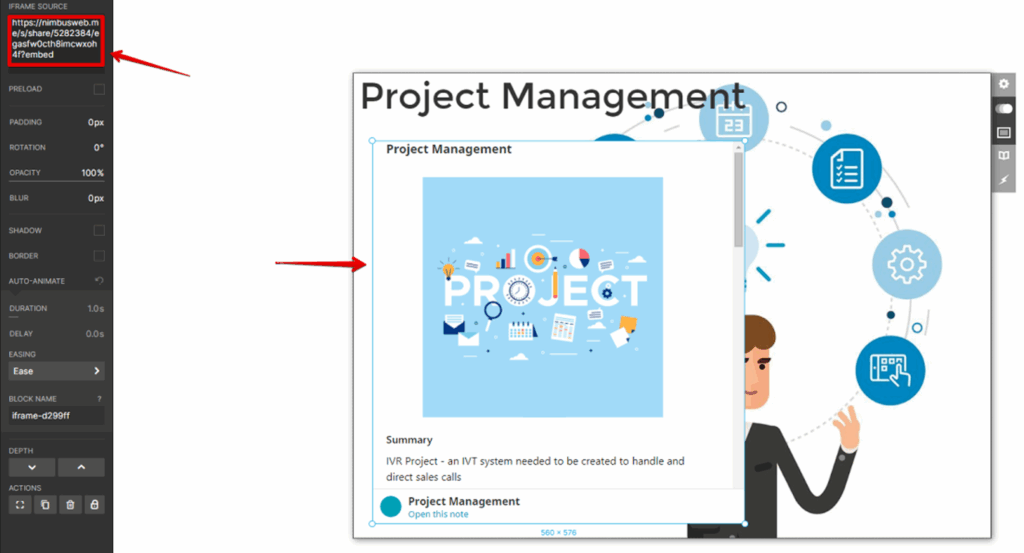
For the frame that appears, you can also change the size.
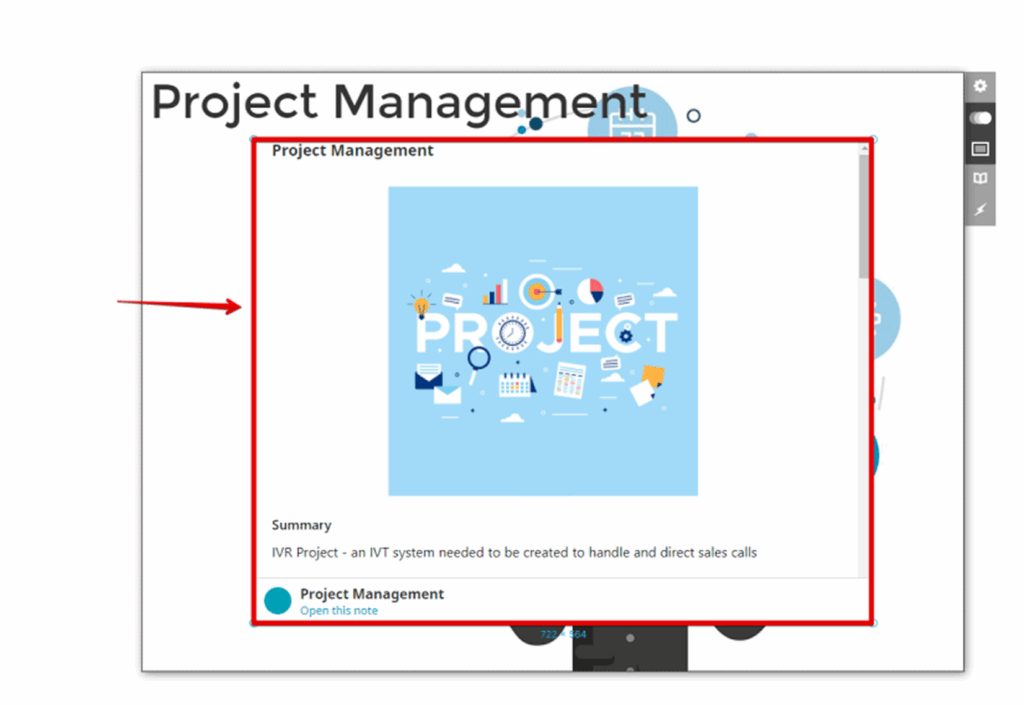
Next, you can add embeds to other slides, and then share your presentation.