
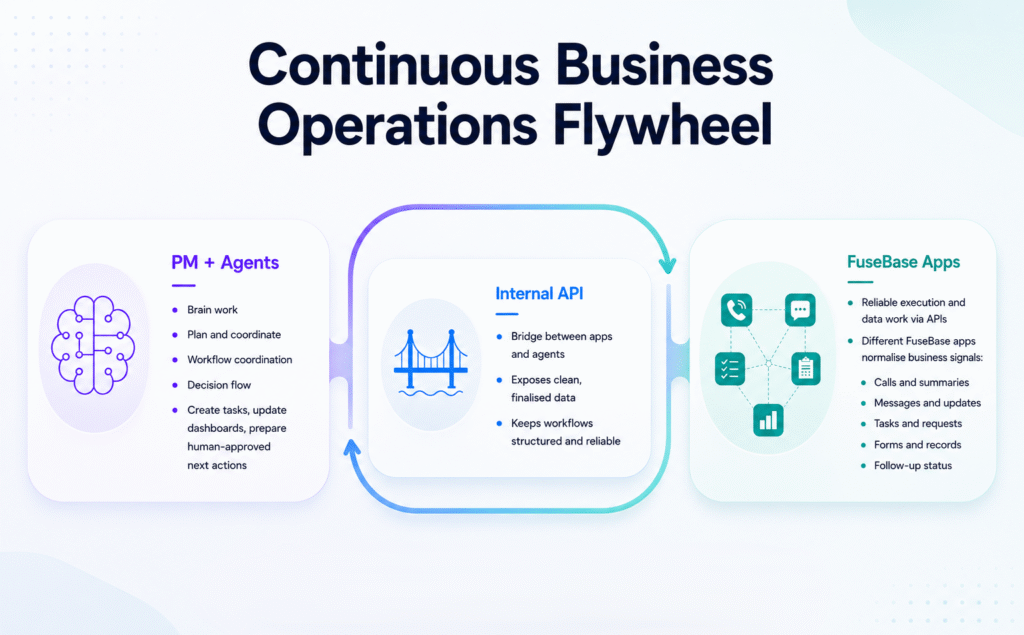
For years, teams have used software as a place to store tasks, documents, files, and updates. But the next era of work won’t be about people manually pushing every process forward. It will be about humans setting direction and autonomous agents helping execute the work.
That is the direction we’re building toward with FuseBase: an AI-Native Work OS where teams and agents work together in one connected PM system, using AI Apps to get things done. AI Apps are the first major step toward that vision. With FuseBase AI Coding, you can build real applications with built-in infrastructure – databases, authentication, workflows, integrations, and permissions included.
Our next milestone is a project management system integrated with autonomous agents that can work across your apps, planned for June–July 2026. But before that, let’s look at what we’ve already built for AI Apps and what you can create today.
Connect AI Apps to the Tools Your Team Already Uses
Want your AI Apps to work with the tools your team already uses? You can easily connect FuseBase AI Apps to external services like Notion, Asana, Figma, and more through the latest FuseBase CLI update.
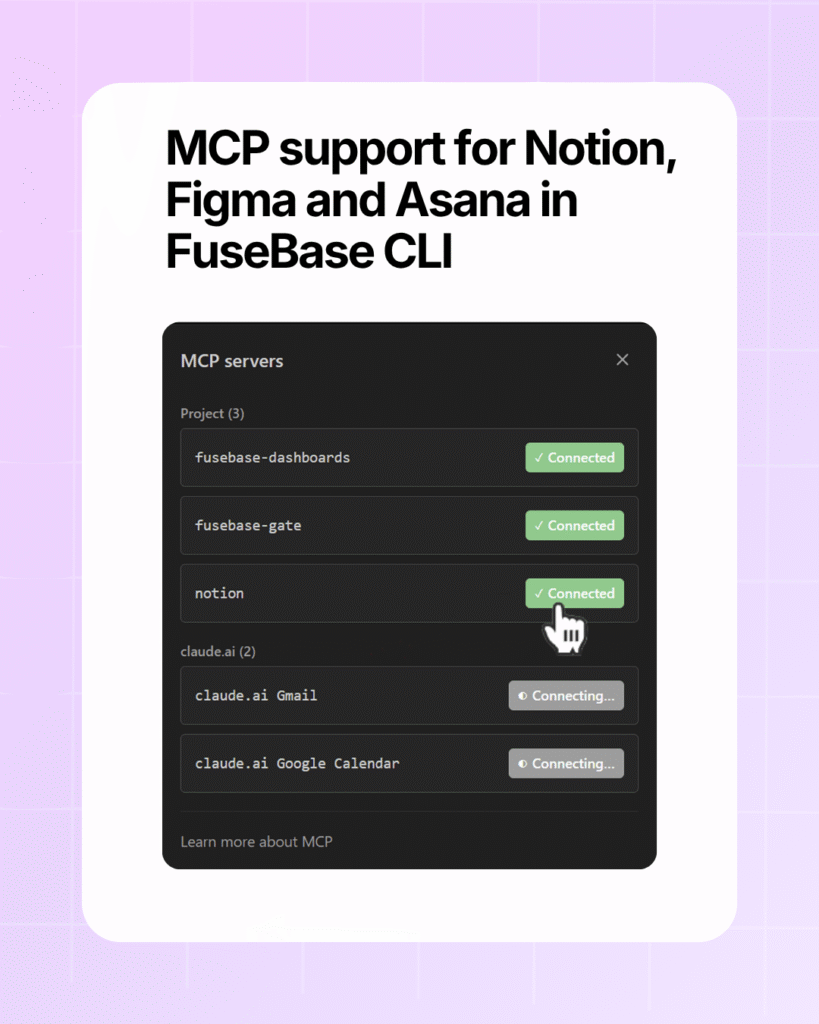
Here’s what this unlocks:
- Faster integration setup – just run “fusebase integrations” in the terminal and choose the service you need.
- Easier multi-service workflows – pull task data from Asana, reference docs from Notion, attach design specs from Figma, and more.
- Custom MCP server support – connect your own servers for even more flexibility.
Real Backend Power for AI Apps
Ship Apps with Backend Support
Your AI Apps ship with backend support, so you can build apps with far more advanced functionality.
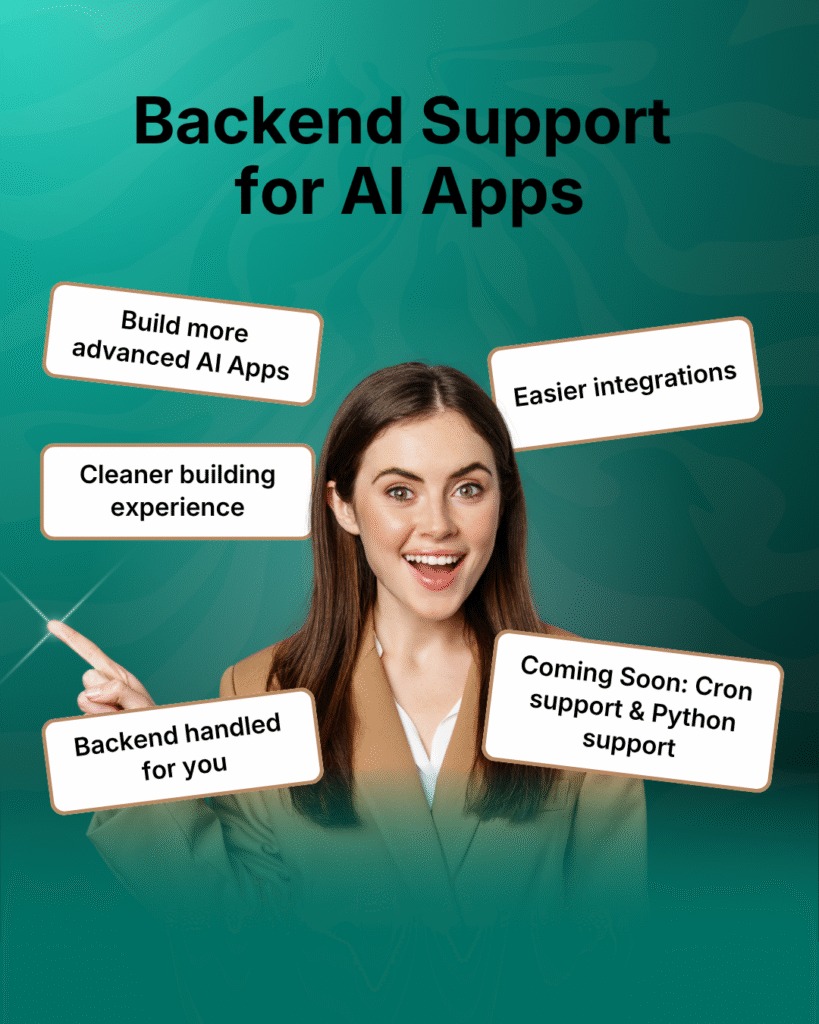
Why it matters:
- Connect to other services via APIs and webhooks using secure, feature‑level secrets.
- Build dynamic apps like chatbots, parsers, reporters, and data pipelines.
- Let AI take care of the backend – you focus on behavior, not setup.
Postgres Databases for Data-Heavy Apps
Creating data-heavy apps, but your current dashboards aren’t enough? Good news – FuseBase AI Apps come with Postgres by default.
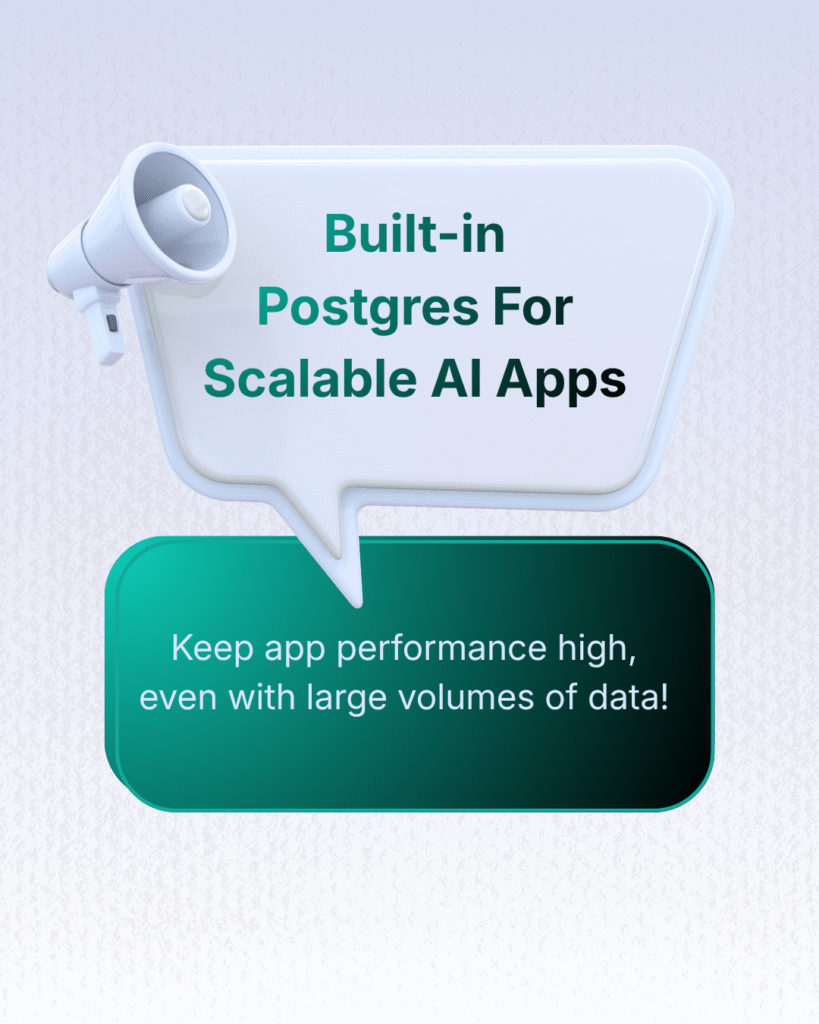
That means you can:
- Store large volumes of data – hundreds of thousands of rows without sacrificing performance.
- Use app storage for different workflows – save form submissions, request details, tickets, and app-specific settings.
- Build even more capable apps – like ticketing systems, parser apps, AI processing apps, or document intake flows.
You can still work with your existing dashboards inside apps too – both system dashboards (Clients, Meetings, Deals, etc.) and custom dashboards.
Stripe Integration for Payments, Invoices, and Subscriptions
Handle payments and subscriptions right in your apps. Stripe integration is live for FuseBase AI Apps, so your apps can accept payments, manage products, handle subscriptions, and work with invoices.
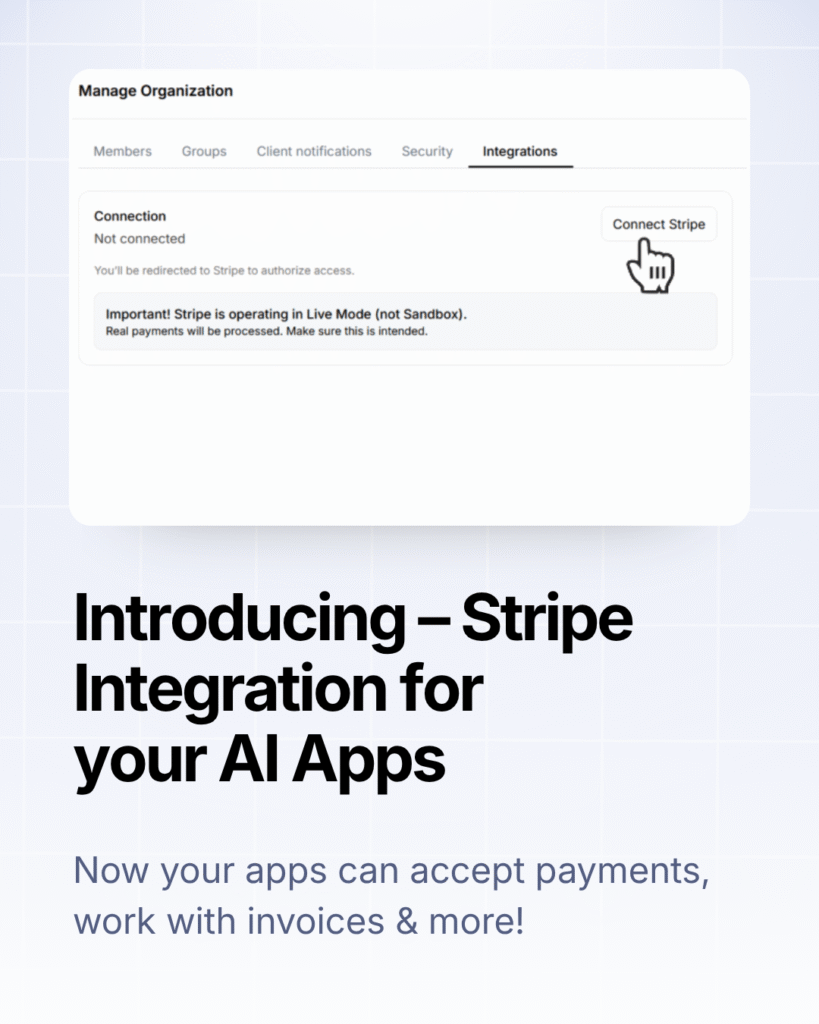
With it, you can:
- Sell services, products, or access to paid features/templates.
- Build apps that generate, manage, and track invoices.
- Launch subscription-based AI tools or paid membership apps.
Skip building the payment logic from scratch – just connect your Stripe account in FuseBase.
Send Emails Automatically from AI Apps
What if your AI App could send the right email at the right moment without extra setup? It’s easier than ever with Email API support in CLI!
What you can do:
- Create reusable email templates.
- Send email sequences using different templates.
- Trigger emails from buttons, app events, or webhooks.
- Describe it in a prompt – the CLI scaffolds what’s needed.
Example prompt: “When someone clicks ‘Send’, automatically email the document to the client for signature.”
Important to know:
- This feature allows you to send emails only to organization members and clients.
- It’s not intended for mass mailings (over 1,200 emails per day).
Automate Recurring Work with Cron Jobs
Make the routine run itself. With Cron Jobs in FuseBase CLI, your AI Apps can schedule daily reports, reminders, data syncs, and background AI tasks – no clicks, always on time.
Cron jobs will help you:
- Keep data fresh: pull updates from external systems every hour (or whatever cadence you choose).
- Automate recurring work: run your backend feature every 5 minutes, hourly, daily, weekly, or monthly.
- Run background AI tasks: generate summaries, check for issues, and monitor changes without manual effort.
Common use cases:
- Daily reports saved to your app or emailed to owners.
- Reminder messages for overdue approvals or tickets.
- Hourly data sync from CRMs, support tools, or analytics.
- Nightly AI summaries across new docs, tickets, or conversations.
- Lightweight monitoring and health checks.
Use Webhooks to Trigger Real-Time Workflows
Make your apps respond the moment something happens. With webhooks, FuseBase Apps can receive and send events in real time, so workflows kick off right away.
Example workflow:
- Form gets submitted → record created, workflow starts.
- File gets uploaded → parser or AI flow launches.
- Deal changes stage in CRM → follow-up process kicks off.
What this unlocks:
- Connect with external tools and services.
- Trigger actions instantly when events occur.
- Send data to other systems as part of a workflow.
💡 Read more posts on this topic:
Work with Files, Notes, and Business Data
Work with Files in 3 Different Ways
Your Apps can work with files in different ways, giving you more flexibility to build the exact app you need.
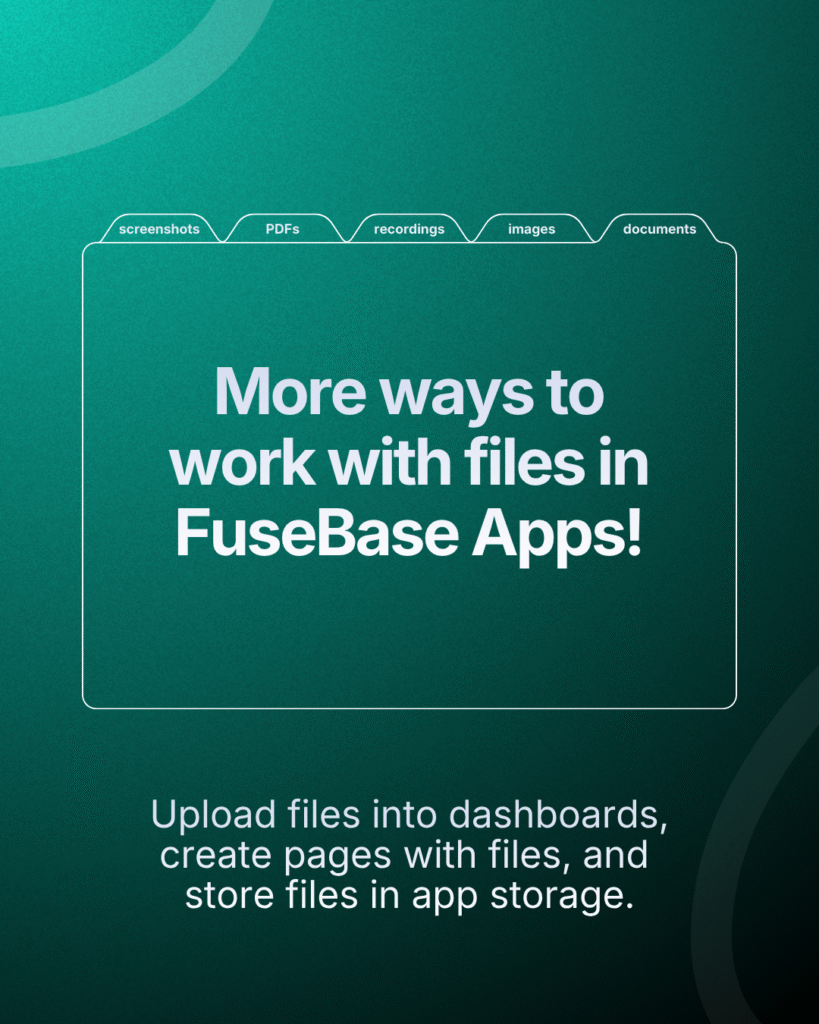
How you can work with files:
- Upload files into dashboards
When you need to track files together with status, owner, deadline, client, or category. - Create notes/pages with attached files
When the result should be easy to read and share – like bug reports, meeting summaries, client review notes, or project updates. - Upload files into app storage
When files are part of the app’s internal workflow – think file transfer, document processing, proposal generation, reporting, or parser apps.
Don’t forget to update the CLI and skills using the command “fusebase update”.
Add Browser, OCR, Search, and More to Your FuseBase App
What if your app could take screenshots, browse the web, search across content, and convert files? Now it can. Just describe what you want the app to do, and AI will attach the right tools behind the scenes.
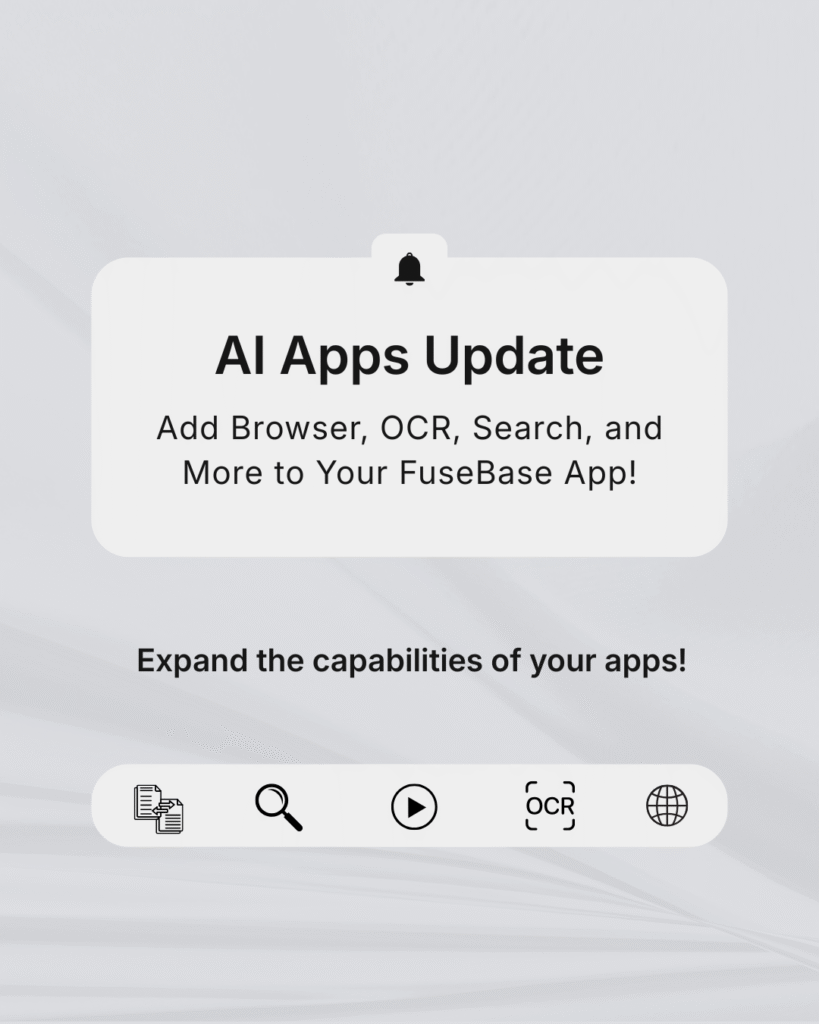
Here are some prompt examples:
- Add a browser tool so this app can interact with dynamic websites.
- Make this app extract text from receipts, invoices, and forms.
- Add tools for trimming audio and extracting sound from video.
- Make this app convert uploads into a standard format before processing.
Connect AI Apps to Notes and Documents
Your AI Apps can work directly with notes. Just describe the required action in the task description or prompt for the AI agent in your IDE.

Here’s what you can do:
- Launch note-based apps/features, like converting notes into DOC format.
- Display notes from workspaces and portals inside your app.
- Retrieve note content (Markdown or HTML), including images.
- Create new folders and notes with the content you need.
Example prompts:
- “Create a note in the workspace ‘My Workspace’ with the research content.”
- “Build a ‘Convert to DOC’ feature: list notes, and when I click Convert, generate a DOC file with the note’s content.”
- “Show a list of portal notes in the app and open any note’s Markdown when selected.”
Publish Secure Apps for Teams and Clients
Bring AI Apps Into Your Branded Portals
Put your apps where your clients actually work. You can add AI Apps directly to any portal page, so clients get live dashboards, reports, and interactive widgets without leaving your branded experience.
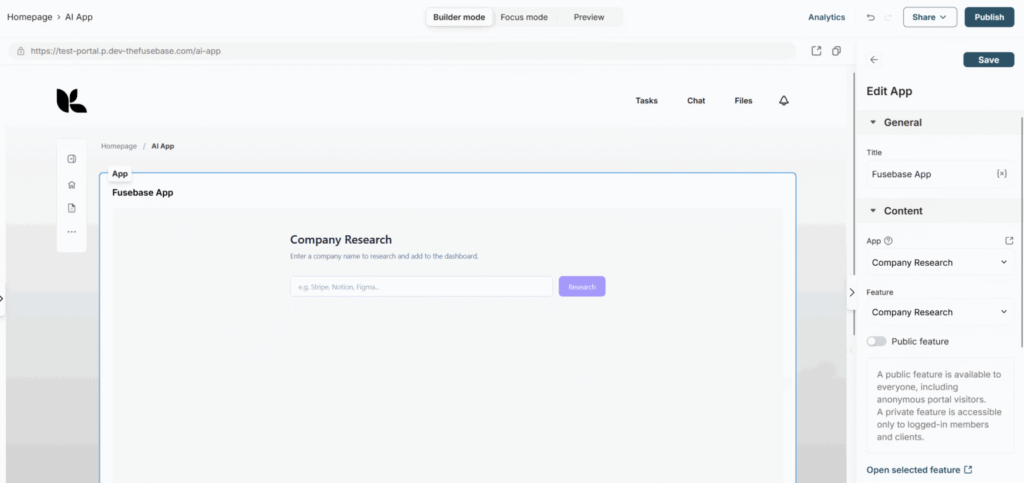
Set it up in 3 quick steps:
- Open your portal page in the Customizer and click “Add block.”
- Select “FuseBase App.”
- Choose the app and the specific feature you want to display on the portal page.
Build exactly what each client needs – reports, dashboards, widgets, and more – then publish it to their portal in minutes.
Build Apps That Understand Users, Roles, and Permissions
FuseBase supports the User API in CLI, so you can build more powerful user-facing apps in FuseBase.
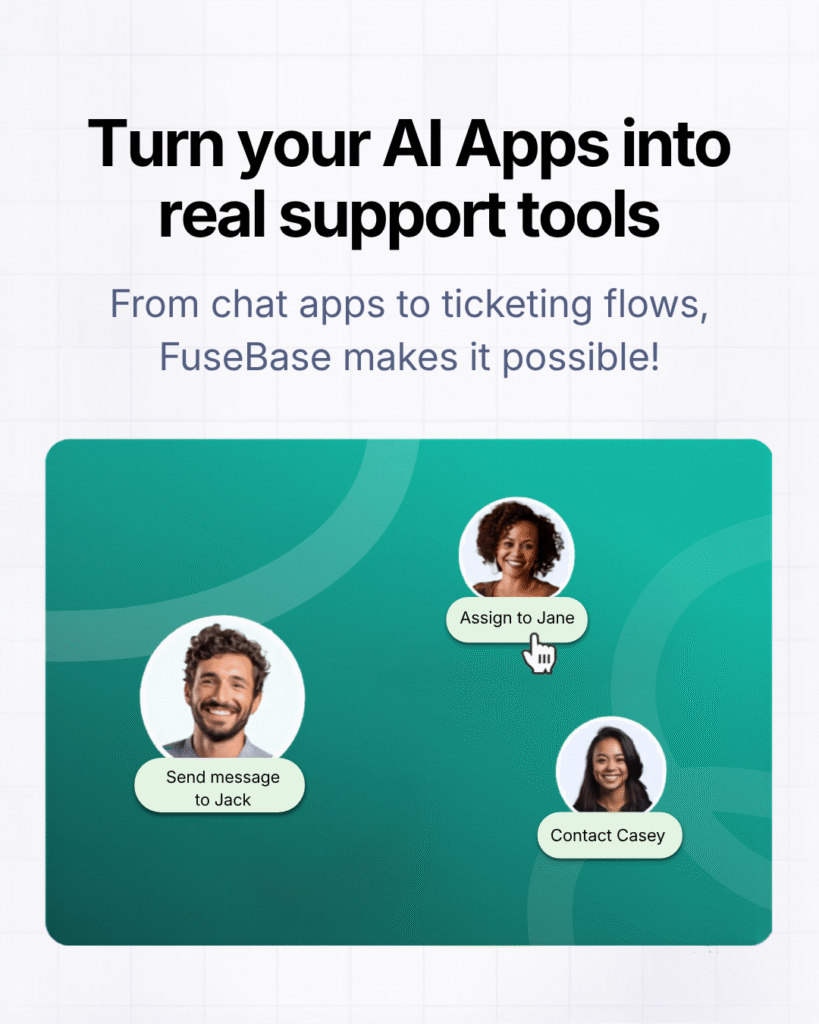
For example, you can create:
- Chat apps to message clients and members.
- Ticket systems and assign responsible team members.
- E-signature apps to send documents for signing to selected clients.
- Membership-based app features.
Everything respects your existing roles, groups, and permissions – so you can ship user‑aware experiences fast, inside the systems you already use.
Control App Access with Groups
A quick shoutout to everyone who loves our Groups feature – you can bring it into your AI Apps too! Make access management painless at scale – just set functionality through prompts, and it will be added to the app.
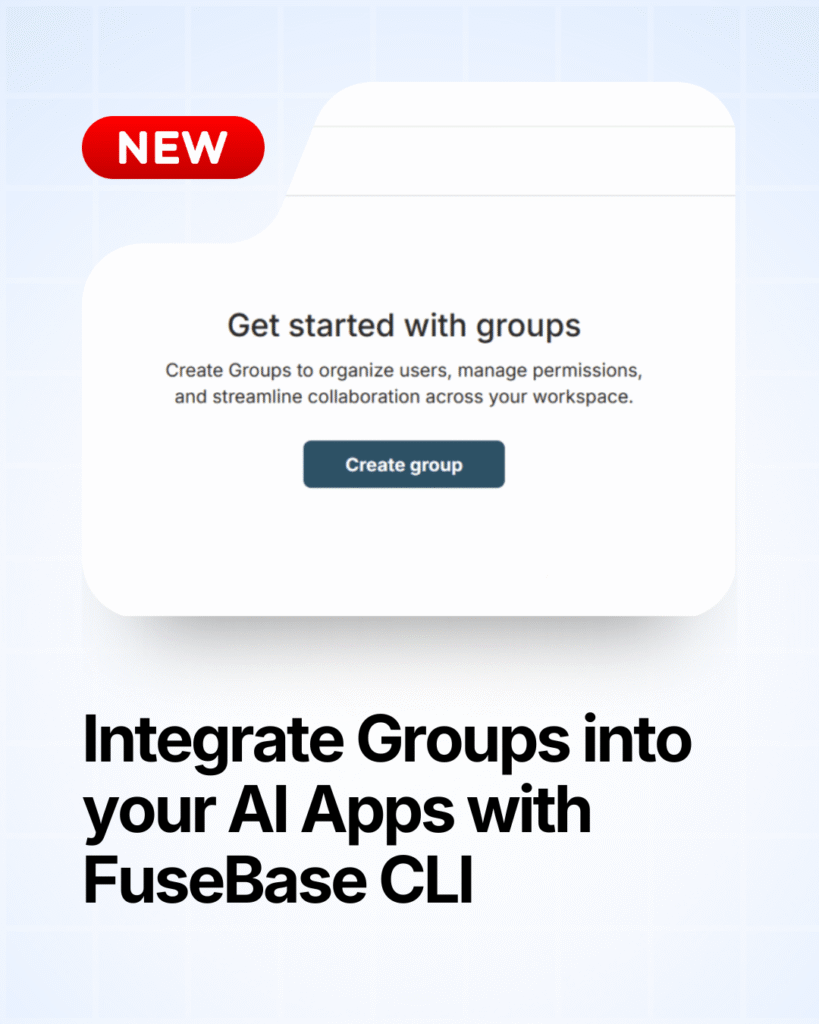
Here’s what’s possible:
- Add groups to workspaces with the permissions you choose.
- Control access to apps and features based on group membership.
- Simplify bulk member management across your organization.
Join the AI Coding Discord Community
Building with AI Coding is easier when you can learn from other builders, share experiments, and get direct support from the FuseBase team. That’s why we launched a FuseBase AI Coding Discord Community. It’s a space where people building with FuseBase can connect, share what they’re working on, and help each other ship real apps. Our team is active there too – answering questions, sharing product updates, and offering support whenever it’s needed.
What’s Coming Next for AI Apps
Here’s a sneak peek into what’s coming soon:
- API for AI Apps – lets your apps interact with each other, connect to external services, and access real-time data.
- Magic Links for AI Apps – give your team or clients quick access to your private apps.
- CNAME for AI Apps – connect your own domain to your AI Apps.
Ready to build apps that do more than look good? Try the FuseBase AI Coding updates and create apps with databases, workflows, payments, and permissions built in.
If you’re already using FuseBase CLI, simply run “fusebase update” in your terminal to get the latest features and improvements.
New to FuseBase? Book a demo to see how FuseBase AI Apps can power your portals, dashboards, and workflows.
Found it useful? Share the article with your community
Subscribe to our blog!
Get weekly tips and insights on how to grow your business