
April was about shortening the journey from “smart plan” to “shippable app.” This month, our FuseBase Team sharpened our AI Coding module – so you can turn ideas into production-ready apps faster. And without leaving your existing stack or guardrails. Dive in to see what’s new with FuseBase AI Apps and beyond.
Updates in FuseBase AI Apps
In March, we introduced our biggest update yet – AI Apps (AI Coding), the fastest way to go from prompt to a production-ready app. With FuseBase AI Coding, you can build full applications simply by describing what you need in plain language. Since then, we’ve been focused on making these apps more connected, more reliable, and more capable.
AI Apps in Portals
Put your apps where your clients actually work. You can now add AI Apps directly to any portal page, so clients get live dashboards, reports, and interactive widgets without leaving your branded experience.
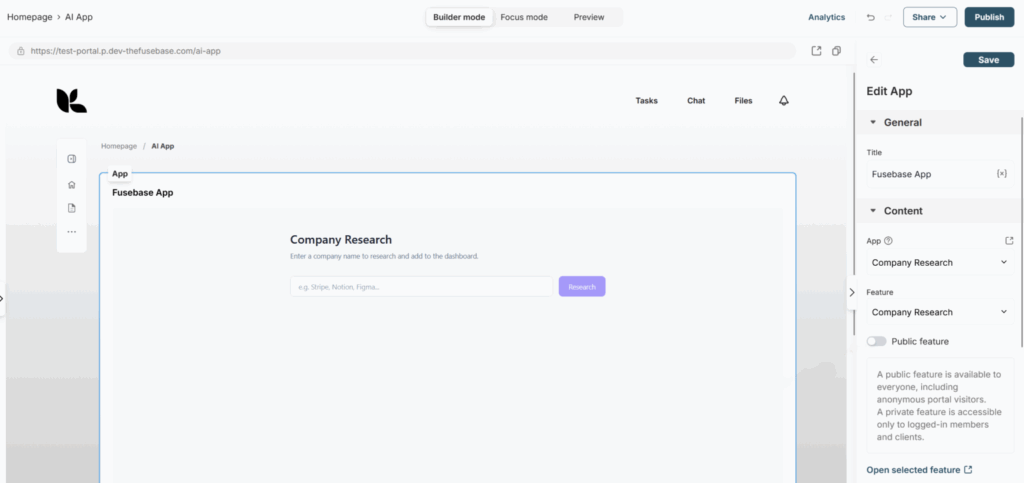
Set it up in 3 quick steps:
- Open your portal page in the Customizer and click “Add block.”
- Select “Fusebase App.”
- Choose the app and the specific feature you want to display on the portal page.
Build exactly what each client needs – reports, dashboards, widgets, and more – then publish it to their portal in minutes.
Apps with Backend Support
Your AI Apps now ship with backend support, so you can build apps with far more advanced functionality. If you’re already using our CLI, just type “fusebase update” in your terminal to get the latest version.
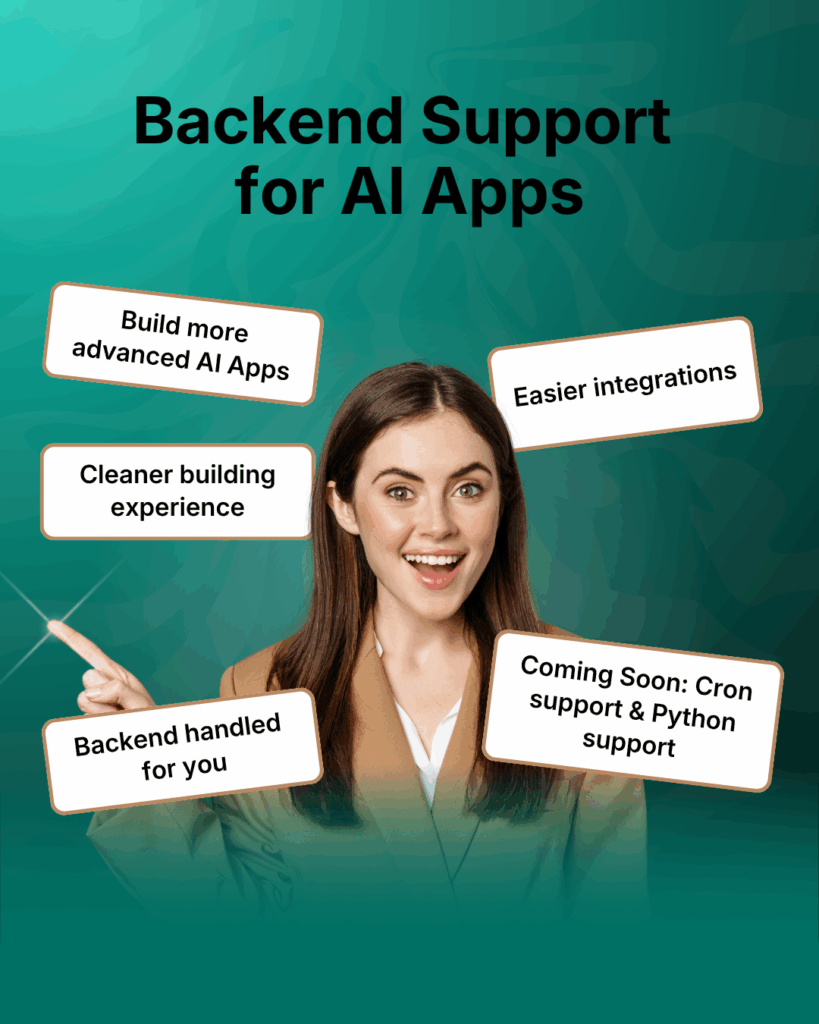
Why it matters:
- Connect to other services via APIs and webhooks using secure, feature‑level secrets.
- Build dynamic apps like chatbots, parsers, reporters, and data pipelines.
- Let AI take care of the backend – you focus on behavior, not setup.
Coming soon: Python support for deploying more advanced AI services.
Send Emails from AI Apps
What if your AI App could send the right email at the right moment without extra setup? Now it’s easier than ever with Email API support in CLI!
What you can do:
- Create reusable email templates.
- Send email sequences using different templates.
- Trigger emails from buttons, app events, or webhooks.
- Describe it in a prompt – the CLI scaffolds what’s needed.
Example prompt: “When someone clicks ‘Send’, automatically email the document to the client for signature.”
Important to know:
- This feature allows you to send emails only to organization members and clients.
- It’s not intended for mass mailings (over 1,200 emails per day).
Build User-Aware Apps with Roles and Permissions
FuseBase supports the User API in CLI, so you can build more powerful user-facing apps in FuseBase.
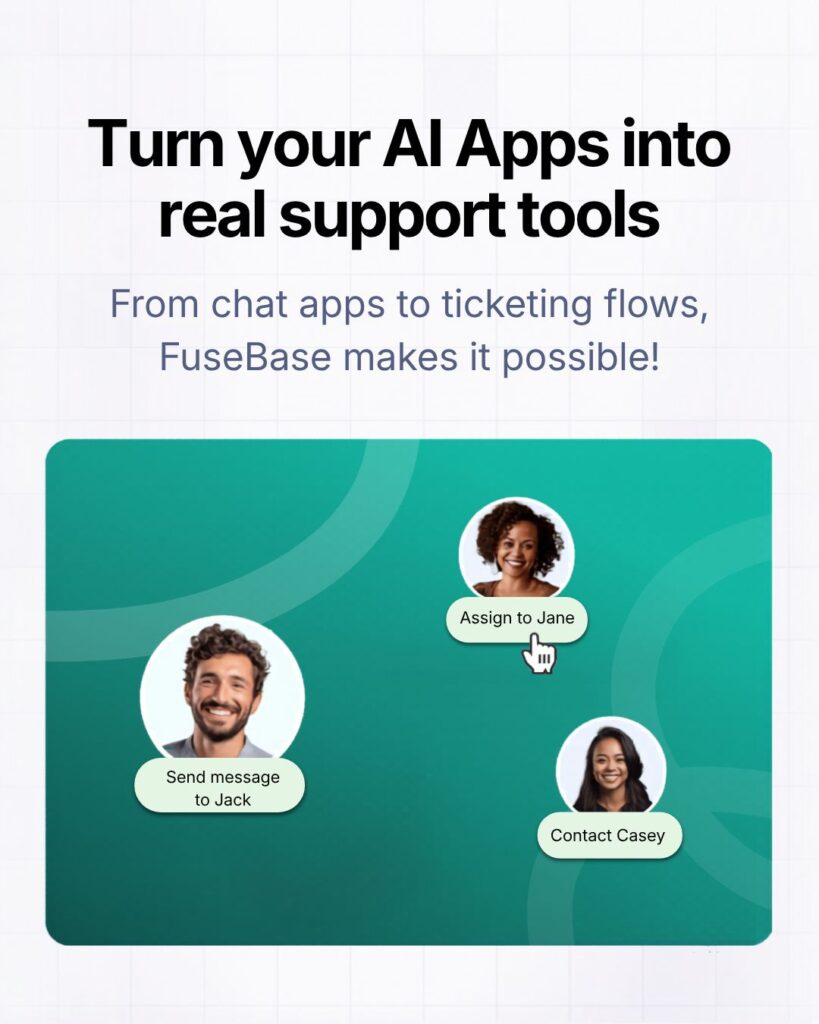
For example, you can create:
- Chat apps to message clients and members.
- Ticket systems and assign responsible team members.
- E-signature apps to send documents for signing to selected clients.
- Membership-based app features.
Everything respects your existing roles, groups, and permissions – so you can ship user‑aware experiences fast, inside the systems you already use.
Let AI Apps Work with Notes and Documents
Your AI Apps can now work directly with notes. Just describe the required action in the task description or prompt for the AI agent in your IDE.
Here’s what you can do:
- Launch note-based apps/features, like converting notes into DOC format.
- Display notes from workspaces and portals inside your app.
- Retrieve note content (Markdown or HTML), including images.
- Create new folders and notes with the content you need.
Example prompts:
- “Create a note in the workspace ‘My Workspace’ with the research content.”
- “Build a ‘Convert to DOC’ feature: list notes, and when I click Convert, generate a DOC file with the note’s content.”
- “Show a list of portal notes in the app and open any note’s Markdown when selected.”
Connect AI Apps to Notion, Asana, Figma, and More
Want your AI Apps to work with the tools your team already uses? Now it’s easier to connect FuseBase AI Apps to external services like Notion, Asana, Figma, and more through the latest FuseBase CLI update.
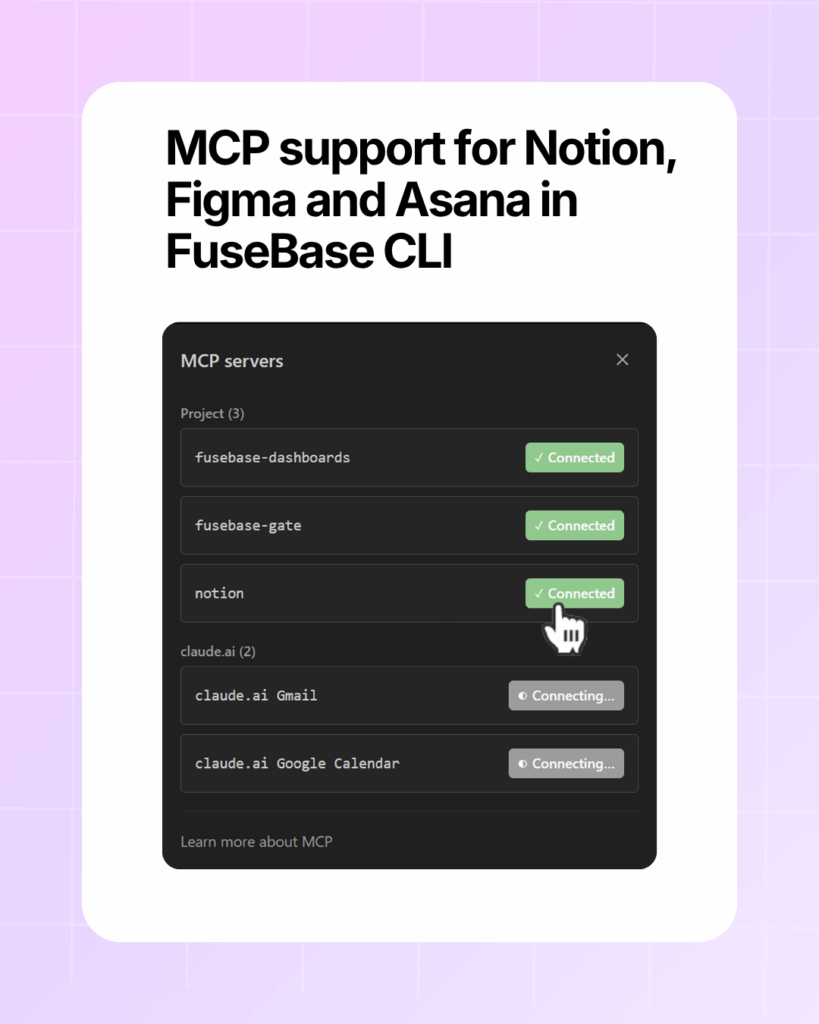
Here’s what this unlocks:
- Faster integration setup – just run “fusebase integrations” in the terminal and choose the service you need.
- Easier multi-service workflows – pull task data from Asana, reference docs from Notion, attach design specs from Figma, and more
- Custom MCP server support – connect your own servers for even more flexibility.
Use Groups to Control App Access
A quick shoutout to everyone who loves our Groups feature – now you can bring it into your AI Apps too! Make access management painless at scale – just set functionality through prompts, and it will be added to the app.
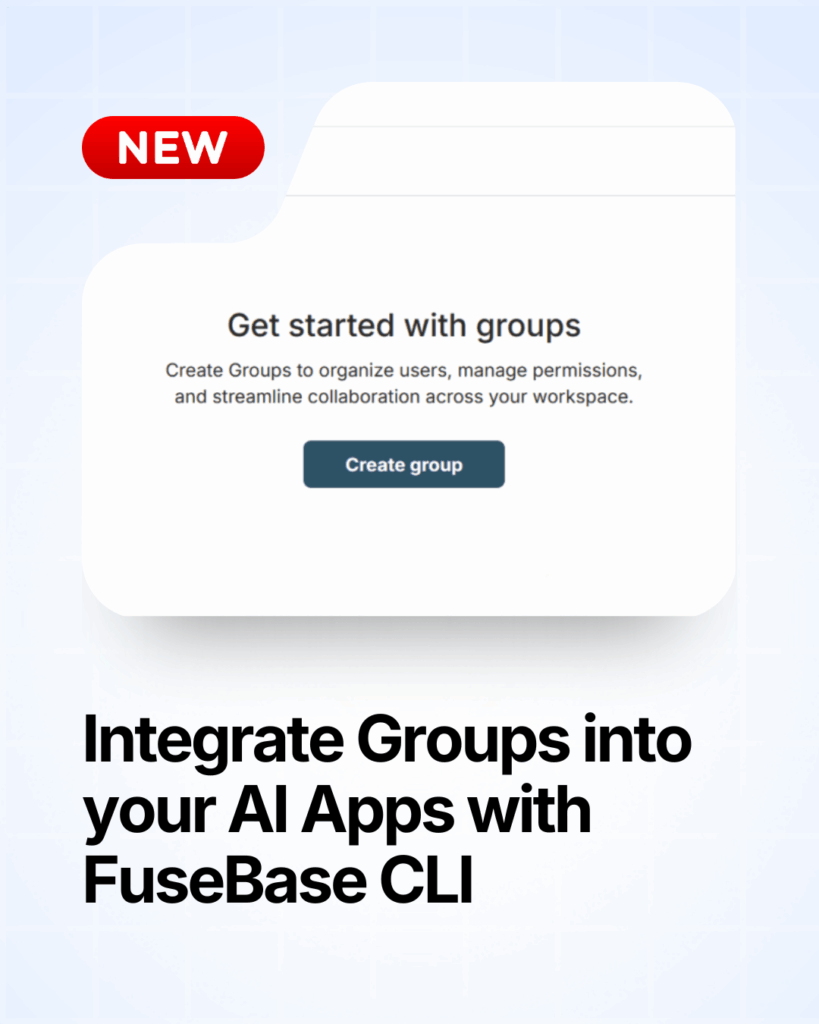
Here’s what’s possible:
- Add groups to workspaces with the permissions you choose.
- Control access to apps and features based on group membership.
- Simplify bulk member management across your organization.
Schedule Work Automatically with Cron Jobs
Make the routine run itself. With Cron Jobs in FuseBase CLI, your AI Apps can schedule daily reports, reminders, data syncs, and background AI tasks – no clicks, always on time.
Cron jobs will help you:
- Keep data fresh: pull updates from external systems every hour (or whatever cadence you choose).
- Automate recurring work: run your backend feature every 5 minutes, hourly, daily, weekly, or monthly.
- Run background AI tasks: generate summaries, check for issues, and monitor changes without manual effort.
Common use cases:
- Daily reports saved to your app or emailed to owners.
- Reminder messages for overdue approvals or tickets.
- Hourly data sync from CRMs, support tools, or analytics.
- Nightly AI summaries across new docs, tickets, or conversations.
- Lightweight monitoring and health checks.
💡 Read more posts on this topic:
Trigger Workflows Instantly with Webhooks
Make your apps respond the moment something happens. With webhooks, FuseBase Apps can receive and send events in real time, so workflows kick off right away.
Example workflow:
- Form gets submitted → record created, workflow starts.
- File gets uploaded → parser or AI flow launches.
- Deal changes stage in CRM → follow-up process kicks off.
What this unlocks:
- Connect with external tools and services.
- Trigger actions instantly when events occur.
- Send data to other systems as part of a workflow.
Other Updates: New Dashboards and Database Update
A few quality‑of‑life upgrades to make managing workspaces, portals, clients, and data simpler – and more agent‑ready.
Company account and Dashboard
Keep client relationships organized at the account level. You can now group portals, clients, and related CRM records (e.g., deals) under a single Company profile. That means no more scattered account records – just a cleaner, more structured way to manage client relationships.
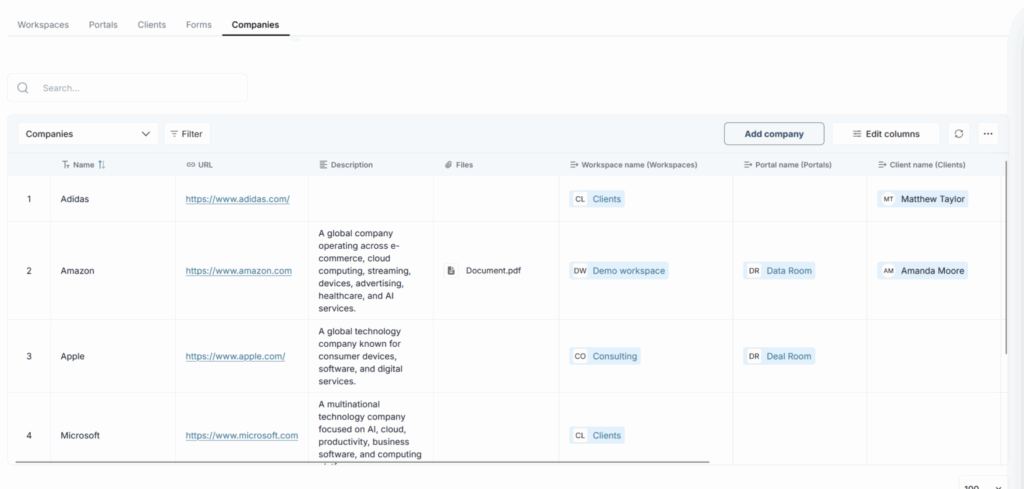
In practice:
- Especially useful for business workflows.
- See all existing companies in one Company Dashboard and edit fields as your CRM evolves.
- Onboarding at scale: associate clients with the Company, then invite them to the right portal in a single flow.
Deals Dashboard
We’ve added another key piece to FuseBase’s built-in CRM –the Deals Dashboard! Forget about fragmented deal tracking. Now your pipeline lives in one clear view tied to the rest of your workspace.
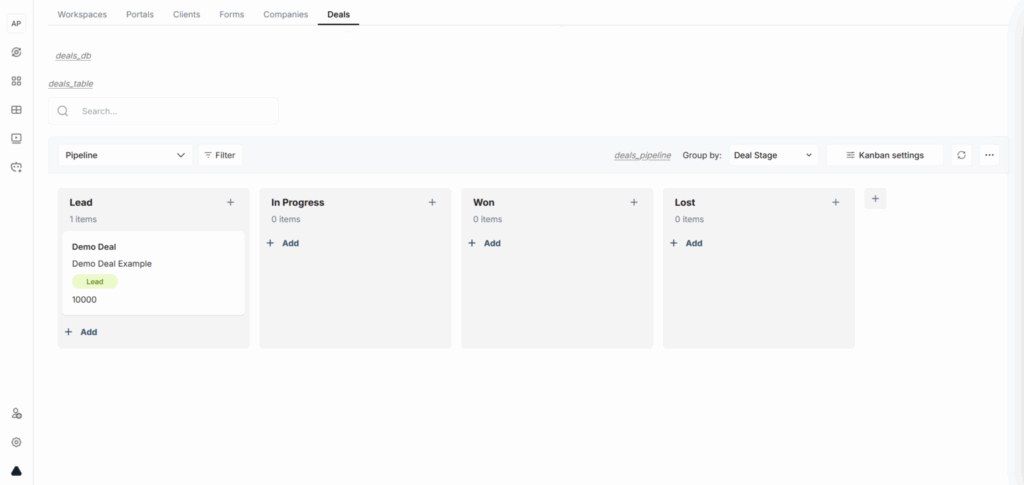
With the new Deals Dashboard, you can:
- Structure your pipeline directly in FuseBase with stages, owners, and next steps.
- Link deals to Companies, clients, portals, and related records – clean, account‑centric context.
- Track opportunities and updates in one place with filters, sorting, and custom fields that match your process.
Why it matters:
- One source of truth for revenue work.
- Fewer handoffs are lost between tools.
- Clearer reporting and faster follow‑ups, so deals move, not stall.
Create and Manage Databases Through an Agent
Power up your Databases with AI Agents. With new MCP support, FuseBase makes it easier than ever to build and manage databases.
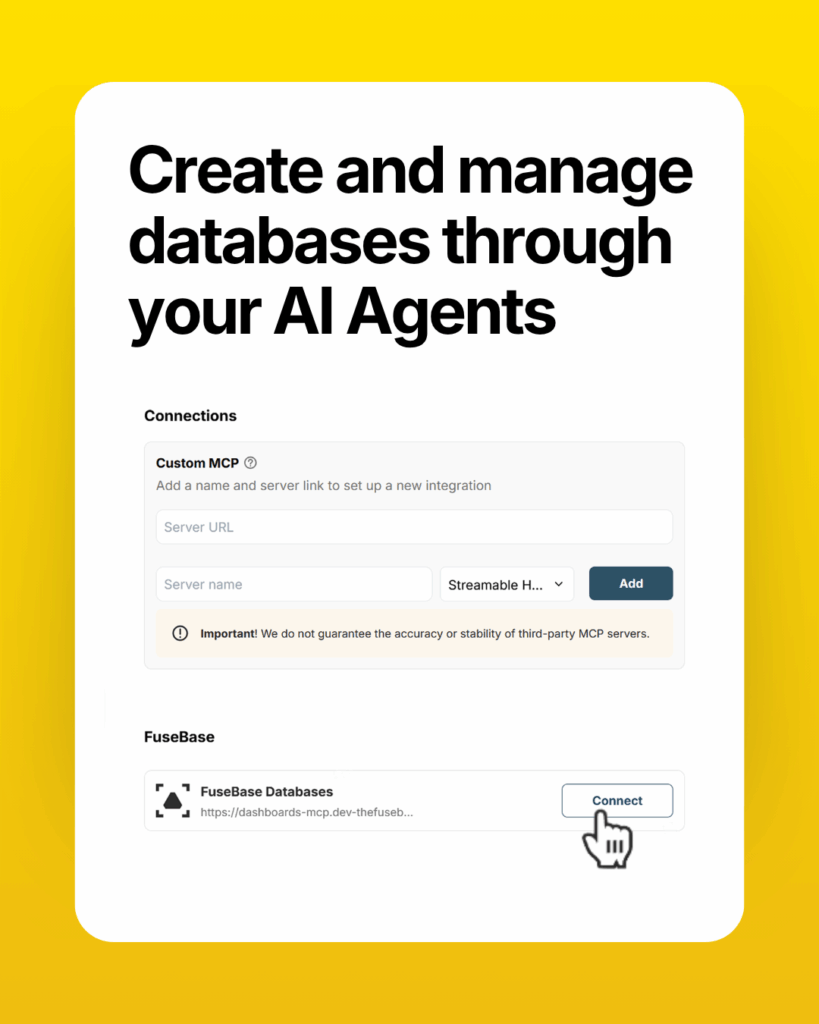
Connect an agent to your databases and let it help you:
- Create and populate databases fast: describe the schema and seed data in a prompt; the agent handles the setup.
- Build a chatbot on top of your tables: let users ask questions about your records through a simple chat experience.
- Generate databases from templates: start with a proven structure and customize from there.
Affiliate Program and Reseller Program
We’ve launched the FuseBase Affiliate Program, giving you a simple way to earn 40% lifetime revenue for every reseller you refer.
What’s in it for you?
- Unlimited earning potential – no cap on referrals
- Monthly payouts through your preferred payment method
- Access to marketing materials and resources
- A dedicated affiliate dashboard to track referrals and performance
- Priority support for affiliate partners.
Coming soon: Reseller Program
Launching in the next 1–2 months, the FuseBase Reseller Program will let you build recurring revenue under your own pricing.
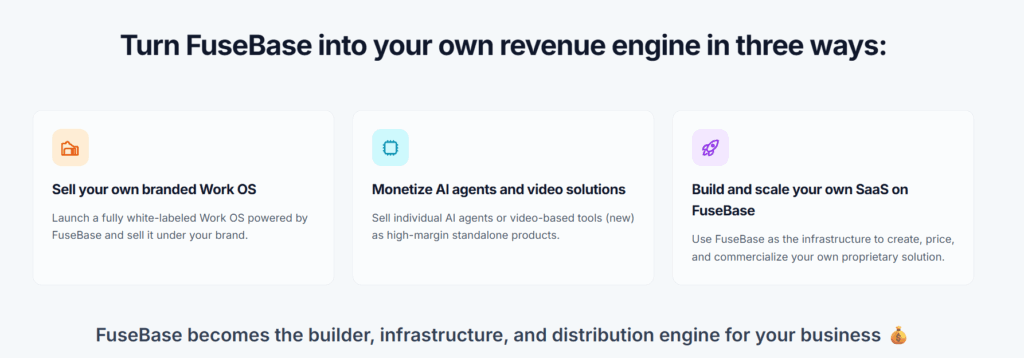
You’ll be able to customize what you want to resell and stay fully in control of your pricing model. Charge clients however you choose — monthly, annually, or through custom plans.
You’ll connect your own payment method, manage pricing, control client accounts, and bill customers directly.
Early access is available for $99/month instead of $297/month. Sign up now so you don’t miss your chance!
Wrapping up
We’ll call April a win! With more powerful app-building capabilities, smarter automations, and cleaner account-level views, FuseBase now makes it easier to turn ideas into real workflows for your team and clients. Stay tuned for more updates – we’re already working on exciting new features. In the meantime, jump back into your FuseBase account and explore what’s new.
New to FuseBase? Book a demo to see how FuseBase AI Apps can power your client portals, dashboards, and workflow automation.
Found it useful? Share the article with your community
Subscribe to our blog!
Get weekly tips and insights on how to grow your business