Fusebase allows you to fine-tune access to features within the app, as well as fully manage members, including inviting new ones.
What Fusebase CLI Can Currently Do for Managing Organization Members: #
- Retrieve the list of organization members by roles.
- Retrieve the list of workspace and portal members by roles.
- Manage feature access by roles (for example, grant access only to members).
- Send invites to new organization members with the ability to specify a role (manager, member, or custom role).
- Add clients to a portal by sending a Magic Link.
- Retrieve the list of members (emails and IDs) when using the Users column in the database;
- Identify the emails of users who have accessed a feature and who are currently active on it;
- etc.
What use cases can be implemented in AI apps using the User API? #
There are many possible use cases (limited only by your imagination). Here are a few examples:
- Project management apps where you need to assign responsible team members at different stages of task execution, with notifications sent automatically.
- E-signature apps that allow you to send documents for signing to selected clients.
- Onboarding apps that enable you to customize the onboarding process for a specific user or role.
- Group email notifications. For example, you can send tailored emails to portal clients upon request.
- Membership features in apps — for instance, you can open a specific feature to all users, while granting access to others only after registration. And so on.
Is it possible to grant access to a feature to specific roles? #
Absolutely! For example, consider a ticketing system where there is a ticket management feature and a client-facing feature – creating and viewing tickets. Access to ticket management can be granted only to organization managers, while ticket creation can be available to any members and clients.
This is done using standard prompts. When creating a feature, simply instruct the agent: “Only organization managers can access this feature” or, for example, “All members except clients can access this feature” and so on.
You can read more about roles here: https://thefusebase.com/guides/getting-started/key-role-differences/
Is it possible to set up sending invites to an organization or portal through a feature? #
Yes, absolutely! For example, we created a chat feature for working with clients. By default, the chat displays the list of current members.
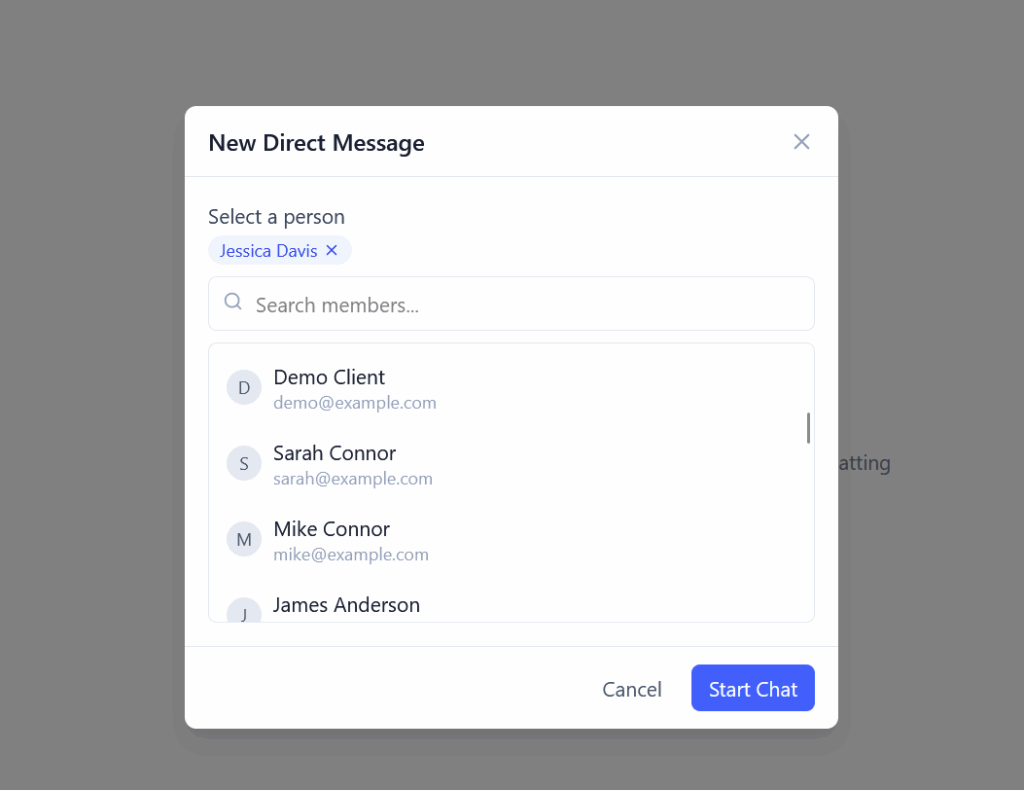
However, if needed, you can send an invite to a new member.
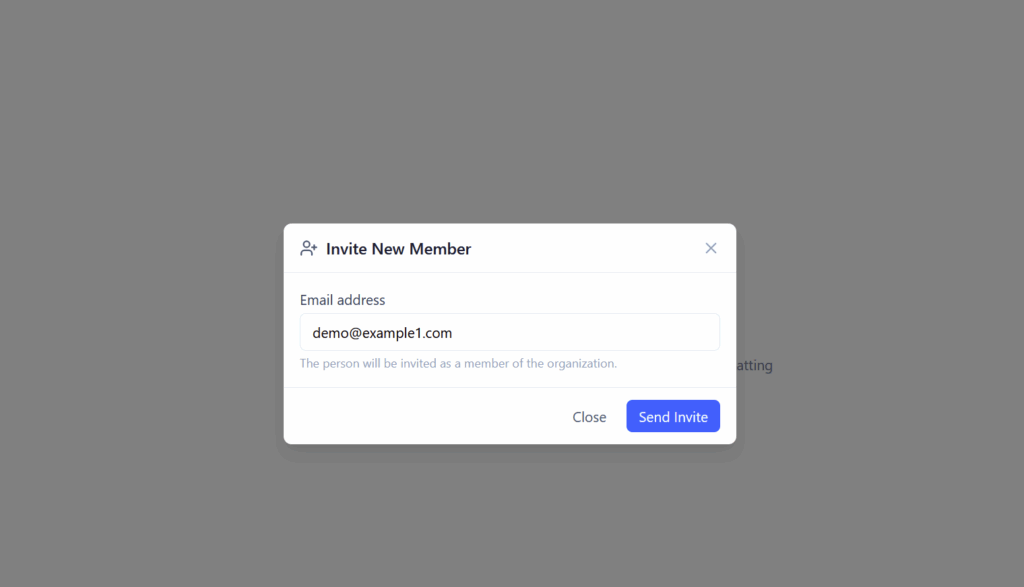
You just need to specify this in the feature requirements for the AI. For example, simply write:
Add an Invite button that opens a popup where you can enter an email address. When clicking Invite, check if this user is already in the organization. If not, send an invitation to join the organization with the Member role. If the member already exists, display the corresponding message.