Our team continuously updates the CLI, adding new features and fixing identified issues. Therefore, it is very important to always have the latest version of the CLI to ensure that the AI operates as efficiently as possible.
Updating the CLI is a semi-automatic process. When a new version is released, you will see a notification about it in the terminal.
To update, you simply need to enter the command fusebase update. This will start the process of downloading the new CLI version and proceed with the installation. On Windows, you will need to manually launch the EXE file.
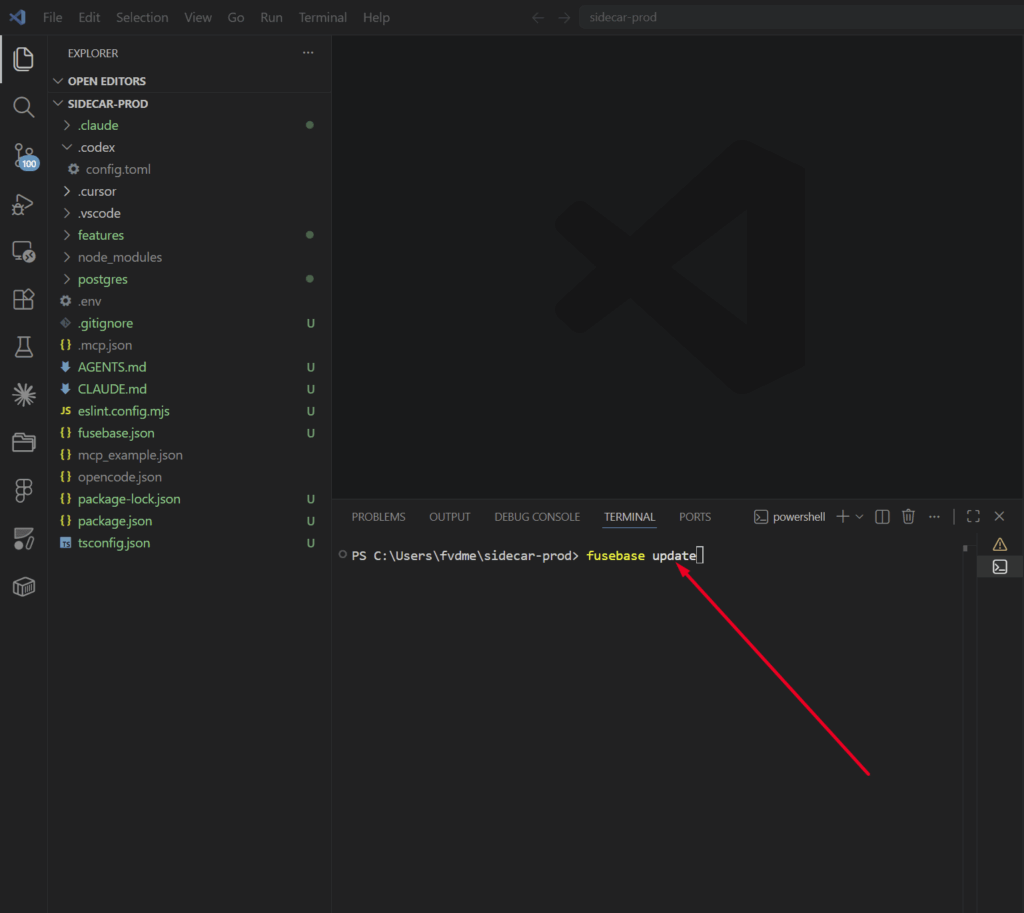
It is important to note that when updating the CLI, the following are also updated at the project level: skills, agents, hooks, CLAUDE.MD, AGENTS.MD, and other files.
I have added my own instructions to the MD files. Will they be overwritten during the update? #
Yes, but this can be avoided if you add your instructions using special sections.
If you want to add your own instructions, please use a block in the following format:
<!– CUSTOM:SKILL:BEGIN –>
My Instruction
<!– CUSTOM:SKILL:END –>
In this case, your instructions will not be overwritten and will be preserved even after our updates.