Reseller partner program portal
Give a reseller one place for registrations, leads, product training, marketing funds and the quarterly business plan, with a separate channel-team area.
- Industry
- Manufacturing, Wholesale and Distribution
- Team
- Sales, Operations, Marketing
- Use case
- Client portals, CRM and sales, Training and programs
- Tags
- Partner program Sales collaboration Partner portal
- Includes
- 19 app surfaces
Template preview
1 / 4
Included items
-
Academy Admin
App · Embedded across portal routes
-
Academy
App · Embedded across portal routes
-
Partner Deals Admin
App · Embedded across portal routes
-
Partner Deals
App · Embedded across portal routes
-
Dashboards Admin
App · Embedded across portal routes
-
Dashboards
App · Embedded across portal routes
-
Forms Admin
App · Embedded across portal routes
-
Forms
App · Embedded across portal routes
-
Client Profiles
App · Embedded across portal routes
-
Onboarding Admin
App · Embedded across portal routes
-
Onboarding
App · Embedded across portal routes
-
Project Chat Admin
App · Embedded across portal routes
-
Project Chat
App · Embedded across portal routes
-
Tasks Admin
App · Embedded across portal routes
-
Tasks
App · Embedded across portal routes
-
Files Admin
App · Embedded across portal routes
-
Files
App · Embedded across portal routes
-
File Request Admin
App · Embedded across portal routes
-
File Request
App · Embedded across portal routes
Overview
What this template supports
A partner portal for an industrial manufacturer's reseller program. The hub shows registrations and price protection, leads, a product academy, shared files, marketing funds, quarterly planning, support and onboarding. Public join and directory pages sit alongside the manufacturer channel team's deal desk, review and scorecard. The portal includes Light, Dark and Futuristic themes and links to five program documents.
- Project registrations and price-protection guidance
- Product academy, library, file requests and onboarding
- Marketing funds guide and quarterly business plan
- Manufacturer channel-team conflict review and scorecard
- Spec sheet, Night bench and Impeller flow themes
How to use this template
-
Review the reseller journey
Open the live portal and follow a project from registration through the rules, lead response and quarterly plan.
-
Map the program terms
Replace tier requirements, registration rules, protected pricing and marketing-funds terms with reviewed terms for your program.
-
Set access for each audience
Decide which reseller and channel-team pages to publish and verify embedded app permissions before inviting users.
Frequently asked questions
What does this portal organize?
It brings a reseller's registrations, leads, product academy, library, marketing funds and quarterly plan together with a separate manufacturer channel-team area.
Who works in the reseller and channel-team areas?
The reseller uses registration, enablement and planning pages. The manufacturer channel team uses the deal desk, academy administration, applications, scorecard and conflict review pages.
Which program documents are shown?
The site has routes for the reseller guide, registration rules, marketing-funds guide, quarterly business plan and an internal conflict review procedure.
How is a project registration handled?
The Registrations area links to the rules and leads. The rules explain what a complete submission needs, how it is decided and how long price protection lasts.
Which themes are available?
Spec sheet is the Light theme, Night bench is Dark, and Impeller flow is Futuristic. The site opens in Spec sheet.
What should be checked before using the portal with resellers?
Review program terms, registration decision owners, access rules and embedded app permissions. Public site pages and embedded app access are separate.
Related templates
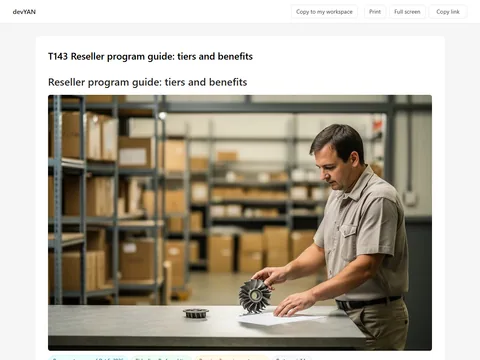
Reseller program guide: tiers and benefits
Explain reseller tiers, registration benefits, lead handling and marketing funds in one partner guide.
View template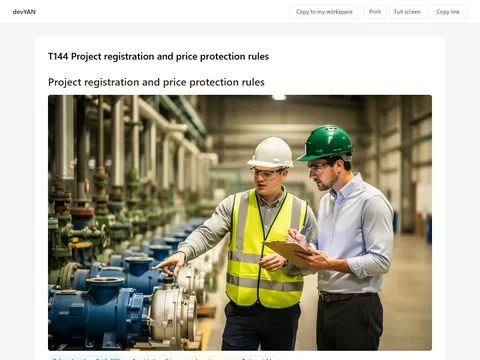
Project registration and price protection rules
Set the submission, decision and protection rules for reseller plant projects.
View template
Marketing funds request and claim guide
Guide a reseller from marketing-funds request to approval, activity evidence and claim.
View template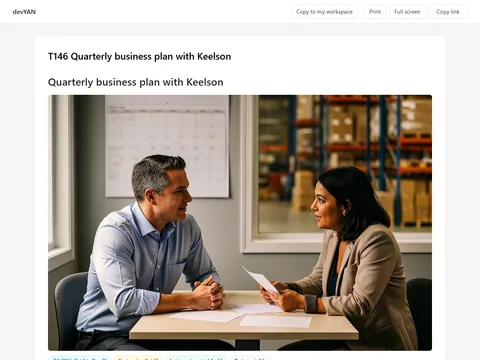
Quarterly business plan with Keelson
Turn a reseller's program record into shared quarterly goals, owners and review dates.
View template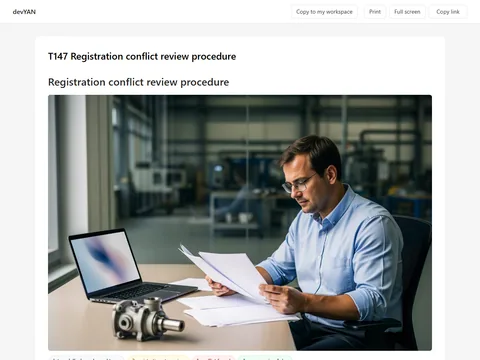
Registration conflict review procedure
Help a manufacturer channel team decide overlapping reseller registrations and extensions consistently.
View template