
As the seasons changed, so did FuseBase. Between September and November, we focused on one big theme: giving you a cleaner source of truth for your work, and more automation around it. This release brings some major upgrades, including custom databases that you can place anywhere in your workspace, smarter CRM dashboards (with analytics, views, and portal embeds), and more control over AI Agents, security, and automation.
If you’re trying to keep clients, projects, and data aligned without adding yet another tool, these updates are definitely for you.
Custom Databases for Your Own Data Hub
We’ll start with the biggest change.
You loved our built-in CRM dashboards, so we took the same engine and made it fully flexible. Now you can create your own dashboards (databases) anywhere you need them.
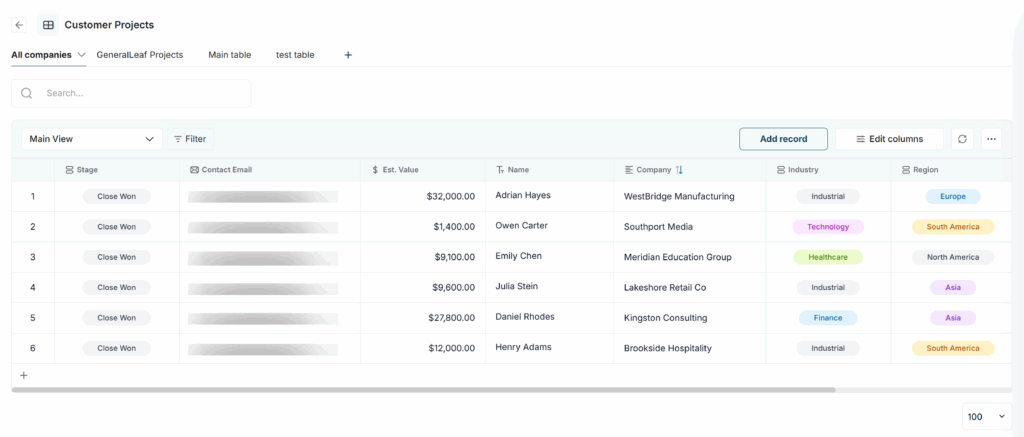
- Create & view databases in the dedicated Databases section, directly in a client portal, and soon even inside pages.
- Working with multiple databases? Pin the ones you use most and get to them instantly with Favorites.
- Organize your data your way – build as many tables as you need within a single database.
Example
A consulting team can keep one database of clients, link active projects, attach key files, and then surface just the right slice of that data inside each client portal.
Relation & Lookups
No more copy-pasting the same info into multiple tables. No more outdated duplicates. Now you store data once and reuse it everywhere. That’s right: Relational Linking is live for your Databases and Tables!
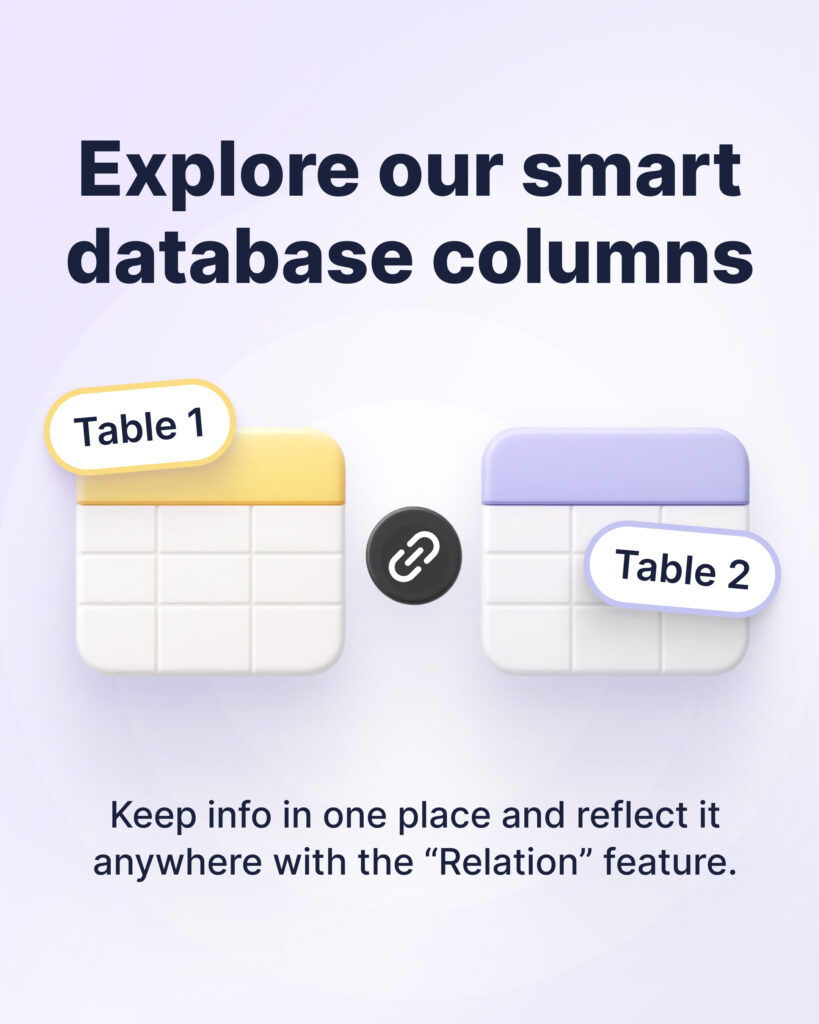
- Add columns that link to records in other tables or entire databases.
- Choose what to connect: full database, specific table, or table view.
- Use one-way references or two-way lookups that stay editable and in sync.
Database automation
We keep upgrading your databases and dashboards – now you can fully automate the way you work with them in FuseBase.
- Set automation actions: from creating new databases to pulling data from specific rows.
- Connect with other tools: integrate databases via native integrations or webhooks.
- Streamline key workflows: simplify managing tasks, sales pipelines, vacancies, and more.
Coming soon: database triggers (row updated, new row added, and more) to launch automations the moment data changes.
Kanban View
Kanban View is now live in FuseBase databases! Group table rows into visual boards and work with them as cards:
- Just click on “Add view” and select “Kanban” from the list of views.
- Group rows by any column: date, labels, and even text or email columns.
- Show only the columns you need and hide the rest.
Perfect for managing projects, HR, and client pipelines.
Smarter CRM Dashboards: from records to insights
Dashboards are where everything comes together. This release brings a series of upgrades that make CRM-style dashboards easier to analyze, share, and act on.
Form Dashboard
Still switching between forms across 10+ portals? That ends today with the new Form Dashboard! Now you can see everything in one place: a list of forms, response counts, creation dates, and more.
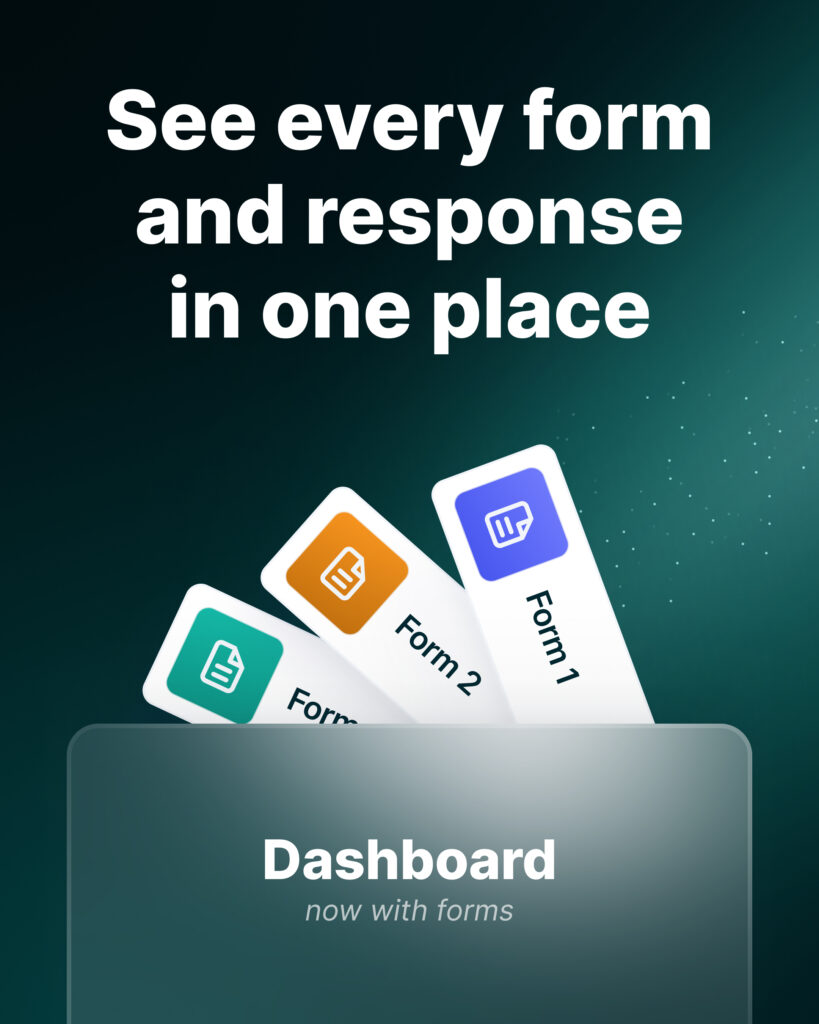
Here’s what’s possible:
- Consolidate analytics from all forms into a single view.
- Dive into responses instantly – no need to open each portal separately.
- Filter by any parameter, add your own columns (notes, comments), and create custom views.
Analytics in Dashboards
Your inner CRM just leveled up – now with analytics! All the insights you need to make smarter decisions are now in one place.

- View portal & client analytics directly in your org dashboards.
- Instantly see how much time customers spend on your portal (on average).
- Quickly check when a specific client last visited – without digging through the portal customizer.
File column & Multi-select
We rolled out two highly requested dashboard features! Presenting a Multi-Select and a File Column.
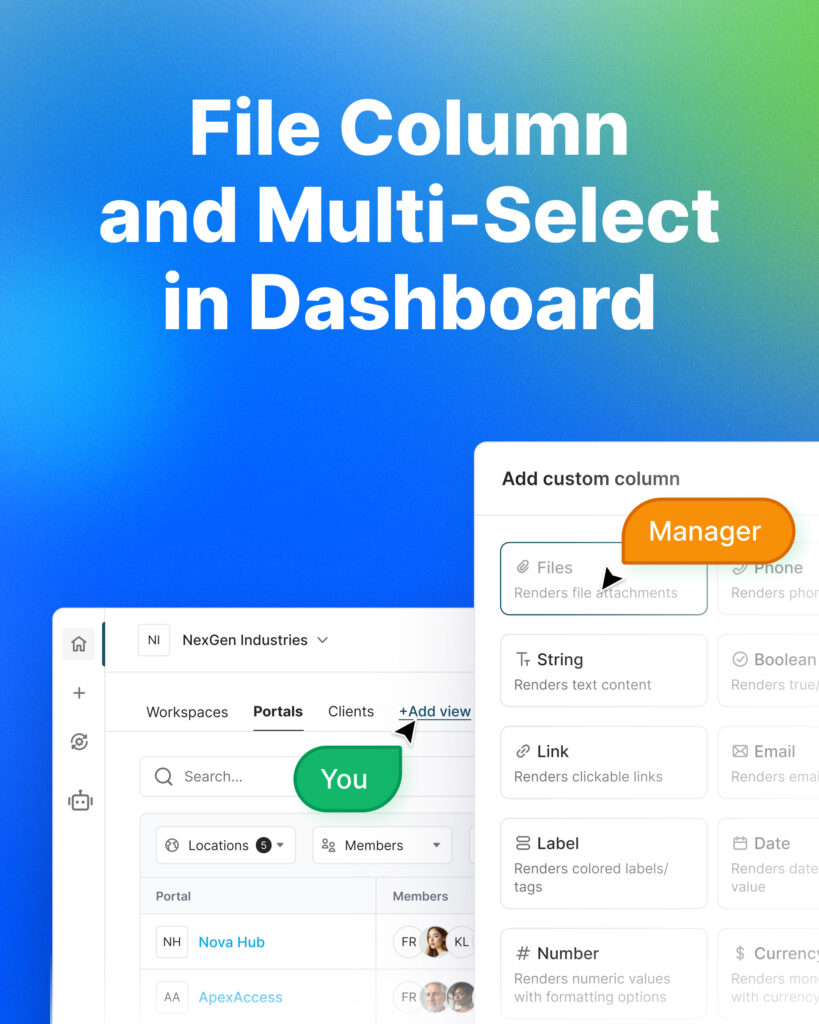
- Multi-select – Choose multiple labels at once for faster, more flexible data categorization.
- File column – Upload files directly in your dashboard (client contracts, NDA, etc).
- Manage all data and insights from one CRM dashboard.
Custom View
Your workflows are unique. So they deserve unique dashboards!
For growing teams, dashboards can create more frustration than clarity. What if you only want to see clients from one portal, or just a specific set of columns? Well, now you can with the “Custom View” feature!
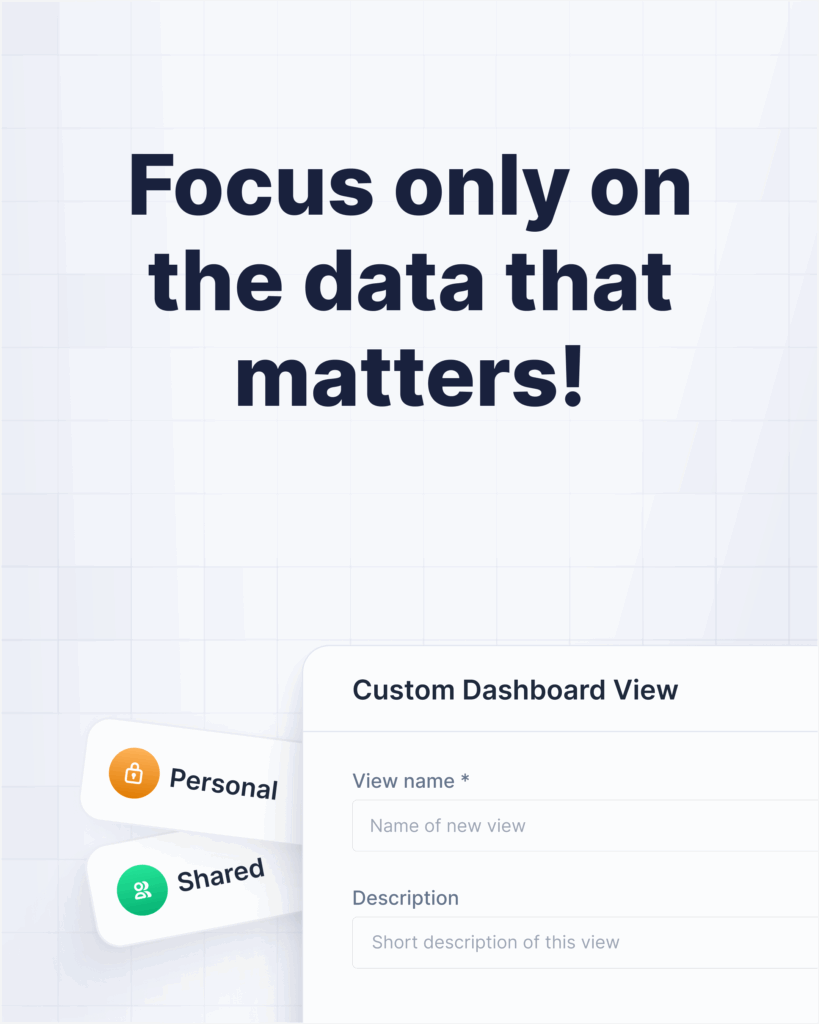
- Keep working in your custom view without constant reconfigurations.
- Create and customize as many views as you need for your specific cases.
- Stay synced – all underlying data updates automatically across dashboards & views.
What’s next:
Embed custom views in portals so clients see only what’s relevant to them.
Data Filtering
Lost in data? We’ve added a new “Data Filtering” feature to make dashboards clearer and more actionable!
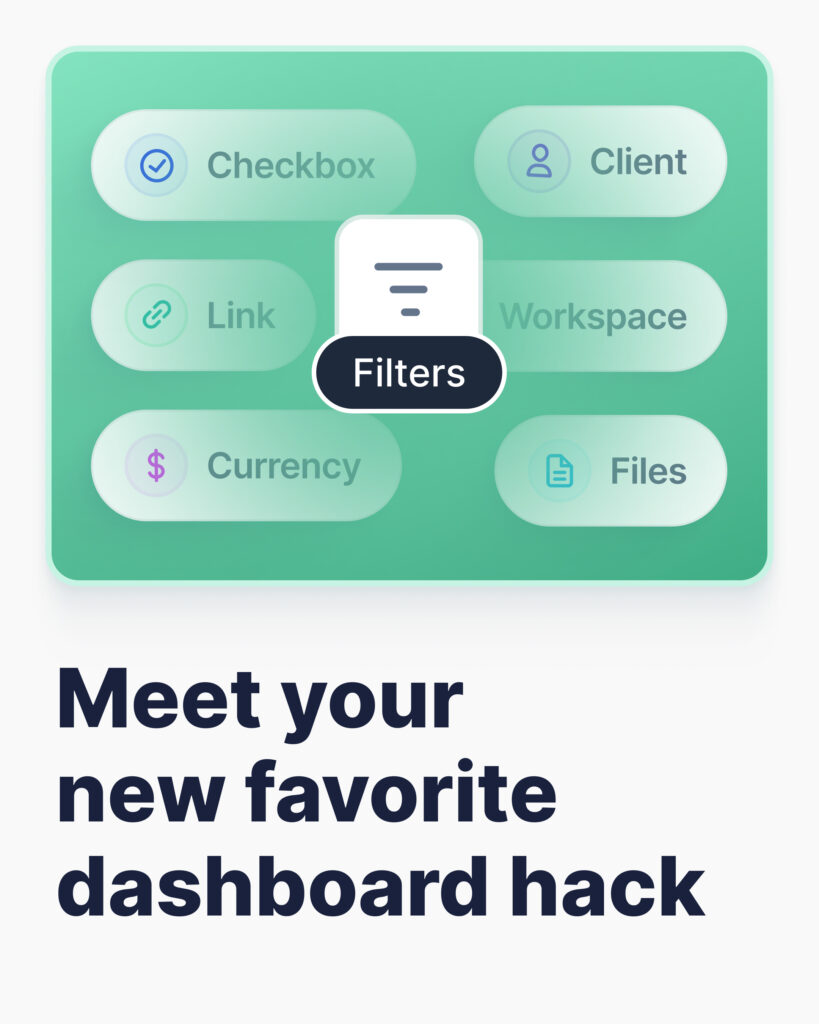
- Enable filtering directly from the table or column menu.
- Filter by column type: numbers, text, checkbox, email, etc.
- Apply multiple filters at once for deeper insights.
Pro Tip:
Mix filtering with Custom Views for your own setup.
Sorting Columns
Dashboard upgrade → Column Sorting is here! Bring the most important data to the top with just one click.
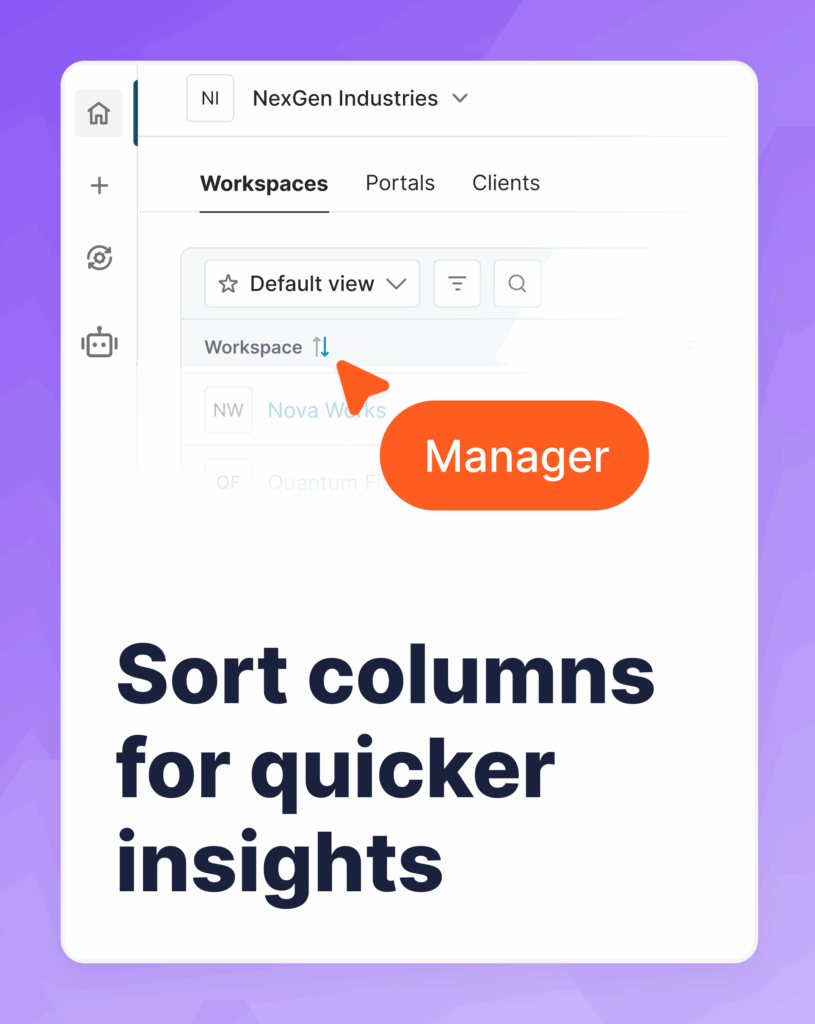
- Sort by name, creation date, last visit, number, and more.
- Apply sorting org-wide – or just for yourself with a custom view.
- Sub-sorting is coming soon (sort by several columns at once).
Detailed View
Have too many columns in your dashboard? Not a problem anymore! Now you can open any dashboard row in a side panel for a cleaner, more focused view.
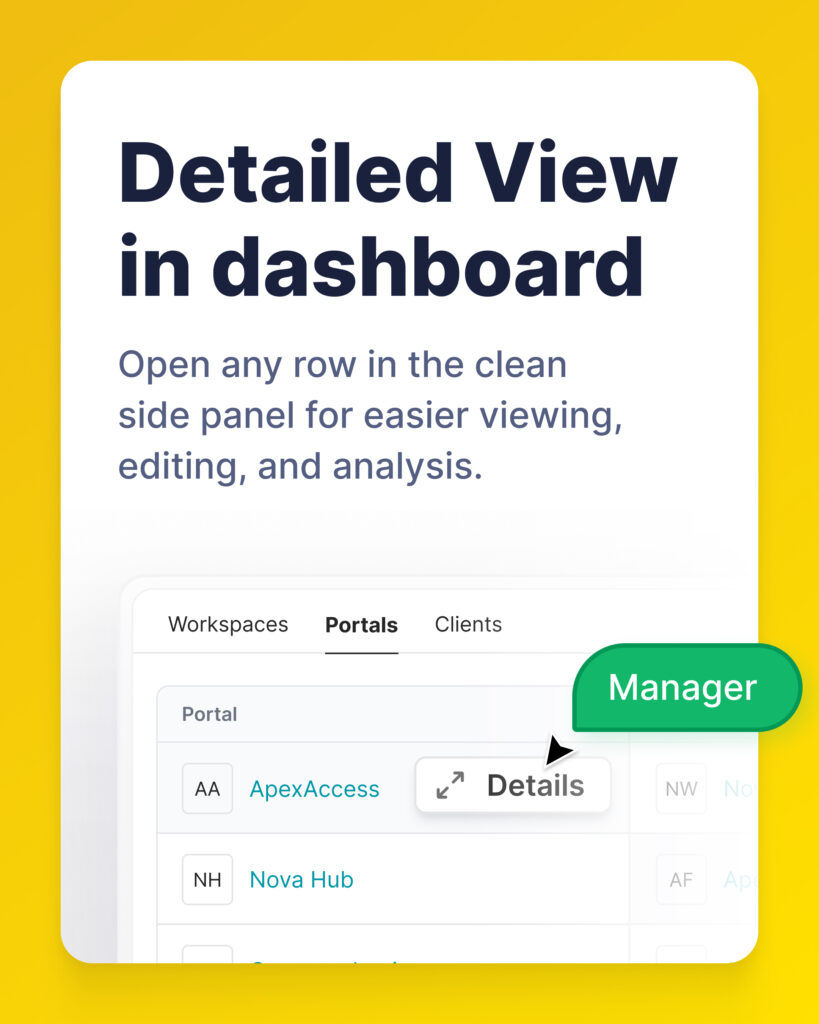
- Just click on the icon to see the full picture of any row.
- Switch between rows right within the opened view.
- Analyze and edit details faster – no more endless scrolling.
Column Groups
A powerful addition to your Detailed View! Meet Column Groups.
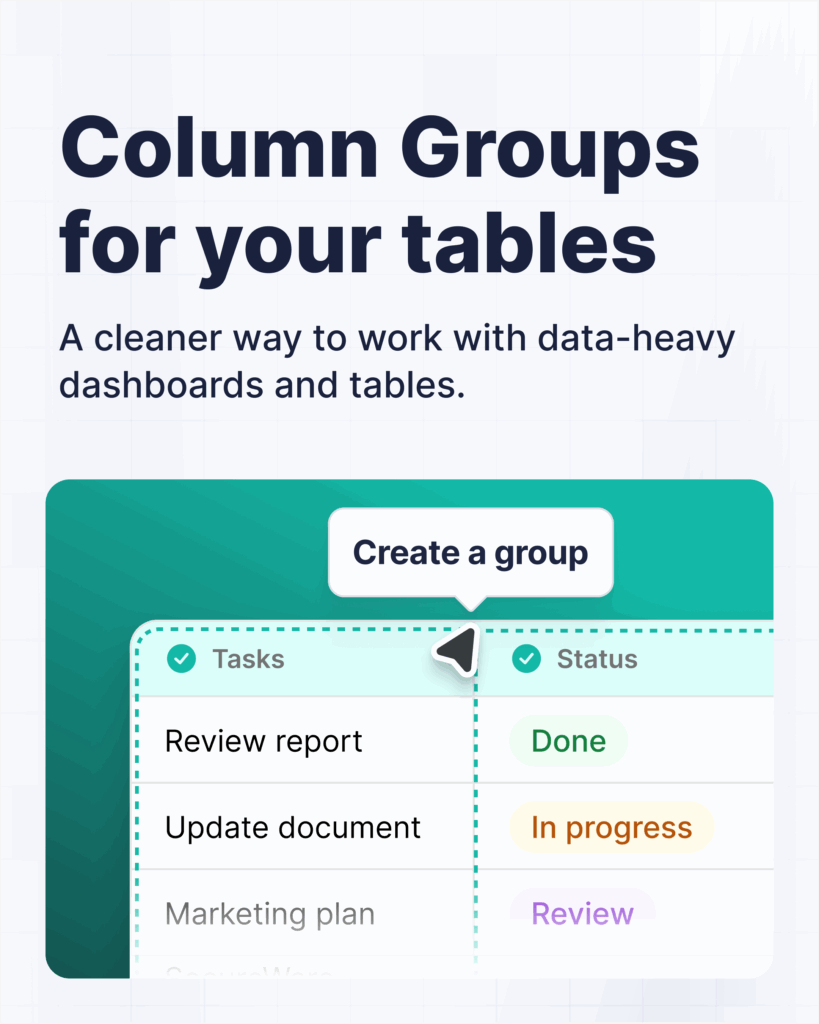
Now you can organize related columns into clean, collapsible sections:
- No more data overload – see only what’s essential, exactly when you need it.
- Work smarter with complex tables – perfect for dashboards packed with fields.
- Fully manage your groups – rearrange group contents or delete groups without removing columns.
Embed Dashboards into portals
Turn your dashboards into client-facing insights – easily embed them in portals! You can now share dashboards and databases not just with your team, but directly with clients for transparent reporting.
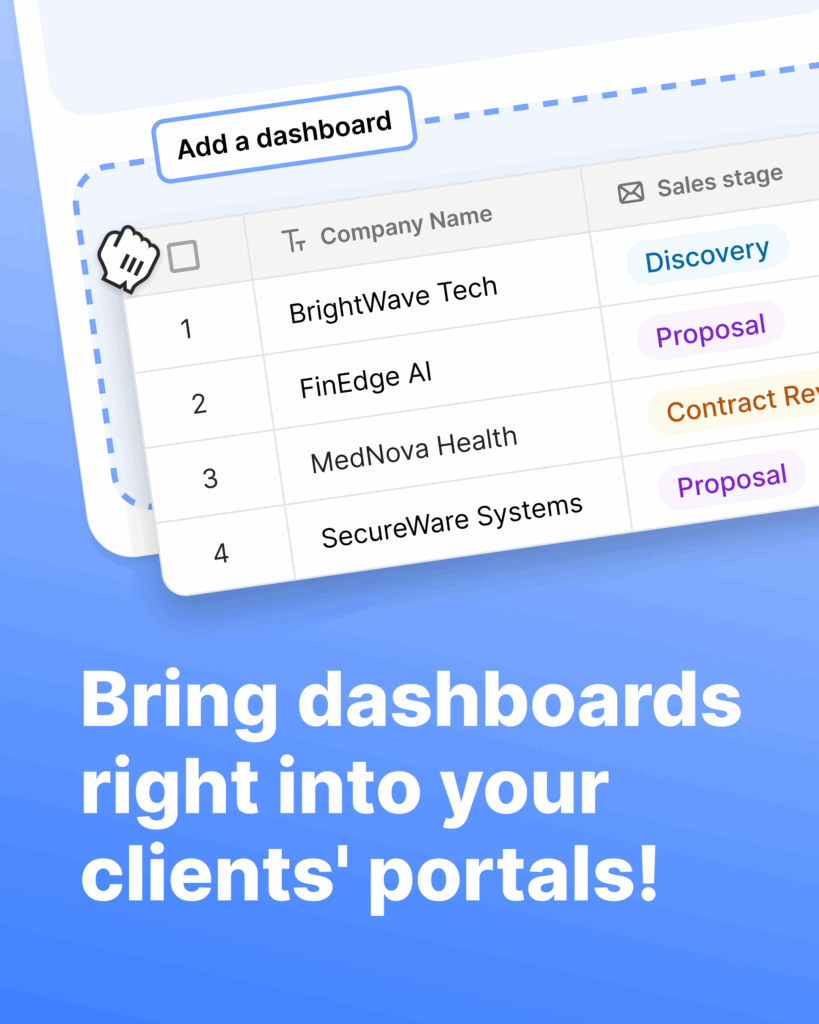
- Choose what you share → display a full dashboard or database, a specific view, or filtered rows.
- Client editing options → let clients interact with your dashboards.
- Dynamic filters → automatically personalize views based on a client’s email or group.
Example
A marketing agency can embed a performance dashboard into each client portal, filtered to that client’s campaigns only, with read-only access.
💡 Read more posts on this topic:
AI Agents that match your tools and tasks
FuseBase AI Agents are your “always-on” assistants across portals, workspaces, and now even your website or app. We focused on giving you more control over how agents connect and which models they use.
MCP Multi-Authorization
MCP Update: Authorization for each team member and client. Now you can pick which connection type to set up for your MCP integration.
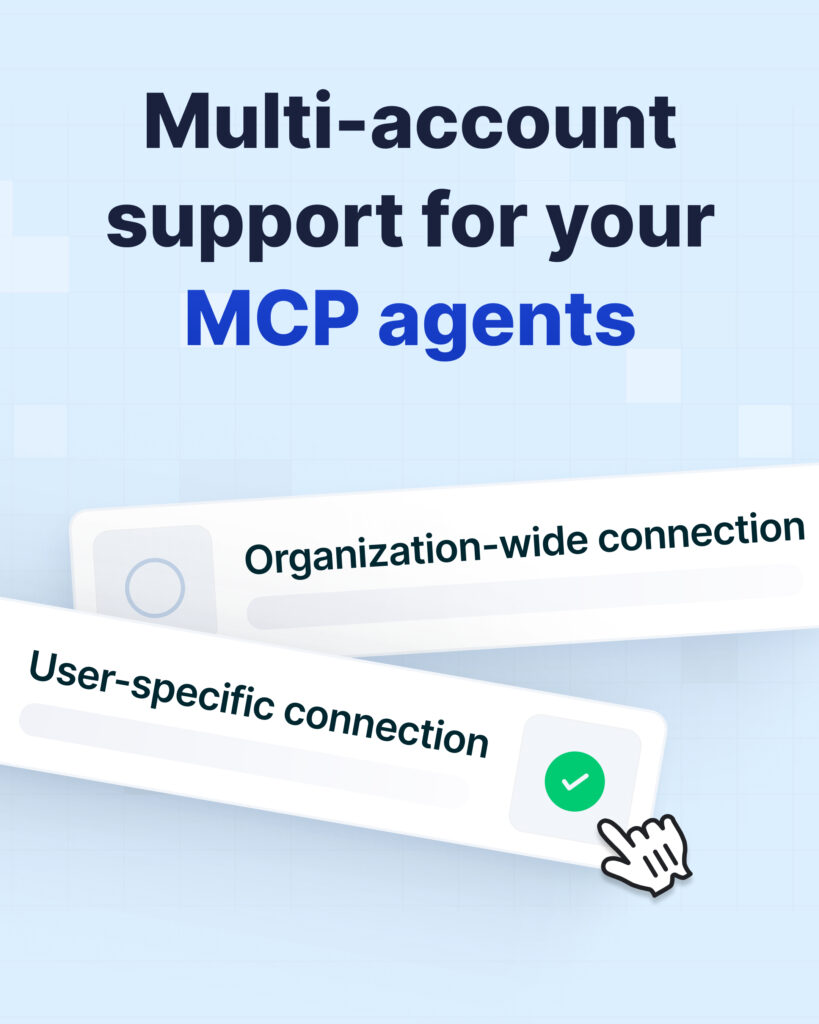
- Organization-wide – perfect for shared accounts like CRMs or knowledge base cases. You just set it up once and apply it across your entire organization.
- User-specific – ideal when each person needs to connect their own accounts like Calendar, Jira, and Gmail.
You can balance security and convenience: centralized setup for shared systems, personal connections where needed.
Choosing an agent model
You can now choose which LLM powers your agents, depending on the task. Switch between different LLMs and choose the smartest fit!
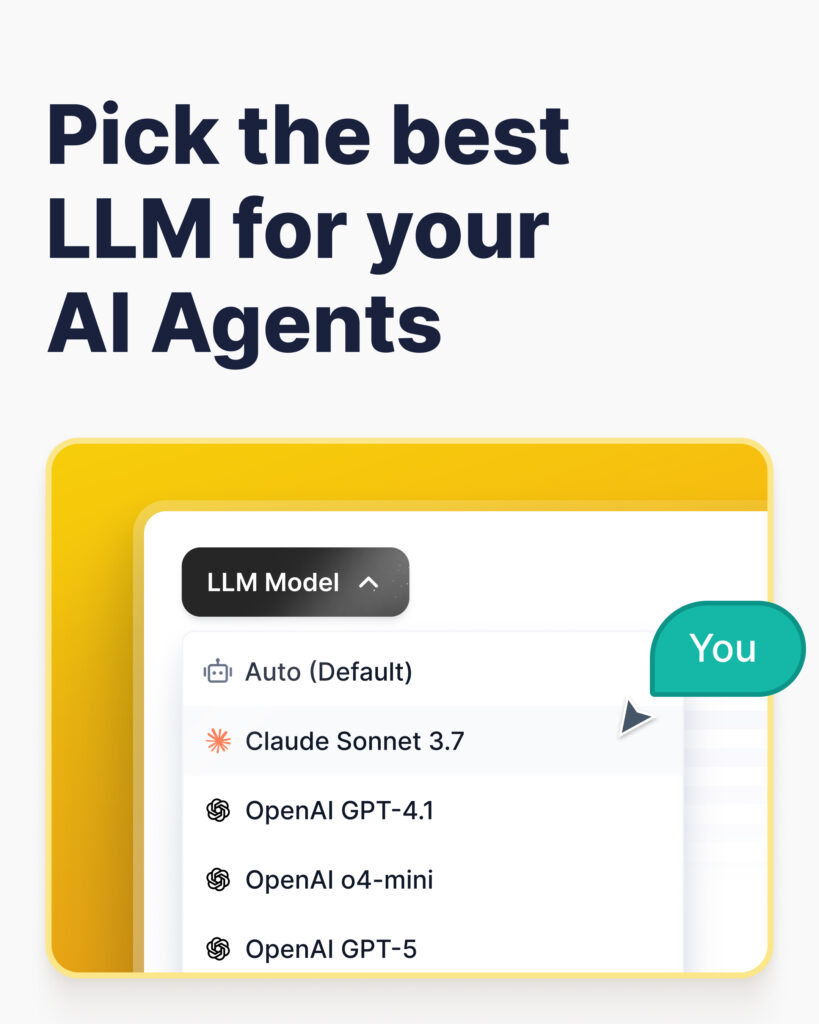
Currently available:
- GPT-4.1 and GPT-4o mini.
- GPT-5 (three versions).
- Auto mode by default – automatically picks the best model for your use case.
Coming soon: Claude 4.5, Gemini and Grok.
Public AI Agents
FuseBase AI Agents are now everywhere your clients are! You can now integrate AI Agents directly into your website or app.
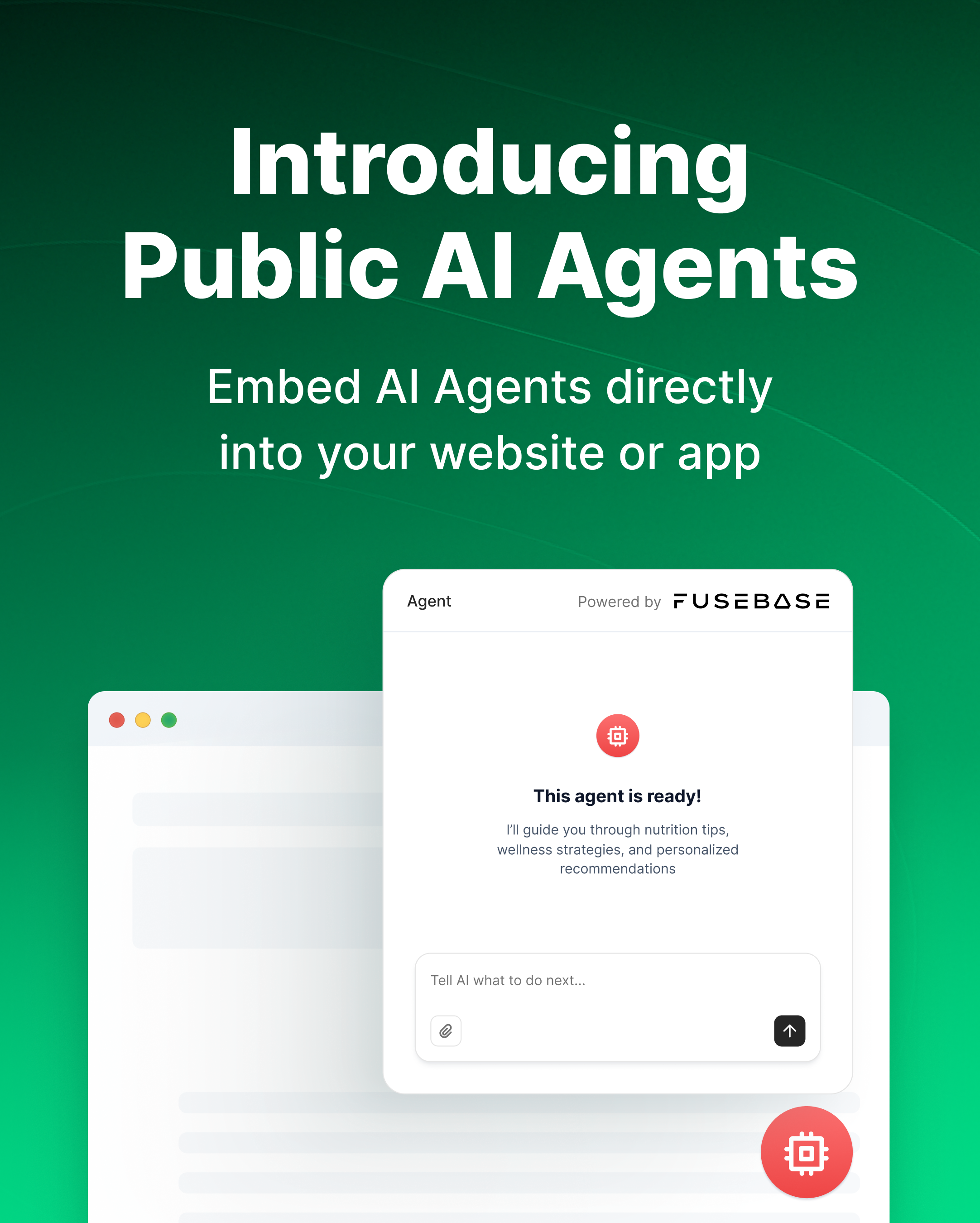
- Embed in minutes – add your AI Agent to your site/app with just a snippet of code.
- Custom look & feel – show it as a stylish floating search bar or an inline Iframe.
- Real-time assisting – give visitors instant help and insights anywhere on your site.
Example
Place an agent on your pricing page that can answer “what’s included?”, link to relevant guides, or summarize plan differences based on your documentation.
Control, security, and automation at scale
Beyond data and agents, we also improved how you manage access, notifications, and everyday workflows.
Multi-Factor Authentication
Does your portal need an extra layer of security? Sometimes a password just isn’t enough. That’s why we’ve added Multi-Factor Authentication (MFA) so you, your clients, partners, and teams can collaborate with total confidence and peace of mind.

- Go to “Manage members & groups” (in navbar) → “Security” tab.
- Enable “MFA” across your organization in just one click.
- Perfect for businesses where security can’t be an afterthought.
Groups in Organization
One click to rule them all – introducing Groups! Forget adding members to workspaces one by one. Now you can manage access at scale with ease.
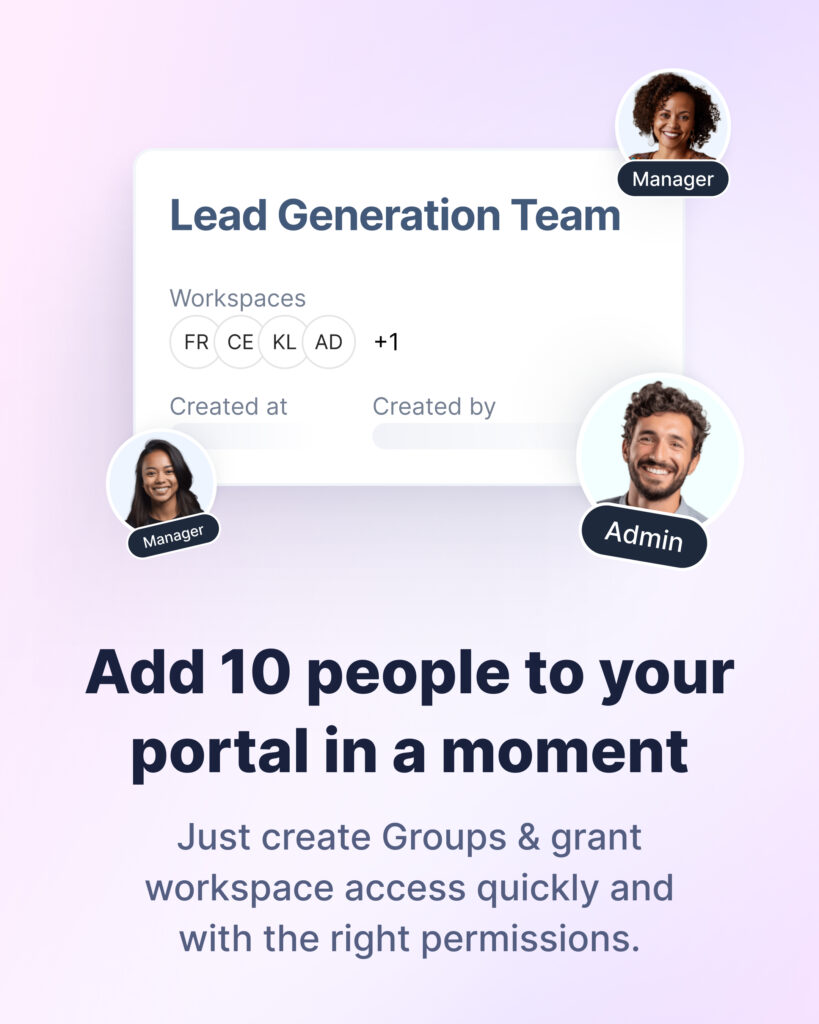
- Create groups, name them, and add as many members as you need.
- Grant group access to multiple workspaces at once.
- Remove a group from a workspace instantly.
Tag Automation
Tags automation is here! Turn your workspace into a self-organizing system.
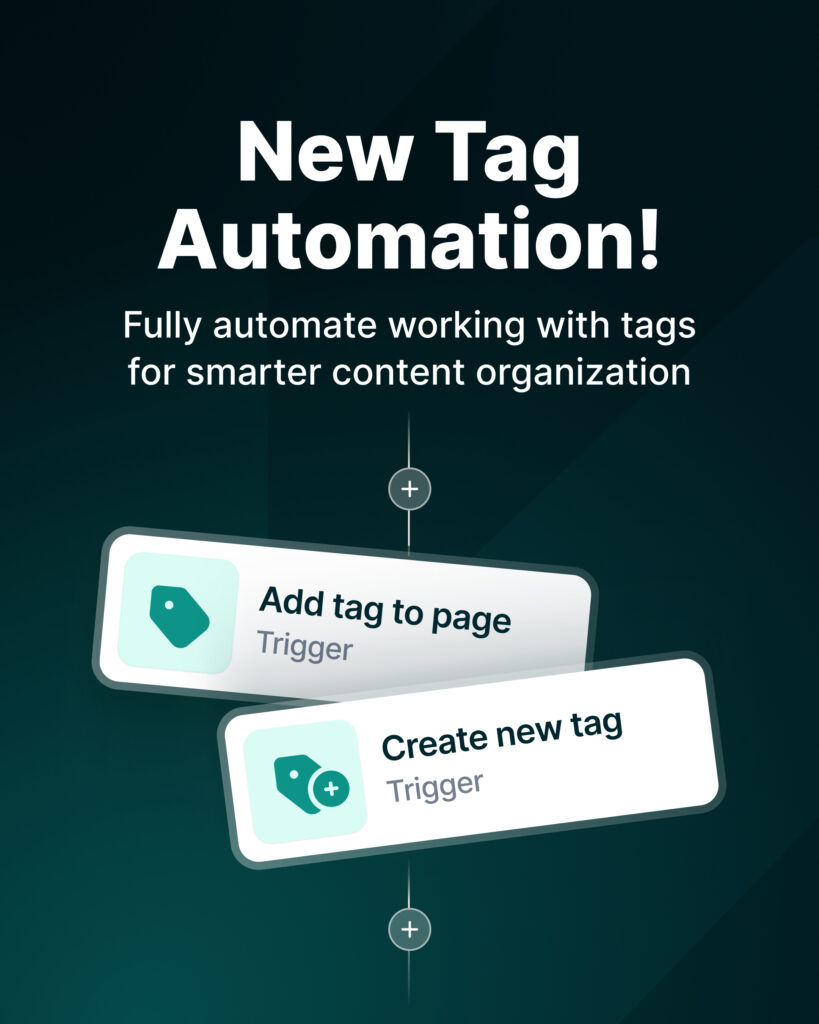
- Automatically create new tags or add tags to pages.
- Pull all pages by tag for bulk analysis, review, or summaries by AI Agents.
- Trigger flows when a tag is added to a page – notifications, task creation, updates, and more.
Example:
Tag a page “For review” → everyone responsible for reviewing gets notified automatically.
Summing up
The Autumn 2025 release is about turning FuseBase into a stronger backbone for your operations. Databases are now something you can actually shape around your business. Dashboards evolve from static lists into living, analytic views that show how work is really moving. AI Agents plug into your tools with tighter integration and more control. And security, governance, and automation are tuned for teams that are actively growing, not standing still.
If you’re already using FuseBase, log in and put these updates to work in your current workspaces and portals. If you’re evaluating client portals or AI Agent platforms, this is a good moment to see how FuseBase can centralize your workflows and collaboration.
Found it useful? Share the article with your community
Subscribe to our blog!
Get weekly tips and insights on how to grow your business