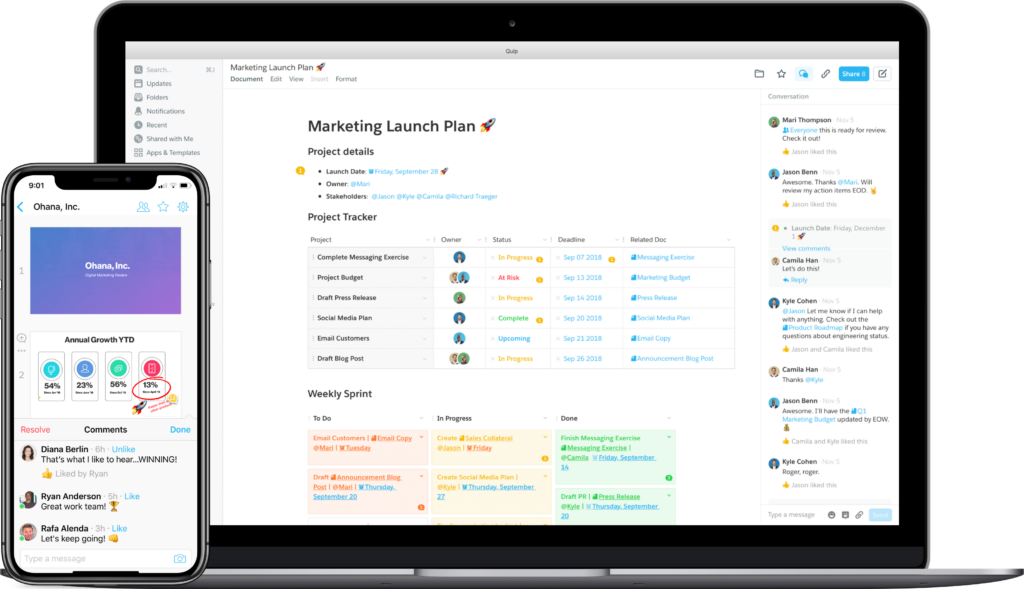
Quip is an online collaboration platform for project management and collaborating on documents, spreadsheets and presentations.
Ideally suited for Salesforce customers, Quip is an intuitive tool whose higher rated features are creating, editing, sharing and discussing any type of document, such as spreadsheets, presentations and forms. Established in 2012, Quip joined Salesforce in 2016 leaving many customers satisfied with this merger.
If you’re considering Quip alternatives, you can find summaries here of a few similar apps, competitors and higher rated features to consider as you compare them.
TL;DR – Best Quip Alternatives and their Features at a Glance
FuseBase – Portals, knowledge bases, AI-powered workspaces, and powerful editor
Evernote – Rich text note-taking, web clipper
Google Docs – Google Workspace integration
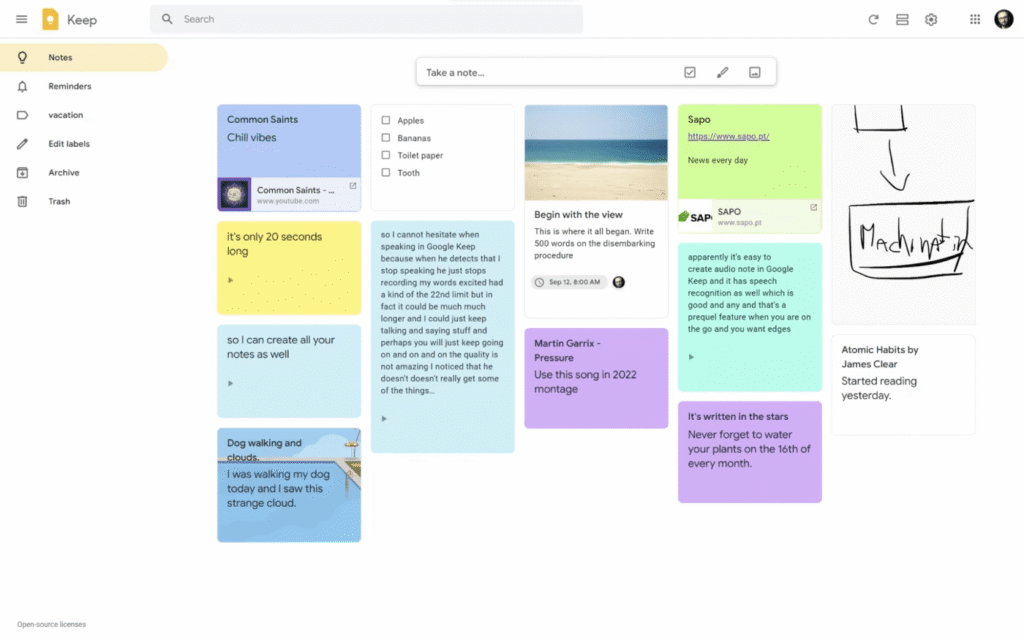
Google Keep – Color-coded notes and handwritten drawings and sketches
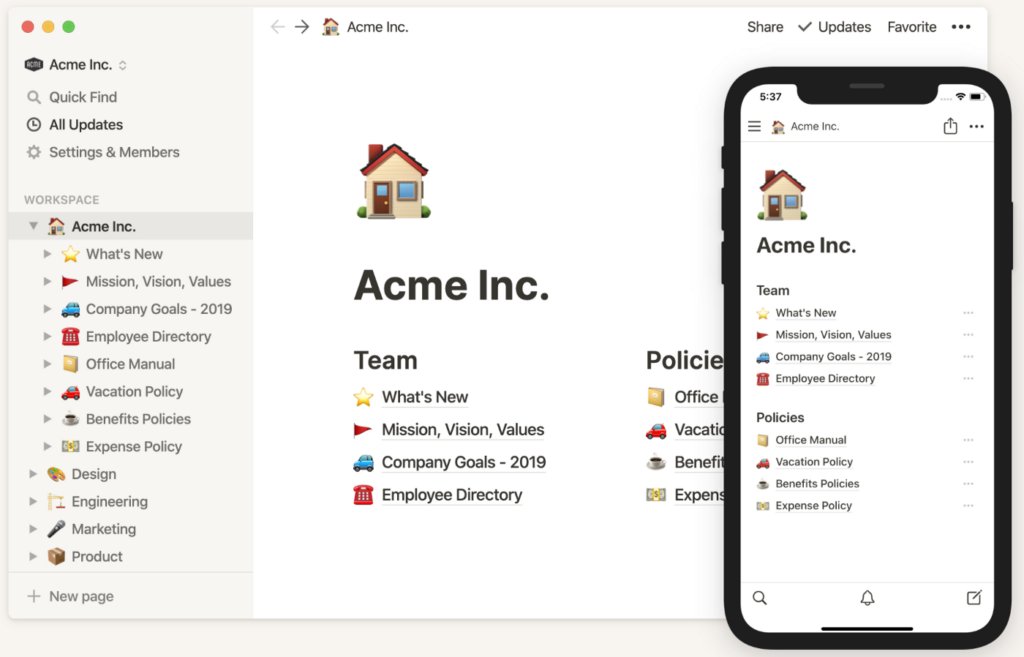
Notion – Wikis and databases with multiple views
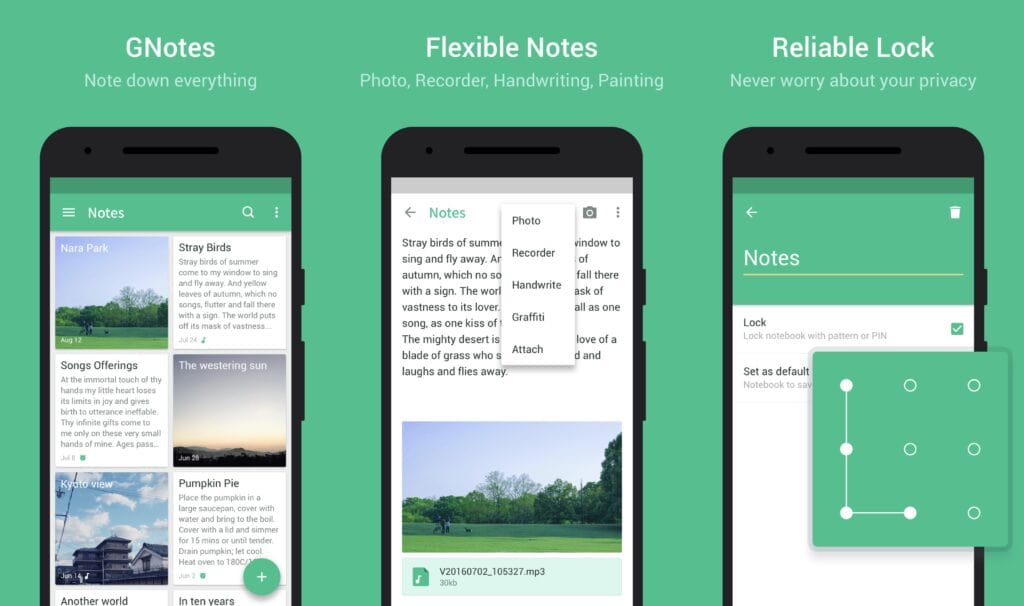
GNotes – Free and simple, note-taking on the go
NoteJoy – Collaborative notes
Nuclino – Whiteboards and diagrams, light/dark modes
Tettra – Team knowledge base and AI-powered answers
Pros and Cons of Using Quip
Some of Quip’s higher rated features are:
Pros
Simple Design – Quip looks clean and modern.
Works on all platforms – Quip works on Windows, MacOS, iOS, Android and Blackberry.
Many built-in features – Quip has features including project management, task management, spreadsheets, file storage, document versioning, image uploads, commenting, team chat rooms and 1:1 messaging.
Offers a basic free plan.
Deep integration with Salesforce.
Cons
No desktop app – Currently there’s no native desktop application available.
No offline mode – Currently there’s no satisfied customers saving their work locally without internet access.
Limited integrations – Integrations are currently limited to services such as Google Drive, Dropbox, Slack, Trello, Asana, Jira, GitHub and a few more, which makes file sharing harder.
Document formatting options are a bit limited compared to modern workspace tools.
Most helpful when used within the Salesforce framework.
API only for Enterprise customers – Their API feature is only available on the Plus and Advanced plans.
Not price competitive – Starting from $10/user/month up to $100/user/month, this makes it too expensive for many small to medium-sized businesses for their project management and task management requirements compared to other alternatives.
How to Choose the Best Quip Alternative
Before trying out new options, ask yourself these questions:
What do I need for collaboration? Do I need simple chats and comments, or workspaces with more collaboration options and task management?
Do I need a simple document editor, or do I need to store documents in a full knowledge base with structured content?
Are AI features (writing, summarizing, searching, organizing content) a must-have for me today?
Will I need to take notes on the go?
What is my stack, and does this tool connect with the ones I use?
9 Best Quip Alternatives
1. FuseBase
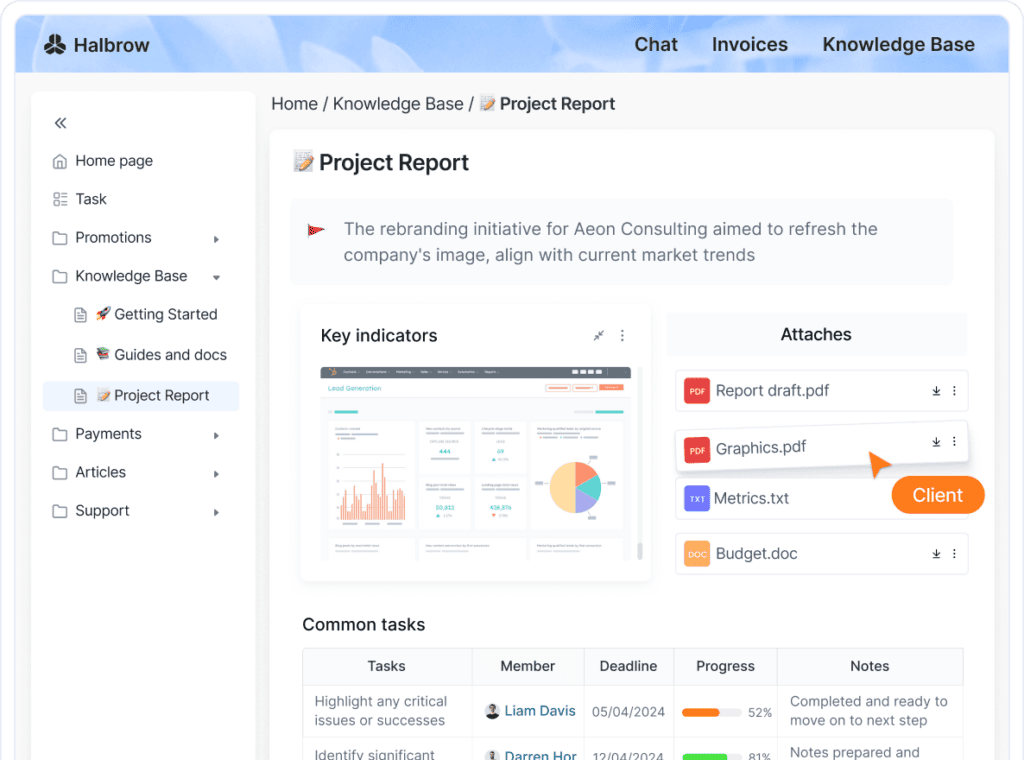
Using FuseBase, you can create portals for clients, teams and organizations, and easily collaborate across platforms. You can also use FuseBase for project management, knowledge management, and task management.
FuseBase continues to evolve leaving customers satisfied with its commitment to improvement.
Below is a summary of some of its higher rated features, which you can compare to other alternatives.
Pros
Powerful editor – Create and edit your content as you wish. Each piece of information stored in FuseBase is movable, which means you can drag and move blocks to display your information the way you prefer. You can manage your blocks in various ways. For example, you can restrict access to certain pages and give specific permissions to each user or guest.
Tables and databases – You can use tables for task management, project management and to create database records. Choose from several column types to attach documents, check your progress, keep track of tasks, add links and so forth.
Integrations – Connect with your favorite tools, such as YouTube, Calendly, Excel, Google Docs, Google Analytics and other platforms to support easy file sharing.
Easy to share – Your clients or those you work with do not need to have a FuseBase account. You can share pages with them with a link.
White label – You can customize your portal and workspace appearance with your branding to increase your company’s reputation.
AI Agents and FuseBase apps – You can automate workflows and routine tasks, and build custom apps on top of your workspace and client data.
Cons
Search limited to within workspaces – This is only relevant if you’re using multiple workspaces, however it would be a handy feature to have.
No formulas within tables – Unlike Microsoft Excel, when you create tables, you cannot include simple formulas within cells.
Script integrations only for Business users – The option to add HTML or Javascript code is available only if you have an Advanced account.
Despite some disadvantages, FuseBase still has numerous satisfied customers. Individual users love this app for its many integration options, and businesses love it for its white label solutions. So whatever your needs are, it’s worth looking into.
🚀 Watch how FuseBase AI Agents transform external collaboration:
2. Evernote
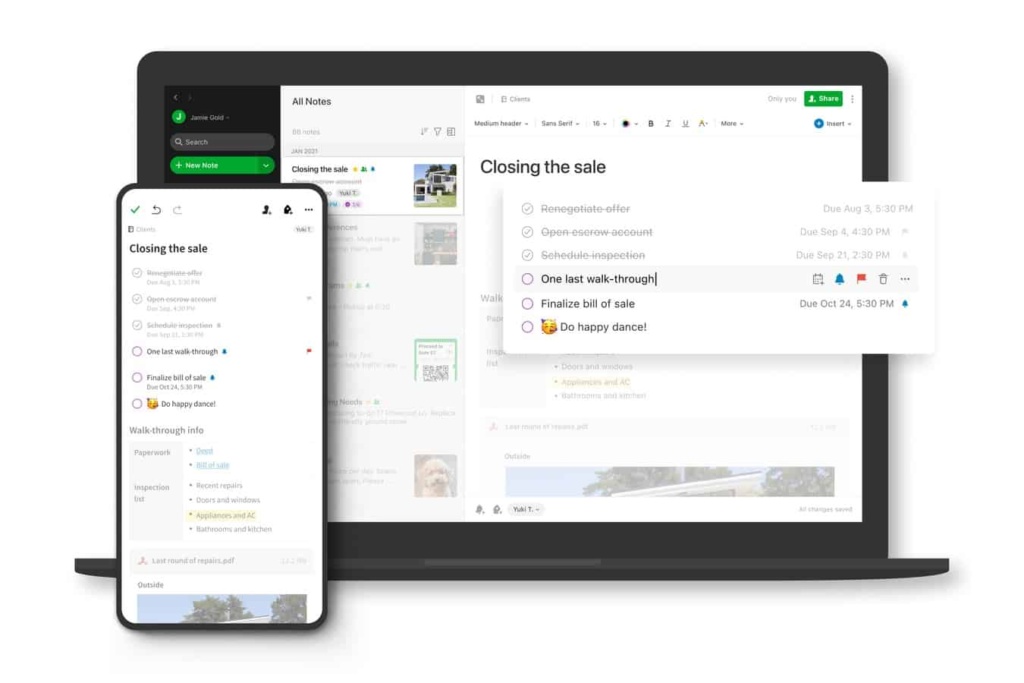
Evernote allows users to store information in searchable notebooks. With an intuitive interface, learning how to use Evernote is quick and easy.
Some of Evernote’s higher rated features include:
Pros
Free – Get started with a free plan.
Easy to use – You can use it for multiple purposes, such as note-taking or writing blogs.
Sync across multiple devices – Use on Windows, MacOS, iOS and Android devices.
Real time collaboration – Get feedback, improve communication and ensure you make your customers satisfied in real time.
Cons
Limited file size – Depending on the subscription plan you’re on, you’re restricted by the file size you can upload.
Offline access – Notes cannot be accessed while browsing offline.
Basic search feature – A more robust search feature is needed.
Archiving feature – It’s often harder to find notes that are older.
High-priced Premium accounts – Subscription plans are not price competitive, which limits many users to the free plan.
Evernote has become a classic compared to other note-taking apps over the years. But that’s also a minus. Sometimes it fails to evolve as quickly as its newer alternatives.
3. Google Docs
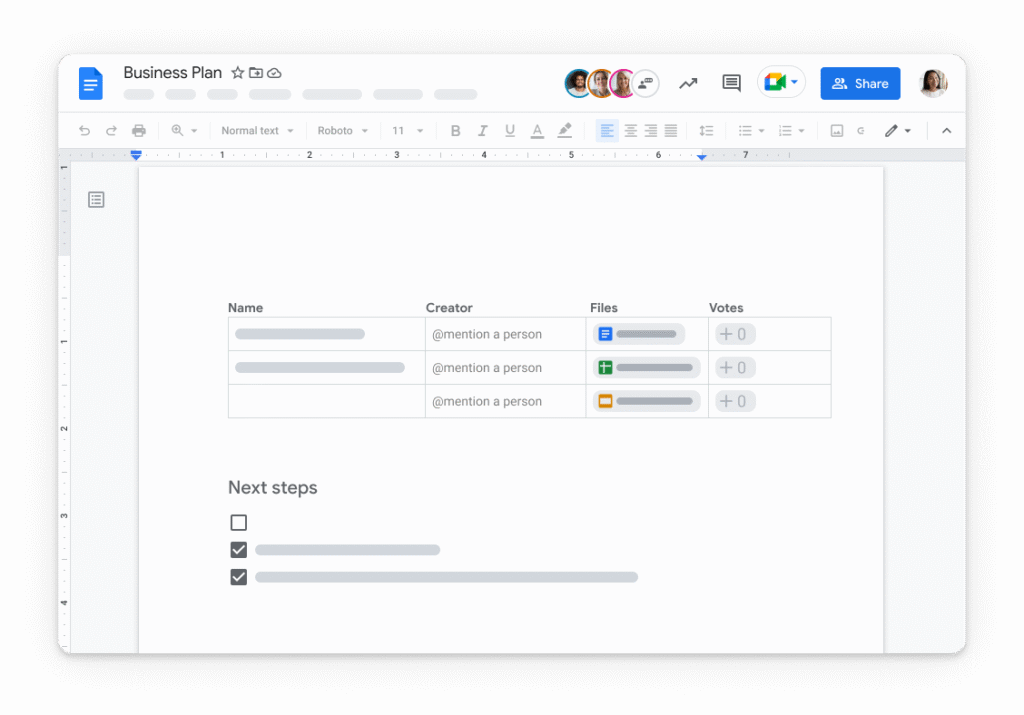
Google Docs is a collaborative word processing platform developed by Google. It allows users to create, view, edit and share documents.
Some of Google Doc’s higher rated features include:
Pros
Free to use – Anyone with a Google account has access to Google Docs.
Use on any device – Works across all devices and on all platforms.
Search Google within your document – No need to use the Google app to do a quick search.
Easy file sharing – Share via a link and easily give others access to your documents.
Hide spelling errors – Focus on your writing without getting distracted by spelling errors, which you can check after you’ve completed your document.
Cons
Basic features – Google Docs is limited to just creating text documents, though Google may satisfy customers with the option to insert images and other files.
Many features are only available online – This makes it difficult for those who want to work offline.
Limited notifications – You will not receive a notification whenever a document is updated.
Cannot link with other cloud-storage services – You can integrate with Google Drive, but not with Dropbox, Box, Mega or other apps. This is harder for file sharing because if you want to share a document through those services, you need to download the file and then upload to your preferred cloud platform.
Google Docs may become a great fit for people whose needs include just office use. Others may complain about the lack of integration options and supported formats. And don’t forget about a good, old data leak.
4. Google Keep
Google Keep is a free online platform to capture and store notes, images, documents, videos, etc.
Some of Google Keep’s higher rated features by satisfied customers include:
Pros
Easy to use.
Clean, attractive and simple interface.
Excellent search functionality.
Linked to your Google Account.
Syncs across all devices for easy file sharing.
Add collaborators to any note.
Cons
Limited text formatting options.
Cannot undo changes.
Notes take up space in your Google account limit.
No revision history.
No notifications are sent when tasks are added.
No screen or video recording options.
If you need a note-taking app to collect life hacks from all over the internet, Google Keep will please you with how simple it is. Still, it may not satisfy customers with more professional needs. They might not feel free to actively edit their work documents due to limited text formatting options.
5. Notion
Notion is a cloud-based project management and task management platform with a clean workspace to create wikis, Kanban boards, tables and lists.
Some of Notion’s higher rated features include:
Pros
User friendly after the initial set-up.
Clean interface making it easier to organize for task management and project management.
Sync across all devices for easy file sharing.
Real-time collaboration to share, assign and comment on tasks.
Built-in AI Assistant to ask a question, brainstorm ideas, or help with tasks.
Cons
Inconsistent formatting when using copy/paste.
Time-consuming to set up initially.
Hard to keep everything organized and well-structured.
Insufficient task management and project management features, such as milestones and tracking.
Notion is the newest product on the list with features that are always being upgraded. However, there are many who find the process of setting up the tool for themselves to be complicated and lengthy. This may become a problem.
To compare the higher rated features between Notion and FuseBase, visit this page.
6. GNotes
For some users, Quip might be just too much. If you are a solopreneur and all you need is a free note-taking tool with a minimal amount of features to learn and care about, GNotes (don’t confuse it with Google Notes) is worth looking into.
Some of GNotes’s higher rated features include:
Pros
GNotes has a straightforward and minimalistic interface
Quickly jot down notes without a steep learning curve
Unlike some other note-taking apps that require a subscription, GNotes is free
GNotes is lightweight and doesn’t require much storage space or processing power
Quick note-taking, capturing thoughts, ideas, and reminders on the go.
Cons
Limited features – While simplicity is a pro for some, it can be a con for users who need more advanced features.
GNotes does not support multiple users working on the same document simultaneously.
It’s free, simple, and it’s perfect for quickly capturing your thoughts and ideas without any unnecessary complexity. However, for those who require more advanced functionality and collaboration capabilities, GNotes may fall short.
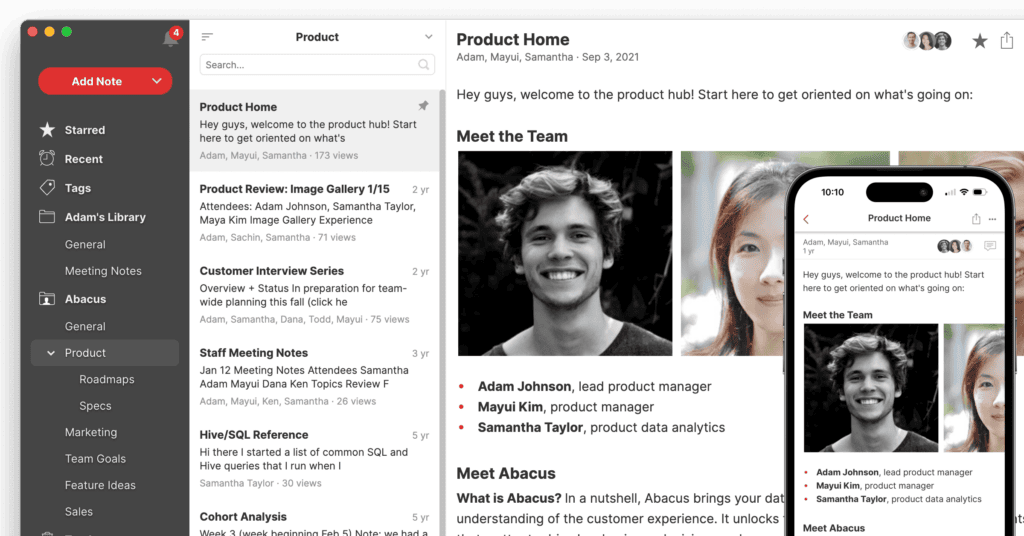
NoteJoy is a note-taking tool for project management, content creation, and other needs of remote teams. It’s a collaborative app that supports real-time editing and device synchronization.
Some of NoteJoy’s higher rated features include:
Pros
Freemium app with affordable paid plans
Real-time collaboration and sharing
Discussing notes is easy in NoteJoy, as the app has features for sync and async communication.
You can find notes and content pieces across all libraries using universal search functionality.
Is supported on Mac and Windows desktop, iPhone and Android, iPad and Web.
Cons
The iPad app does not support Apple Pencil, which might be an issue for some users.
Some users noted feeling frustrated when they started using NoteJoy because the app lacked onboarding tutorials.
Rare updates and no AI Assistant for notes.
For teams and professionals, NoteJoy is a decent alternative. That is, in case you are looking for an app mainly to take notes and share them with others.
8. Nuclino
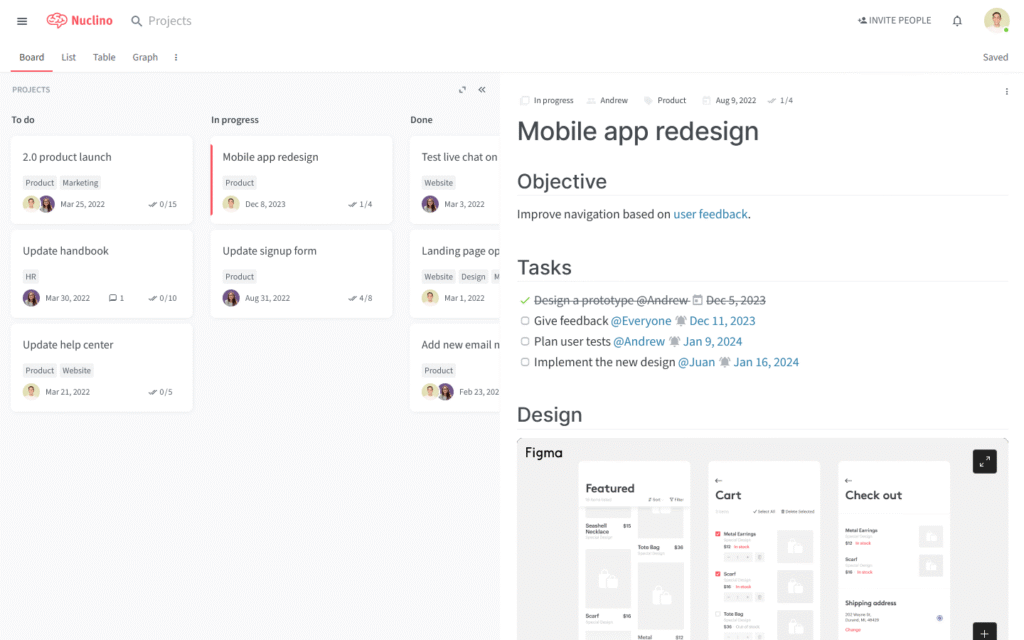
If you need a wiki, project management tool, and collaborative workspace, Nuclino is a great tool to check. It lets users organize projects and documents and collaborate on them.
Some of Nuclino’s higher rated features include:
Pros
Different views for tasks and docs including list, board, table, and graph
Easy to collaborate with full context
Flexible filters and light/dark modes
Infinite canvas for whiteboards and diagrams
Sidekick AI helps to write drafts, generate images, summarize notes, etc
Cons
Limited formatting compared to other tools
Basic integrations
Limited search
Nuclino is designed to protect users from overcomplicated workflows and endless fine-tuning. Another benefit is availability on desktop, mobile, and web. However, if you need more flexible customization for tables and similar elements, you can face some limitations.
9. Tettra
Tettra is a knowledge management software where users can organize information, keep documents updated, easily contribute (with appropriate guardrails) and find the information they need at any time.
Some of Tettra’s higher-rated features include:
Pros
AI-powered answers from Kai
Ability to turn repetitive questions into reusable answers
Workflows to keep your knowledge base up-to-date
Share documentation with clients, contractors, or customers
Cons
No free plan
You need to pay for a minimum of 10 users to use Tettra
Collaboration is not as flexible as in other tools
Tettra is great when you store a lot of team knowledge. However, if you are a freelancer or have a small team, Tettra, with its pricing plan ($8 per user/month – 10 user minimum), would not be a good fit for you.
Wrapping Up
With so many options to choose from, it’s advisable to compare app’s features as you do your research to find the platform that will work best for you and/or your team. Making a decision about which app to use will be easier if you try them first. Start with FuseBase! It has everything you need for teamwork.
Try out the app with your colleagues. Then share your experience directly in the FuseBase chat and make an informed decision together.
Pavel Sher is on a mission to give teams their time back by replacing busywork with AI agents that handle the repetitive tasks no one has time for. As the CEO of FuseBase, he has turned years of customer insights and productive teams experience into a cutting-edge collaborative portal platform. By introducing deal rooms, onboarding solutions, and knowledge-sharing features, Pavel is helping agencies and sales teams work smarter, close deals faster, and deliver exceptional client experiences. FuseBase AI Agents act as Dream Team of executive assistants that work 24/7.
Found it useful? Share the article with your community