

Building a Client Portal: 8 Steps to Achieve Success
- 9 Min read
The client and customer portals are secure spaces where clients can quickly find answers to issues, share files, and communicate without the usual chaos. Don’t think of them as just another checkbox –they are customer retention centers that provide a lifetime value for your business. For example, client portals are most helpful for agencies, consulting businesses, and freelancers. And customer portals benefit support teams and SaaS businesses.
However, you shouldn’t rely solely on the portal’s existence – Gartner stated that while 73% of customers use self-service, only 14% of issues are fully resolved through it. So, the portal’s effectiveness really depends on the tool capabilities and the availability of the relevant content.
Editor’s note: After testing more than 20 tools (and even building his own platform), Pavel Sher, CEO of FuseBase, created this buying guide. In this article, you will find 20 software for client and customer portals with benefits and areas for improvement, plus a selection framework and a comparison table.
TL;DR – Top Client and Customer Portal Software
During my research, I tested not only the admin experience but also the client experience. A great client portal tool is one that benefits both you and your clients. I tested over 20 tools personally and reviewed user feedback to understand the best options out there. Here are the main criteria I considered and questions I asked myself:
Sure, testing each tool was a pretty time-consuming process, but it was worth it, so agencies and support teams don’t have to test every platform on their own.
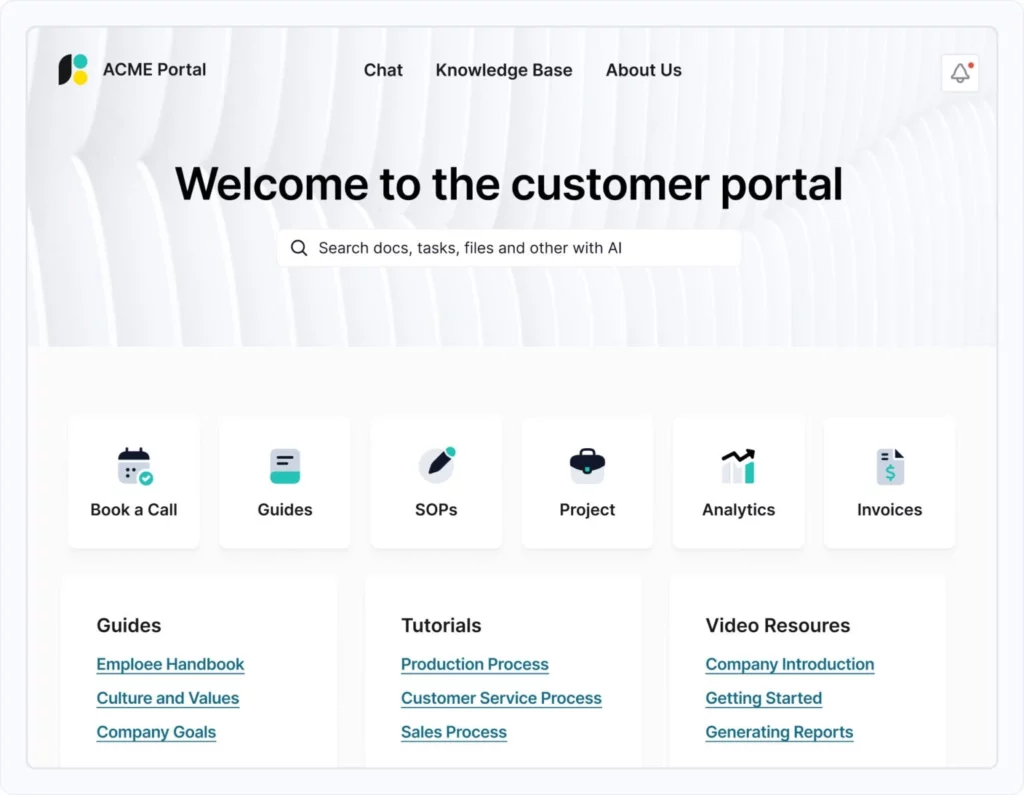
At first glance, the client portal and the customer portal may seem similar. However, they are not synonymous. They serve different purposes and are useful in different scenarios.
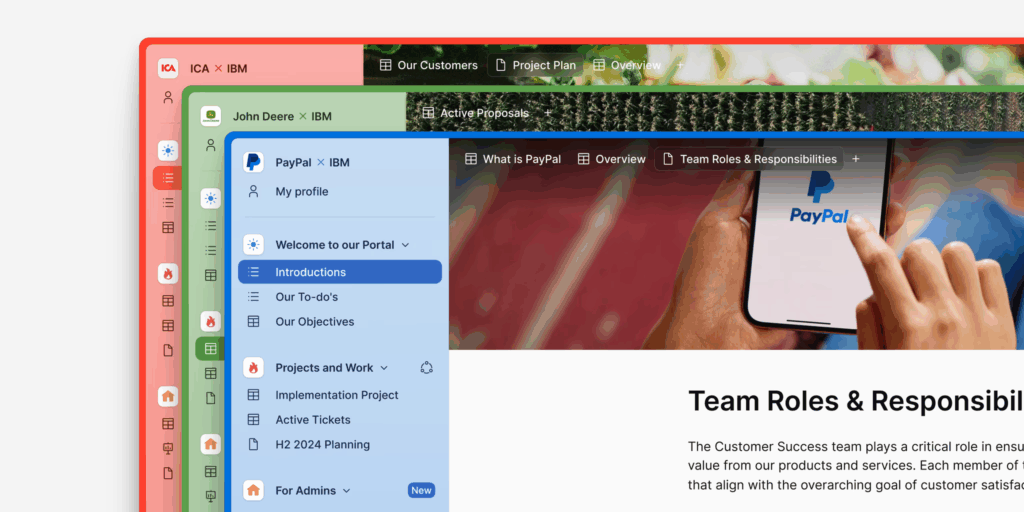
A client portal is a private, personalized workspace where you can onboard clients, interact with them one-on-one, and support them throughout their entire journey. Clients can use the portal to access information, share and exchange data, and track updates. In short, client portals make it easier to provide a professional experience, build trust, and deepen relationships with your clients.
On the other side, there’s the customer portal. Customer portal software is designed to help a large number of visiting customers quickly find answers to their issues. Instead of going to the call center, they can easily access the portal to get support, view billing, and access resources. While client portals focus on relationships, customer portals focus on self-service.
| Client Portal | Customer Portal | |
|---|---|---|
| Purpose | Collaboration: projects, files, communication with clients | Self-service: tickets, FAQs, order tracking, knowledge base |
| Audience | Agencies, consulting, professional services, B2B | SaaS, e-commerce, support teams, B2C |
| Core features | White-label, file sharing, task management, deal rooms, approvals | Ticketing, knowledge base, AI agent, omnichannel, self-service |
| Examples | FuseBase, Copilot, SuiteDash, Clinked | Zendesk, Freshdesk, Planhat, SupportBee |
Have you ever lost a deal because a client couldn’t find the right file, or a project stalled due to miscommunication? I’ve seen businesses waste hours chasing down email threads, resending documents, and answering the same questions over and over.
It’s not just frustrating. It’s expensive.
Before I built FuseBase, I worked with teams that thought email and shared drives were good enough. But then deadlines slipped, clients got frustrated, and deals went cold because there was no clear way to track progress. One missing document can mean a lost contract. One miscommunication can mean months of delays. I’ve seen it happen.
A client portal and customer portal change that by giving clients a single place to access everything they need. Files, updates, messages. If your clients can manage their accounts, track orders, and find key information about their issues without having to write emails or call an agent, it’s a win for both sides. The onboarding will also be quicker, since your customers don’t have to ask for status updates, write emails, or be stuck in inefficient ticketing hell.
It’s about providing clients a seamless, professional experience that builds trust and keeps business moving. If your competitors are making it easier to work with them and you’re still stuck in email chaos, you’re already behind.
💡 My Tip: Make sure your portal has features like real-time updates and easy-to-navigate dashboards. The more intuitive and accessible the portal, the less time you’ll spend chasing down information.
As Gartner states, more than 80% of customer service technology buyers experienced moderate to high regret with purchase decisions. So, to avoid that fate, you must understand your business’s needs and what exactly you need from the software. I’ve prepared six steps to guide you through the decision-making process.
To narrow down your options, you have to understand your primary need:
Verizon’s research shows that most breaches (68%), whether they include a third party or not, involve a non-malicious human element (weak password, error, falling prey to a social engineering attack). Also, given that the global average cost of a data breach reached $4.88 million in 2024, even minor mistakes can become extremely expensive.
So, if you want a customer to leave sensitive data, robust security measures are a must. Ensure the platform has:
According to Gartner, only 22% of customers start, stay, and resolve their issues entirely using first-party company channels. And more than half (51%) of all customer journeys now begin on third-party platforms. To meet client expectations while still keeping everything connected, the platform should support third-party integrations. Check for:
In 94% of cases, users base their first impressions on website design. A well-designed portal and good user experience can dramatically increase engagement and satisfaction.
It’s essential to invest in a high-quality portal. Still, it’s important to find software that fits within your budget.
Run a pilot on a single client and gather the feedback before scaling up.
Power up your knowledge base and ticketing with AI Agents
As was stated before, only 14% of customer service and support issues are fully resolved in self-service. To change that, you need to improve the performance of self-service continuously. AI Agents could drastically help with that.
| Client Portal Software | Best for | Unique feature | Pricing starts from | G2 Rating |
|---|---|---|---|---|
| FuseBase | Digital agencies and consulting services | AI agent system & AI apps (vibecoding) + Full white-labeling | $0/per month | 4.7/5 |
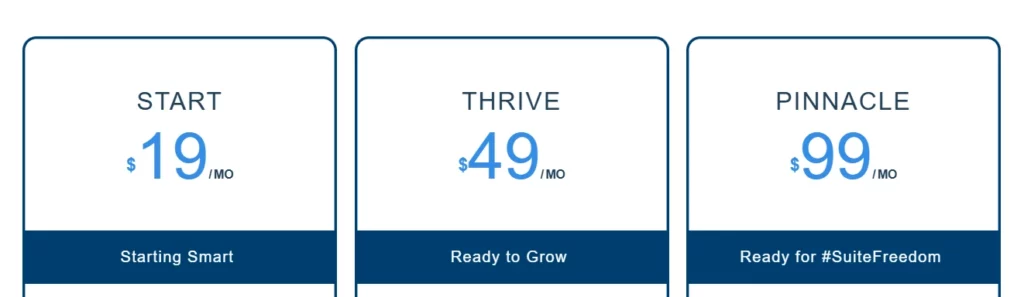
| SuiteDash | Marketing and creative agencies | Dynamic Data Dashboards | $19/per month | 4.8/5 |
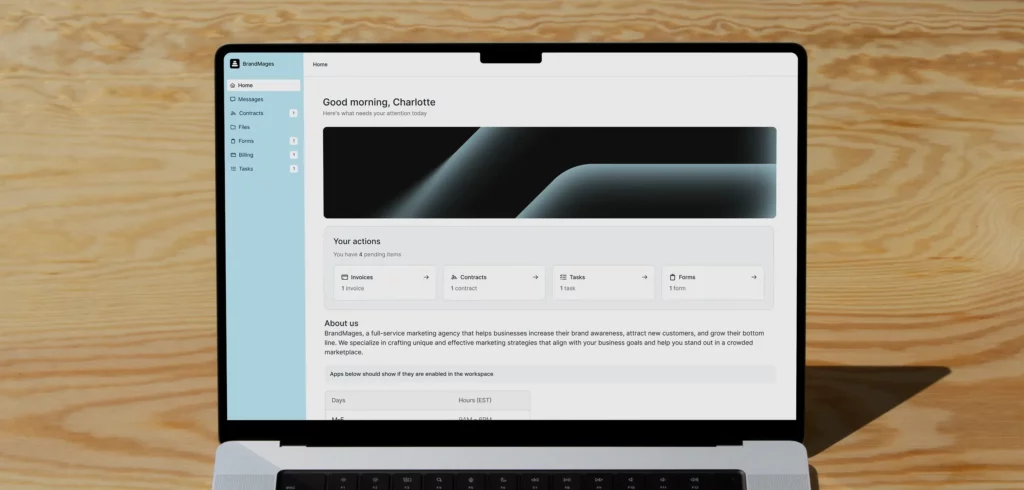
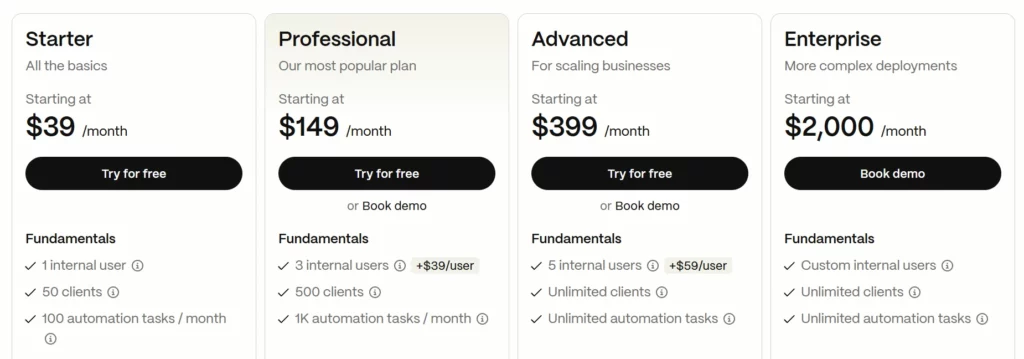
| Assembly (Copilot) | Law firms and SMBs | Client portal + custom CRM platform | $39/per month | 4.8/5 |
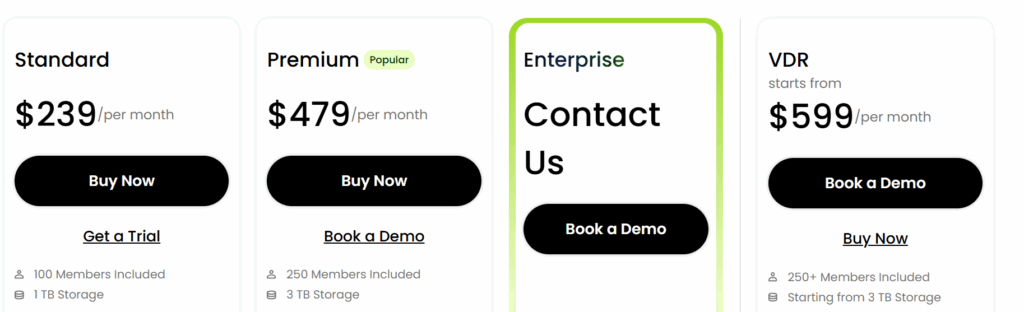
| Clinked | Accounting and finance industries | Document-centric portal with advanced security | $239/per month | 4.8/5 |
| Moxo | Professional services | Intelligent workflow orchestration | $200/per month | 4.5/5 |
| ManyRequests | Creative agencies | Smooth client request workflow | $59/per month | 4.5/5 |
| Trumpet | Sales and marketing teams | Digital sales rooms | $0/per month | 4.7/5 |
| Zoho CRM | Sales teams | Zia AI Assistant | $0/per month | 4.1/5 |
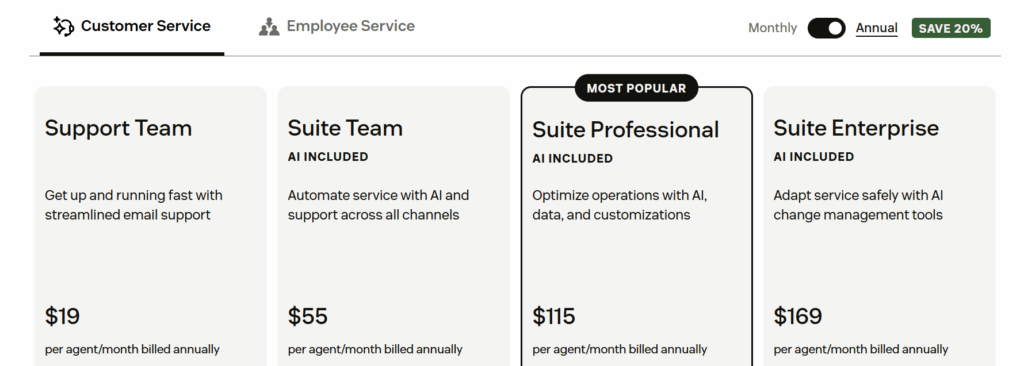
| Zendesk | Omnichannel support teams at scale | AI-powered ticketing system | $19/per month | 4.3/5 |
| Freshdesk | Mid-market support teams | Branded help centers | $19/per month | 4.4/5 |
| Planhat | Customer success teams | Time Series data model | custom pricing | 4.5/5 |
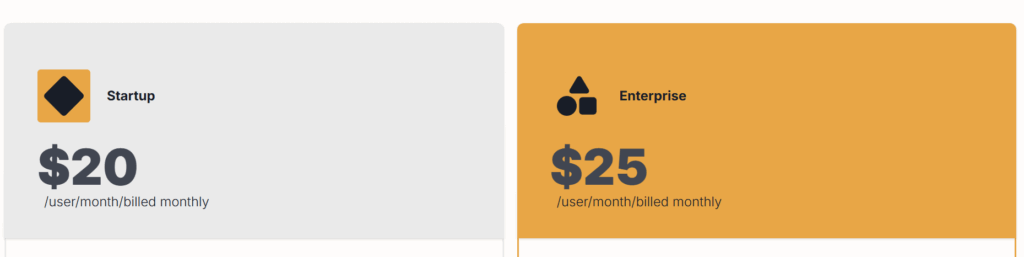
| SupportBee | Small businesses and SMB support teams | White-labeled emails | $20/per month | 4.2/5 |
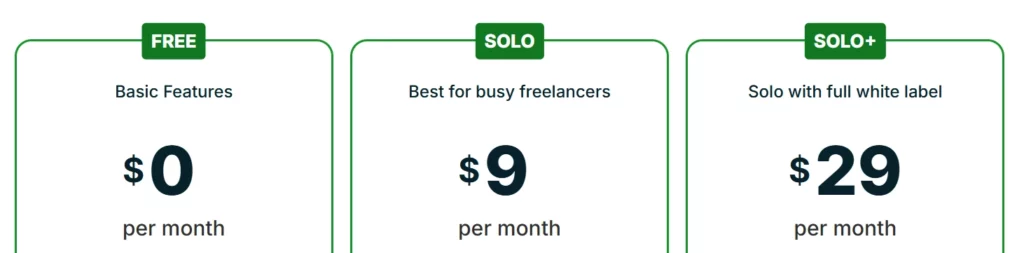
| SuperOkay | Branding agencies and freelancers | Simple approval workflow | $0/per month | 4.6/5 |
| Plutio | Freelancers and small businesses | End-to-end freelancer workflow chaining | $19/per month | 4.3/5 |
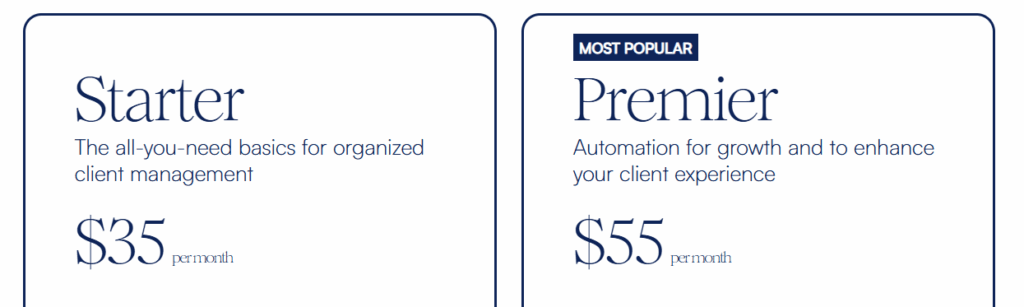
| Dubsado | Photographers, coaches, and event planners | Smart contract builder | $35/per month | 4.3/5 |
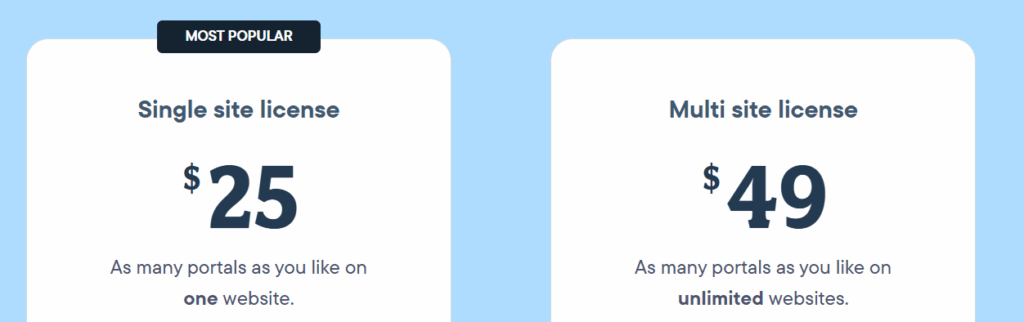
| Client Portal.io (WordPress) | WordPress-based organizations | Lightweight portal layer for an existing WordPress site | $25/per month | – |
| Knack | Advisory firms | Self-service payment feature | $59/per month | 4.3/5 |
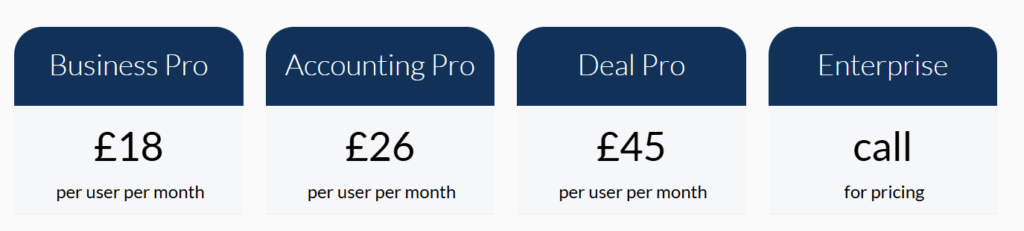
| MyDocSafe | Accounting and bookkeeping firms | Built-in compliance workflows | €19/per user per month | 3.9/5 |
| Ideagen Collaboration Portal | Regulated industries | Government-grade external collaboration | Custom price | 4.2/5 |
| TaxDome | Accounting, tax prep, and bookkeeping companies | Tax organizers system | $800/per year per seat | 4.7/5 |
All-in-one Client Portals for agencies, consulting services, and SMBs
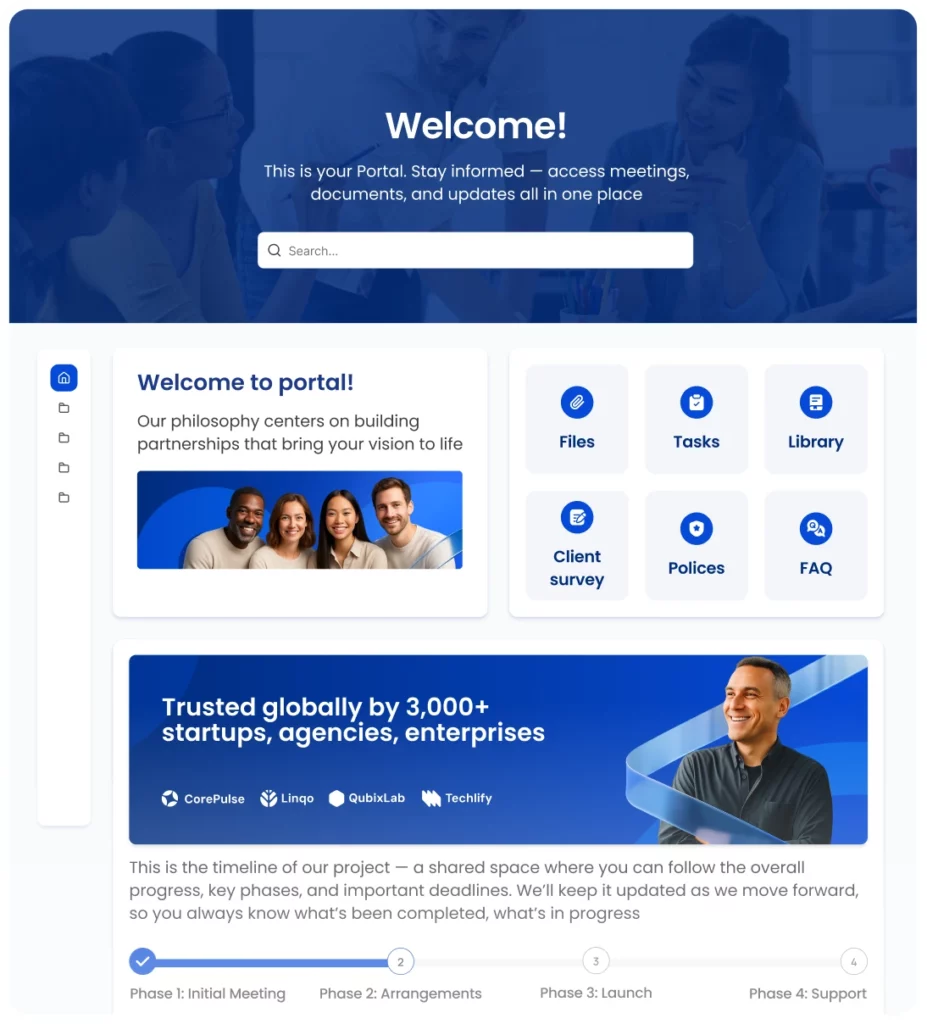
Best for: Digital agencies and consulting services.
Category: Client Portal & Customer Portal.
FuseBase is great for small- and medium-sized businesses that seek an affordable, flexible solution with advanced features.
Key features:
The “2026 Edge”: Over the past few months, the FuseBase team has launched Custom Databases, more automations, Meeting Dashboards, and, most importantly, AI Coding (Vibe-coding). The last feature helps you build your own functionality for portals, for internal use, or as standalone apps.
Pros:
Cons:
Pricing:
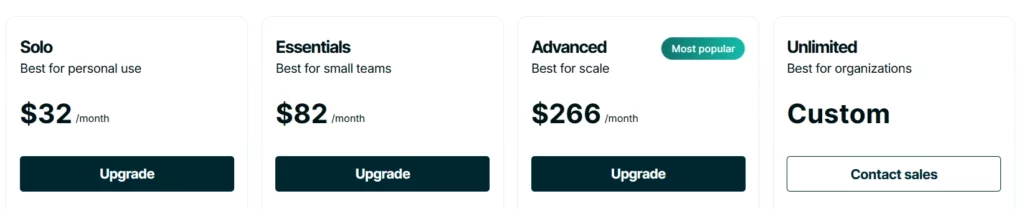
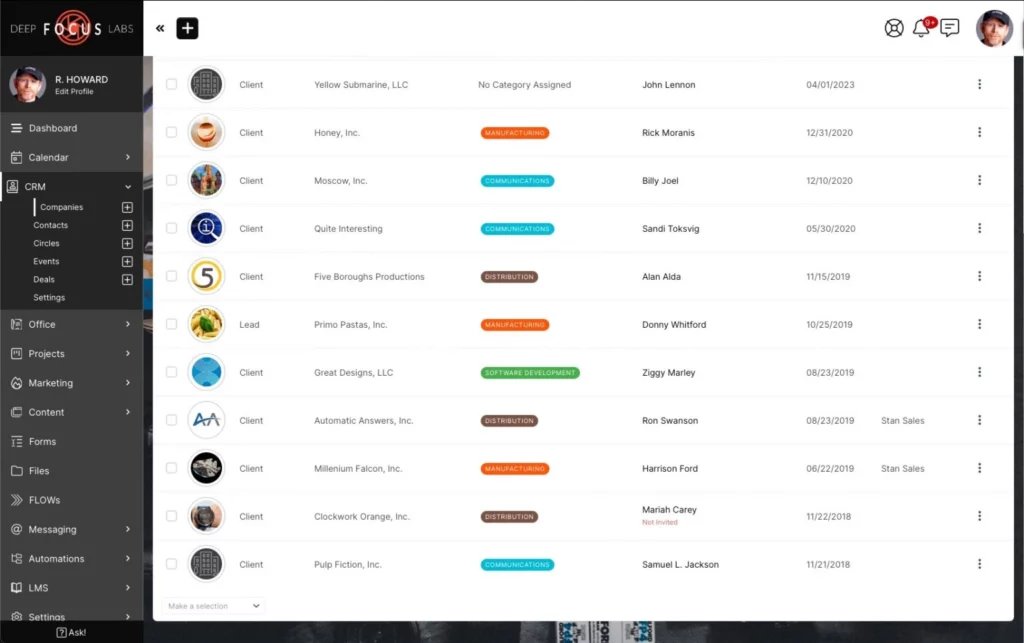
Best for: Marketing and creative agencies.
Category: Client Portal & Customer Portal.
Suitedash is ideal for companies that need to manage their customer relations, client communications, project management, and invoicing.
Key features:
The “2026 Edge”: One of the newest features is “WORLDs” – a secure, self-contained environment that allows you to silo resources, CRM data, and important processes while maintaining unified branding and control.
Pros:
Cons:
Pricing:
Best for: Law firms and SMBs.
Category: Client Portal.
Assembly (Copilot) is great for teams that need a unified and secure place for messaging, file sharing, billing and subscriptions, e‑signatures, and a CRM.
Key features:
The “2026 Edge”: In March, the Assembly team introduced Assembly 2.0 with more customizability, time-based automations, and the ability to organize your apps into folders and to associate a task with a client.
Pros:
Cons:
Pricing:
Project & Collaboration for B2B projects and professional services

Best for: Accounting and finance industries.
Category: Client Portal.
Clinked usually works best for teams and businesses that need advanced document management and collaboration under one roof.
Key features:
Pros:
Cons:
Pricing:
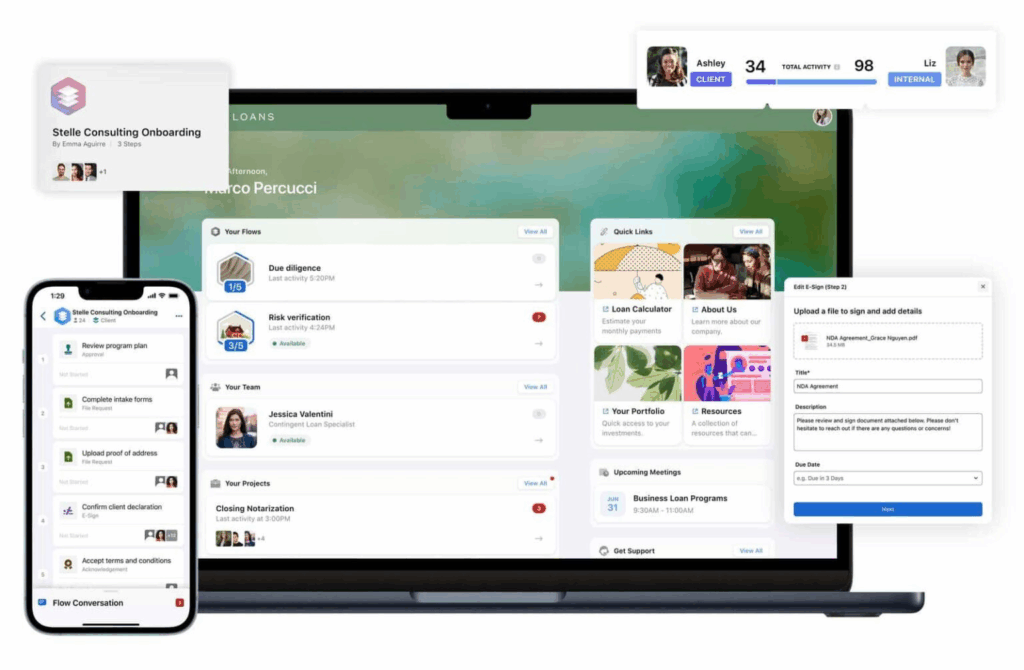
Best for: Professional services.
Category: Client Portal.
Moxo is an excellent solution for businesses seeking to improve collaboration and customer success on external projects involving customers, vendors, and partners.
Key features:
The “2026 Edge”: At the beginning of the year, Moxo introduced “Start Link” as a more flexible approach to launching client-initiated workflows. They also extended voice message recordings to a maximum of 10 minutes.
Pros:
Cons:
Pricing:

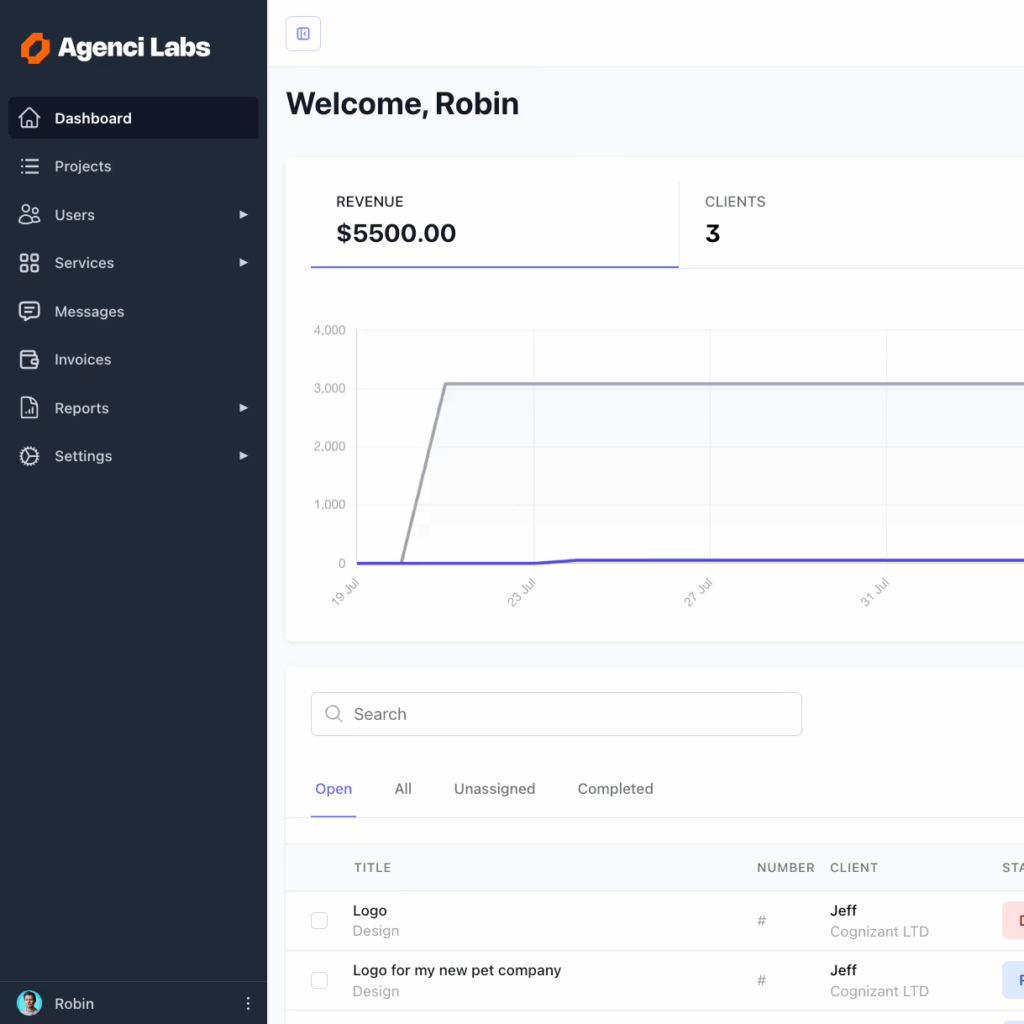
Best for: Creative agencies.
Category: Client Portal.
ManyRequests is a reliable option for video, marketing, or design agencies that need a one-stop place for communication, requests, and orders.
Key features:
The “2026 Edge”: As for the new capabilities, ManyRequests added “Control Service Quantities”, better Zapier attachments, “Unified balance calculations”, and more.
Pros:
Cons:
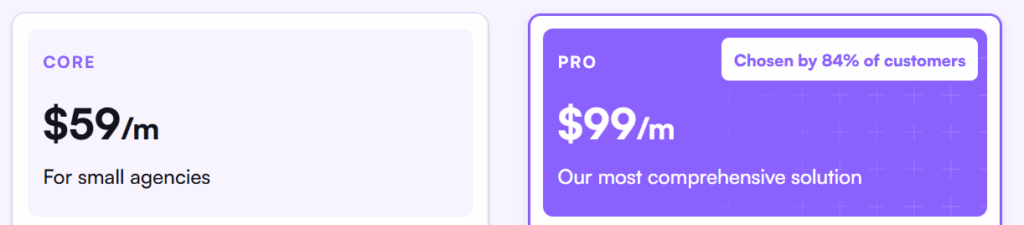
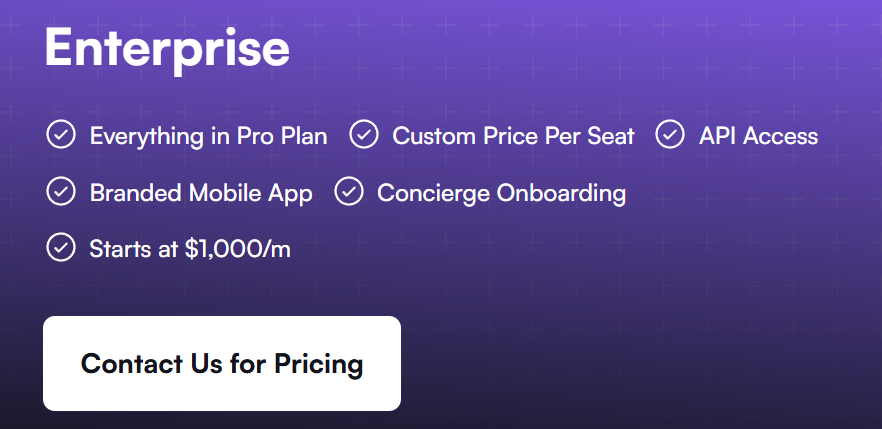
Pricing:
CRM & Deal Rooms for sales teams and account managers
💡 My Tip: When it comes to sales rooms, it’s much more efficient if you can tailor them to each sales stage. Organized deal rooms speed up decision-making and improve overall client experience (especially when you’re working with SMBs, Mid-Market, or Enterprise clients).
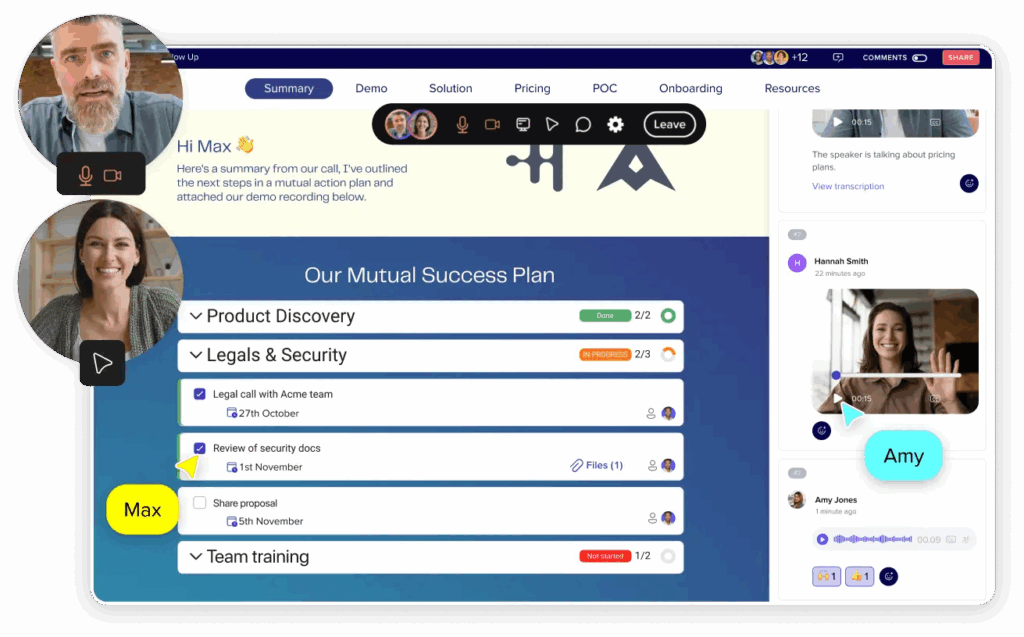
Best for: Sales and marketing teams.
Category: Client Portal.
Trumpet is best for sales funnel, including cold outreach, proposals, deal rooms, and demos.
Key features:
The “2026 Edge”: This year, Trumpet rolled out some improvements for MAPs: a new snapshot progress tracker, Mutual Action Plan dashboard, bulk editing, advanced filters and searches, and more.
Pros:
Cons:
Pricing:
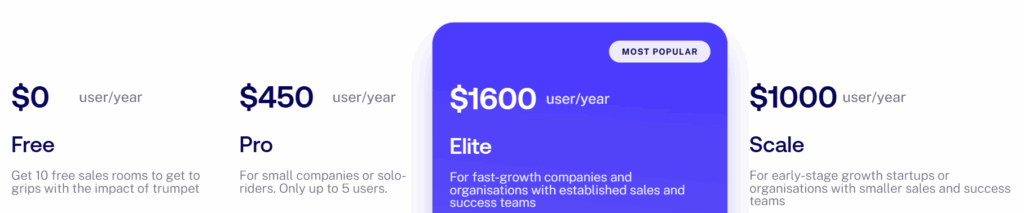
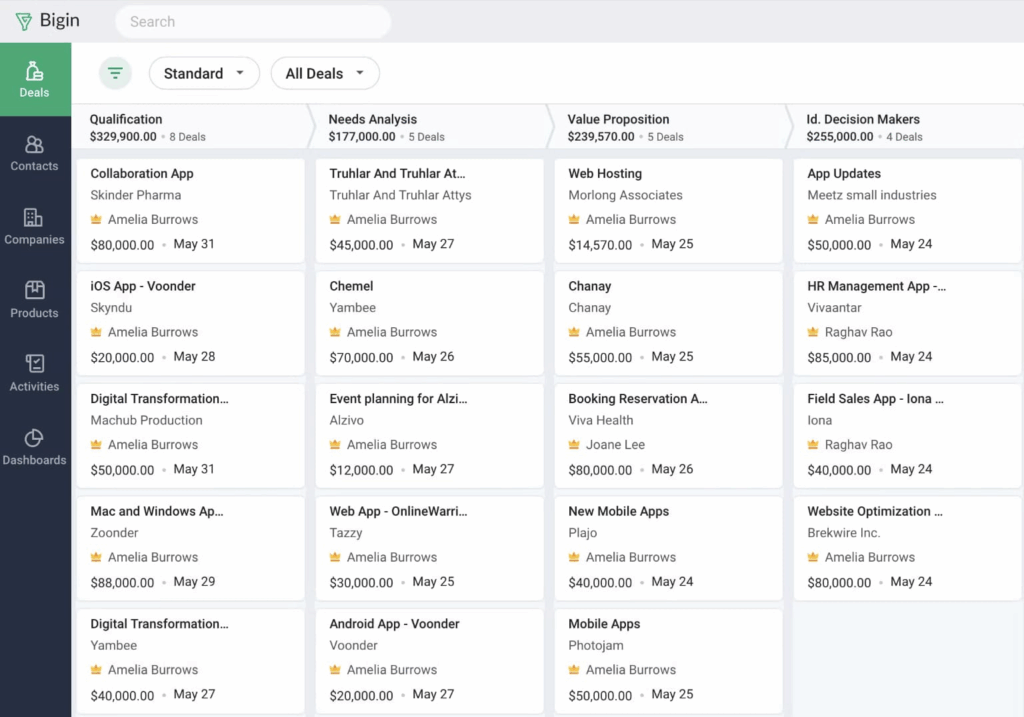
Best for: Sales teams.
Category: Client Portal.
Zoho CRM is ideal for businesses looking for CRM software that also serves as a client portal, primarily focused on sales and customer management.
Key features:
The “2026 Edge”: In Q1, Zoho announced several new features, including Workqueue (a centralized view into everything important that requires sales reps’ attention), Smart suggestions from Zia (personalization), and SmartPrompts (optimize various parts of daily tasks).
Pros:
Cons:
Pricing:

Customer Self-Service for support teams, SaaS, and B2C
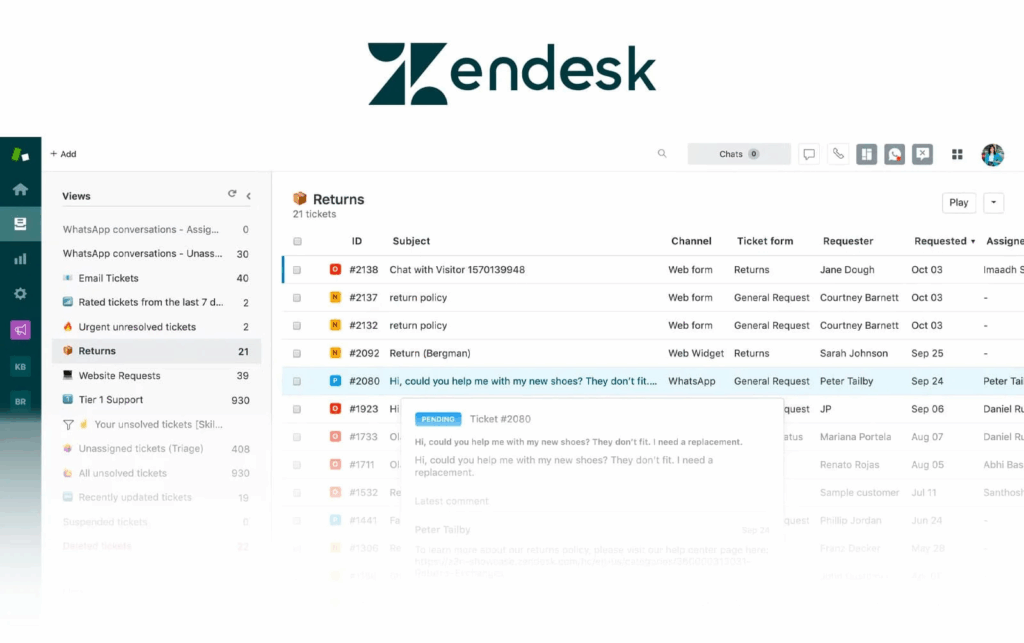
Best for: Omnichannel support teams at scale.
Category: Customer Portal.
Zendesk is a customer portal tool that offers an enterprise-grade support platform for high-volume, omnichannel ticketing.
The “2026 Edge”: In 2026, Zendesk team released some powerful updates, including AI translation support for outgoing messages on all async ticket channels, Conversation Journey Tab in the reporting dashboard (visualizes the conversation flows between customers and your advanced AI agents), and automatic integration between advanced AI agents and Zendesk messaging.
Key features:
Pros:
Cons:
Pricing:
Best for: Mid-market support teams.
Category: Customer Portal.
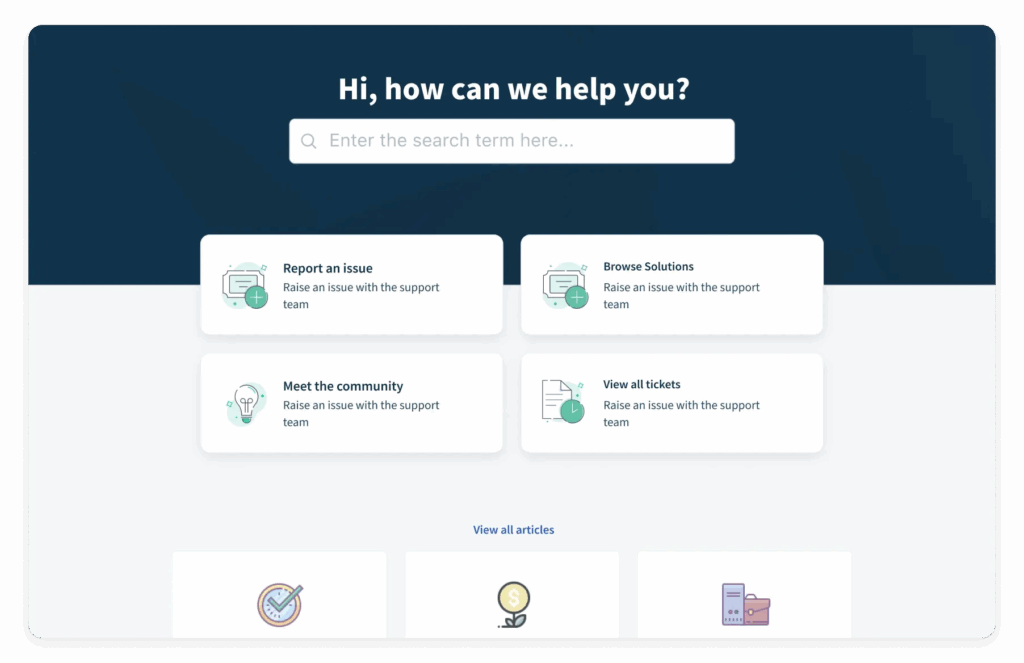
Along with the no-code setup, powerful ticketing, and a branded knowledge base, Freshdesk offers an intuitive customer portal for customers to submit and track requests.
The “2026 Edge”: In the last few months, Freshdesk launched New IT Asset Management, integration with Adobe Acrobat Sign, and a centralized Documents List View.
Key features:
Pros:
Cons:
Pricing:
Best for: Customer success teams.
Category: Customer Portal.
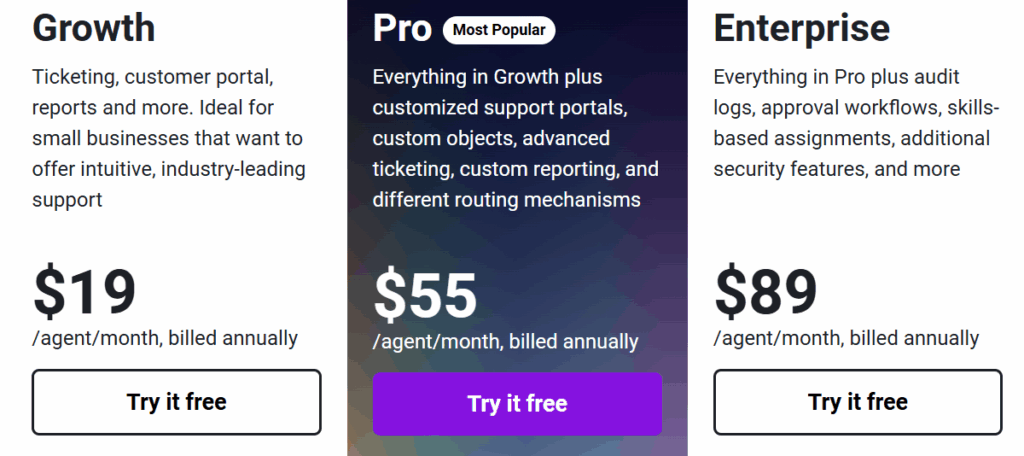
Planhat is a customer success platform created for teams that want to share success plans, renewal timelines, and QBR materials with customers.
The “2026 Edge”: Planhat introduced some new features like Planhat Labs, Ratio Widgets for Time Series, and the ability to create and customize Portals through Automations.
Key features:
Pros:
Cons:
Pricing: custom pricing.
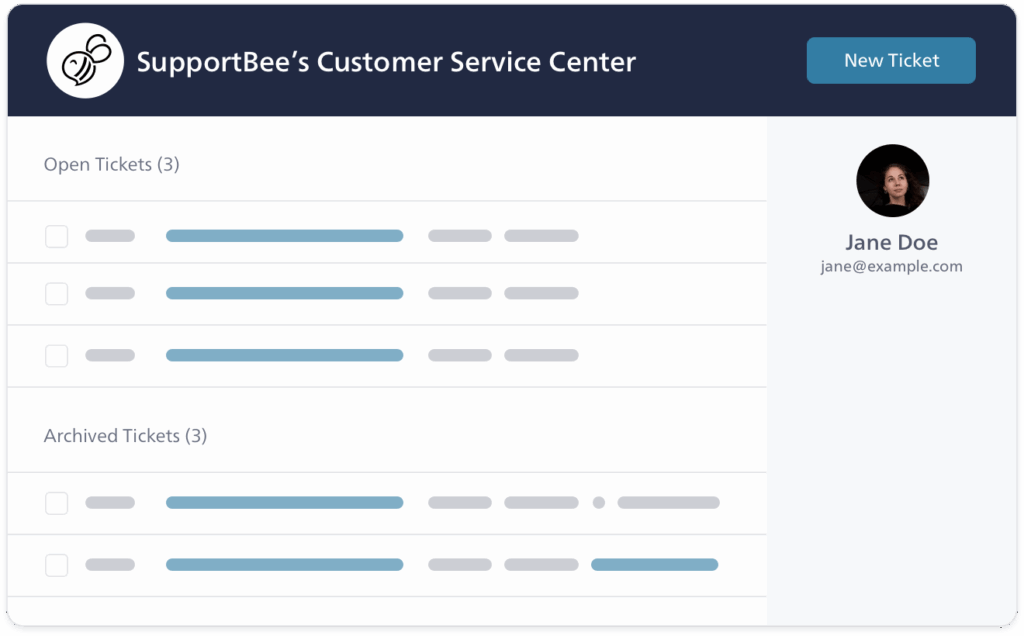
Best for: Small businesses and SMB support teams.
Category: Customer Portal.
SupportBee is great for small support teams that need a branded knowledge base and a minimal portal for customers to submit and track requests.
Key features:
Pros:
Cons:
Pricing:
Billing & Freelancer for creative agencies and freelancers
Best for: Branding agencies and freelancers.
Category: Client Portal.
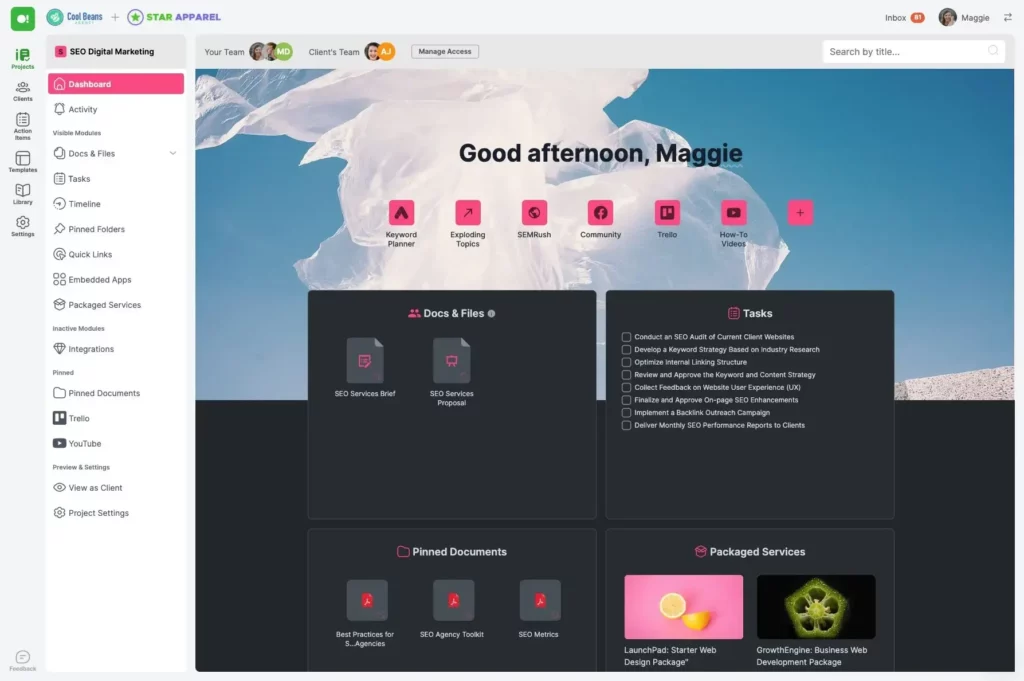
Superokay is a client portal tool that’s perfect for digital agencies, software studios, and freelancers who want to manage client interactions better.
Key features:
Pros:
Cons:
Pricing:
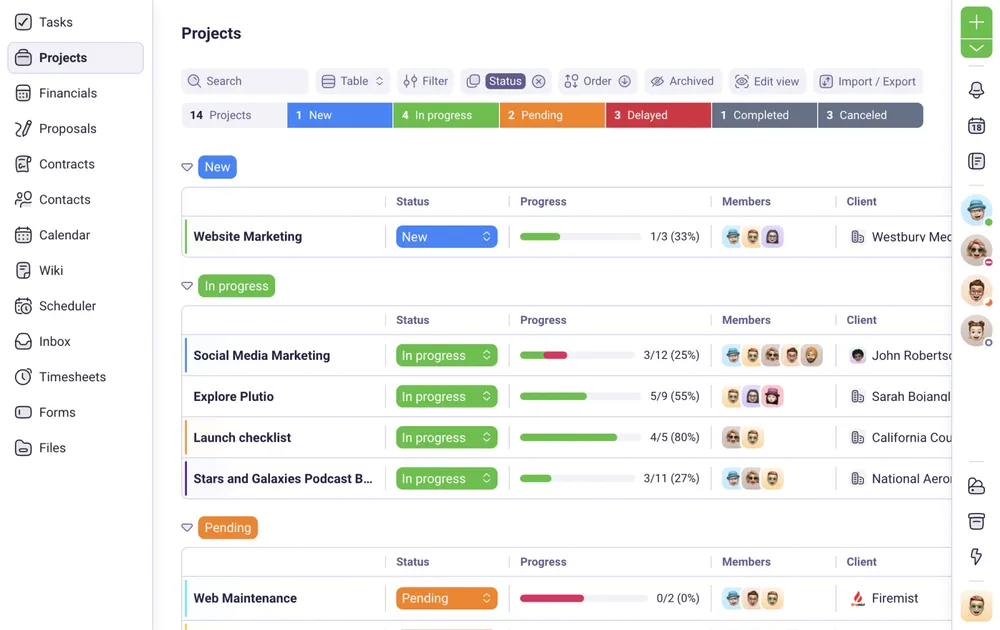
Best for: Freelancers and small businesses.
Category: Client Portal.
Plutio is a perfect fit for teams and freelancers who need a flexible, customizable solution to manage projects, clients, and payments without technical expertise.
Key features:
Pros:
Cons:
Pricing:

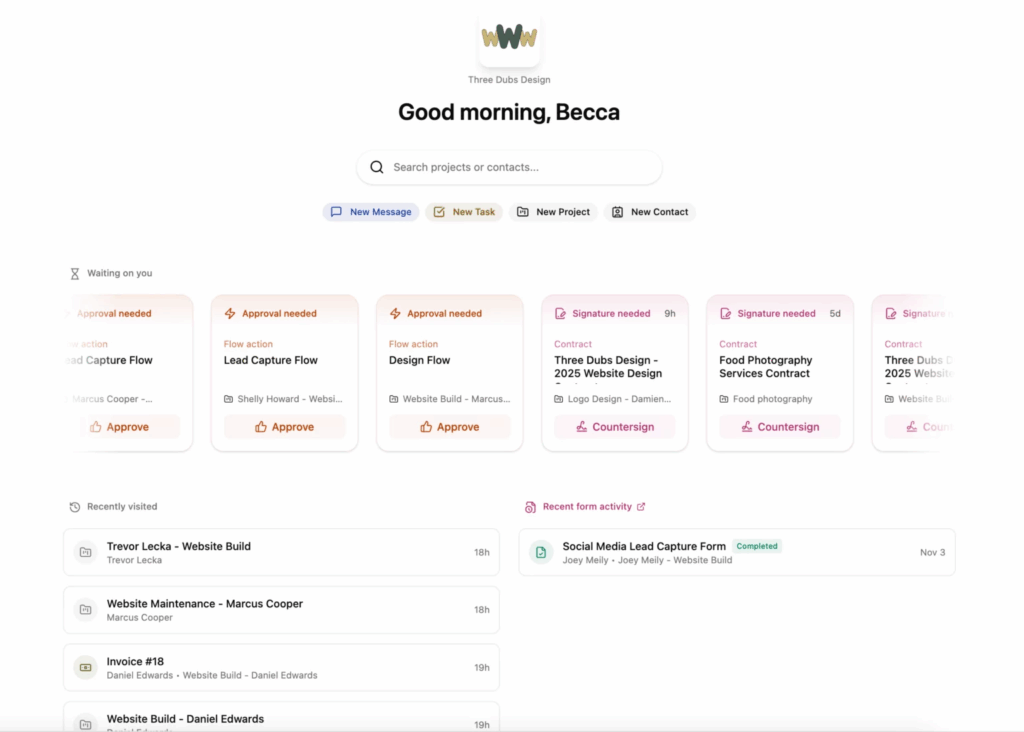
Best for: Photographers, coaches, and event planners.
Category: Client Portals.
Dubsado is best for creative service businesses that need an all-in-one client management solution.
Key features:
The “2026 Edge”: The last Dubsado updates include “Xero tax and income category mapping”, “Smart fields in invoice terms”, and “Form response summary”.
Pros:
Cons:
Pricing:
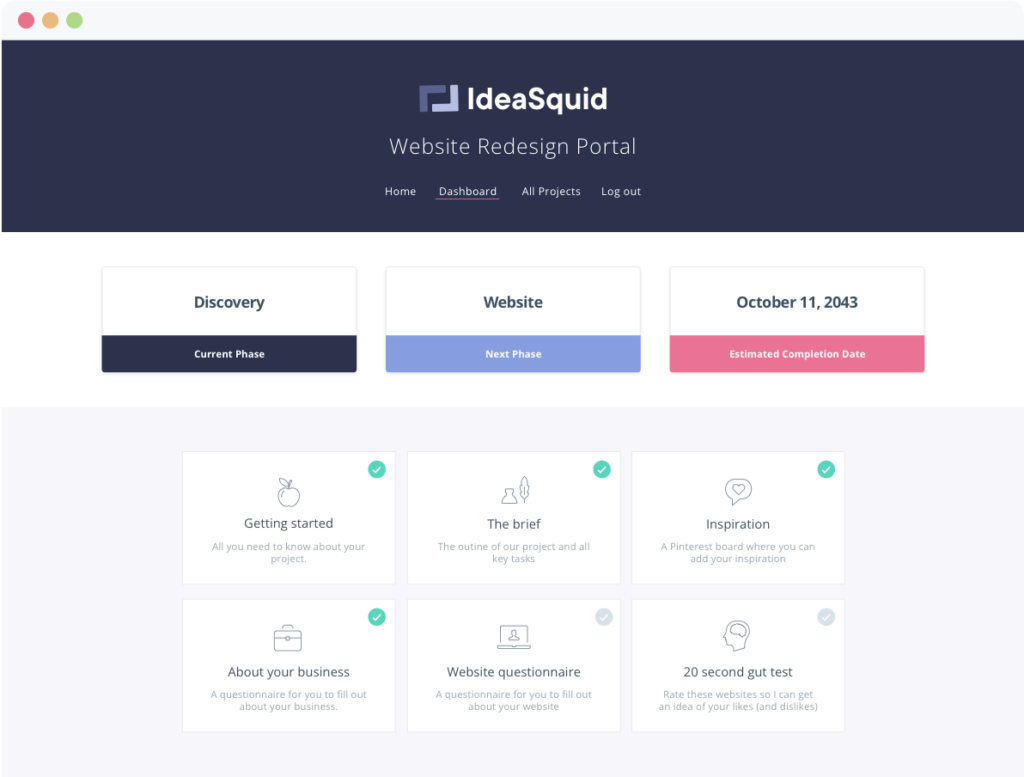
Best for: WordPress-based organizations.
Category: Client Portals.
Client Portal.io is a WordPress plugin, so it’s a good option for teams that use WordPress and need a lightweight portal.
Key features:
The “2026 Edge”: In 2026, Client Portal.io improved its design and integrations with popular WordPress themes.
Pros:
Cons:
Pricing:
DIY/No-code for teams with custom needs
Best for: Advisory firms.
Category: Client Portal and Customer Portal.
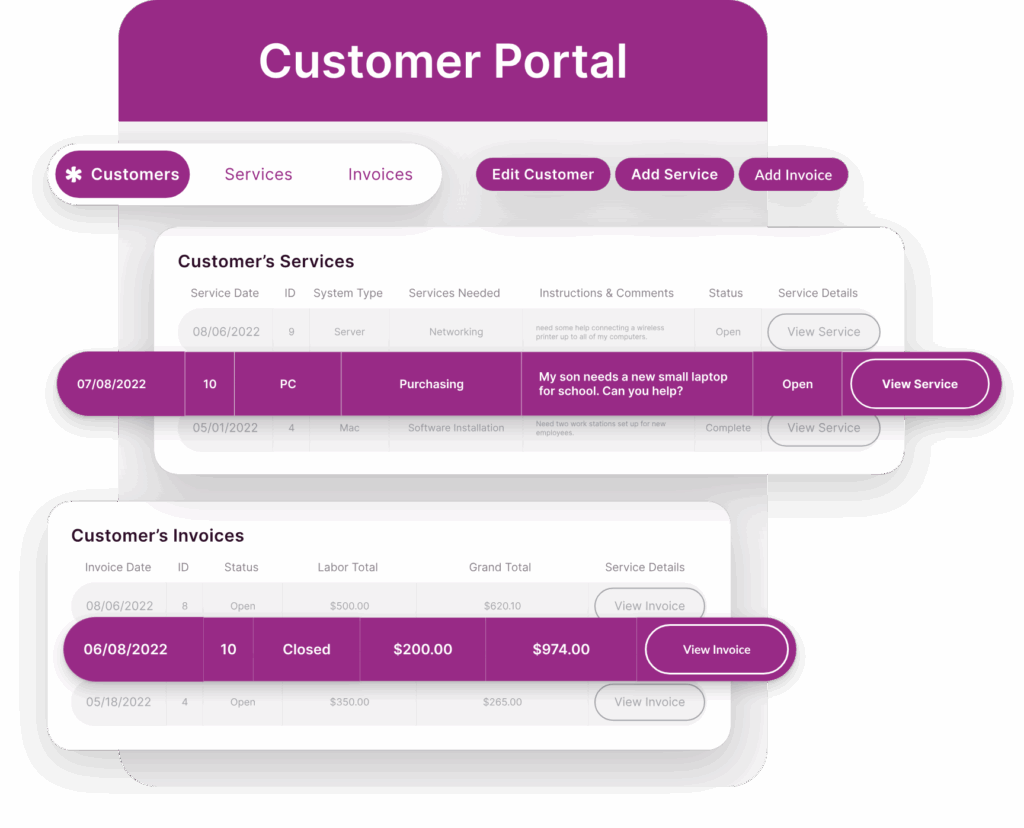
Knack is a strong choice for businesses that keep a lot of data and need to build portals, databases, or customized apps.
Key features:
The “2026 Edge”: Knack launched several new features, such as “Test as User” to improve understanding of the user experience, Shopify Integration to support scalable e-commerce, and Knack Health to support healthcare teams.
Pros:
Cons:
Pricing:
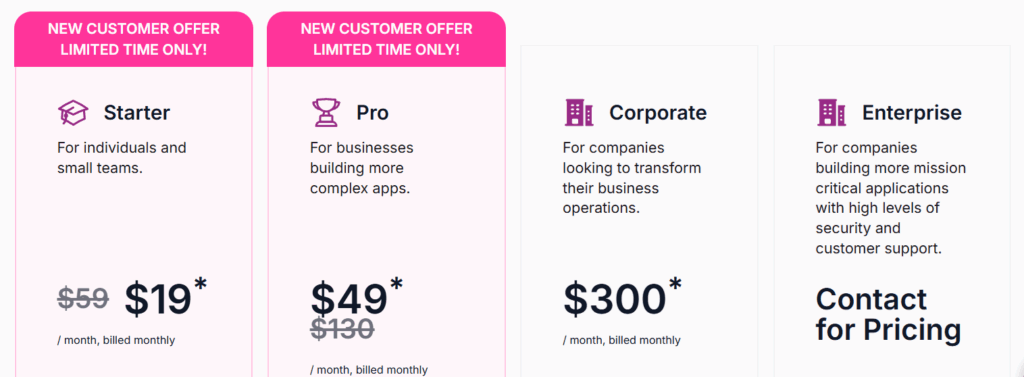
*Valid for the first 3 months and new customers only.
Document & Compliance for regulated industries, accounting, and legal teams
Best for: Accounting and bookkeeping firms.
Category: Client Portals.
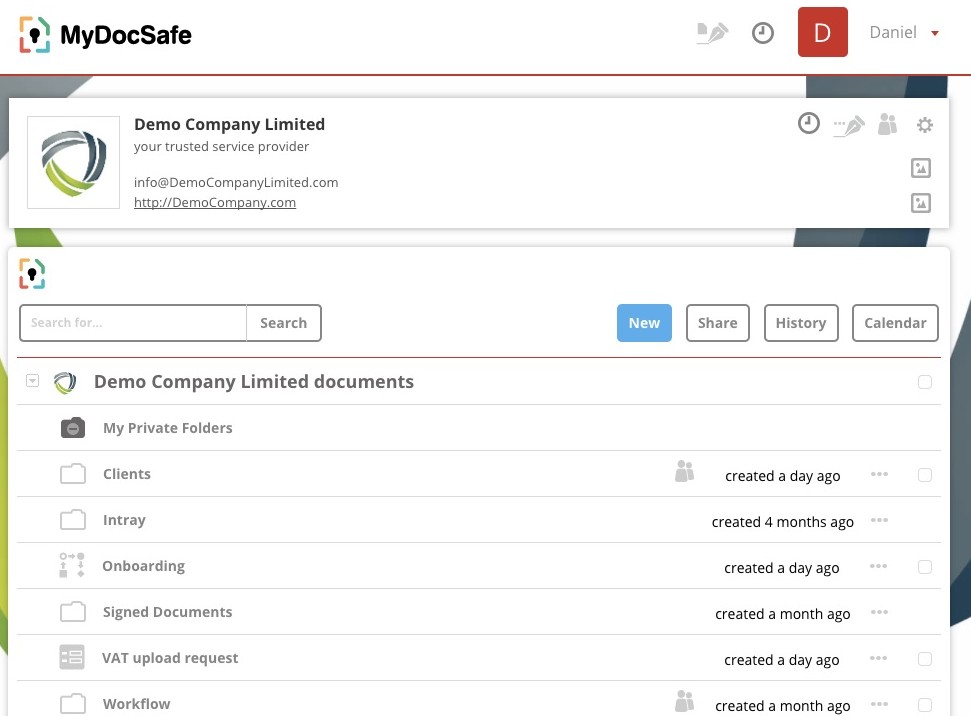
MyDocSafe is an optimal choice for companies that need to design and deploy their own client onboarding processes, virtual data rooms, automated forms, and file requests.
Key features:
The “2026 Edge”: In 2026, MyDocSafe released a powerful Practice Management designed to be simple, flexible, and deeply integrated with client portals. It includes task management, time tracker & timesheets, and task notifications.
Pros:
Cons:
Pricing:
Best for: Regulated industries.
Category: Client Portals.
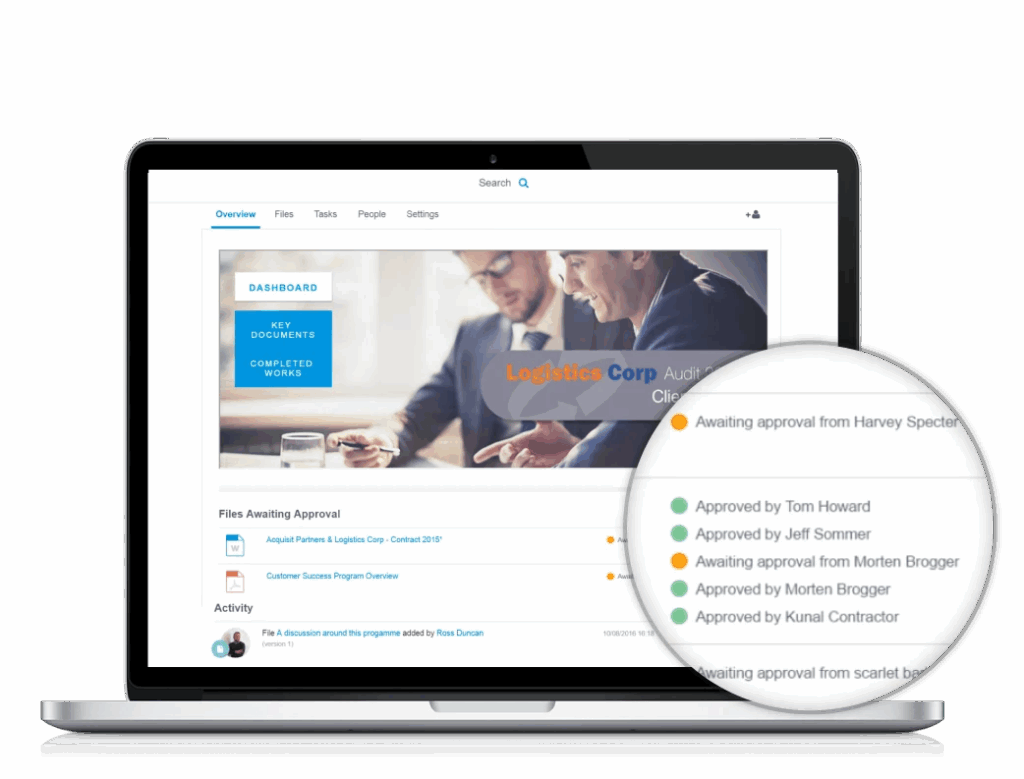
Ideagen Collaboration Portal is excellent for enterprises in regulated industries that need to collaborate securely, maintain project transparency, and manage complex documentation.
Key features:
The “2026 Edge”: In 2026, Ideagen enhanced search and improved reporting.
Pros:
Cons:
Pricing: Custom pricing.
Best for: Accounting, tax prep, and bookkeeping companies.
Category: Client Portals.
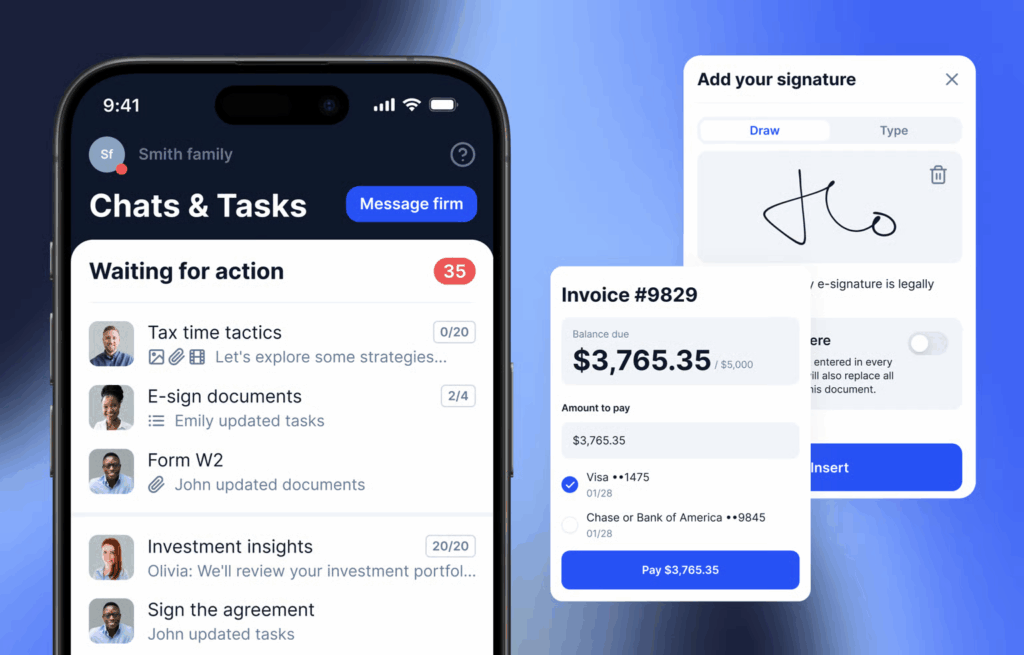
TaxDome is a popular solution for accounting and bookkeeping companies that need a branded portal with document management, secure messaging, client management, and billing.
Key features:
Pros:
Cons:
Pricing:

What is the difference between a client portal and a customer portal?
A client portal is a private, secure website where you can interact with each of your customers individually, share and exchange data, and track updates. It’s built to deepen the relationship and to create a personalized client experience.
A customer portal is designed to provide quick and easy access to support resources, guides, FAQs, and billing. It empowers customers to solve their own problems using a self-service portal, instead of relying on a customer service agent.
What is the best free client portal software?
Several powerful client portal tools offer a free plan, including FuseBase, SuperOkay, Zoho CRM, and Trumpet.
What features should a client portal have?
An effective client portal needs to have:
How much does client portal software cost?
The starting price for client portal software is around $19-30 per month for entry-level plans.
Can I build a client portal without coding?
Sure, most of the client portal software offers a drag-and-drop builder and a no-code interface.
What is the difference between a client portal and a CRM?
CRM helps you manage and analyze client data internally, while client portals help you collaborate with clients and provide a personalized client experience.
Is a client portal secure?
Most client portal software offer security measures such as data encryption, access controls, data backup, and MFA.
Found it useful? Share the article with your community

Get weekly tips and insights on how to grow your business