
If your summer felt fast and busy, you’re not alone – so did ours. The latest FuseBase updates focus on things you’ll actually feel in your day-to-day: smarter AI Agents, smoother content capture (including audio), clearer organizational visibility, stronger forms, better integration pathways, and a pro-level AI extension for power users.
Let’s dive into the Summer 2025 highlights!
AI Agents: Now Smarter, More Organized, and Easier to Put to Work
This year, we introduced FuseBase AI Agents – lightweight applications designed to take on everyday tasks across your workspace, portals, and even directly in your browser. Think of them as a digital team of personal assistants, helping with drafting proposals, summarizing meetings, updating CRMs, or answering client questions.
And this summer, we took them even further. Agents are now more powerful, more connected, and easier to deploy, helping teams cut down on repetitive work and focus on what really drives results.
AI Agent Categories
Have multiple AI Agents for accounting? No need to throw them into the “productivity” or “sales” mix! You can now create custom categories for your agents.
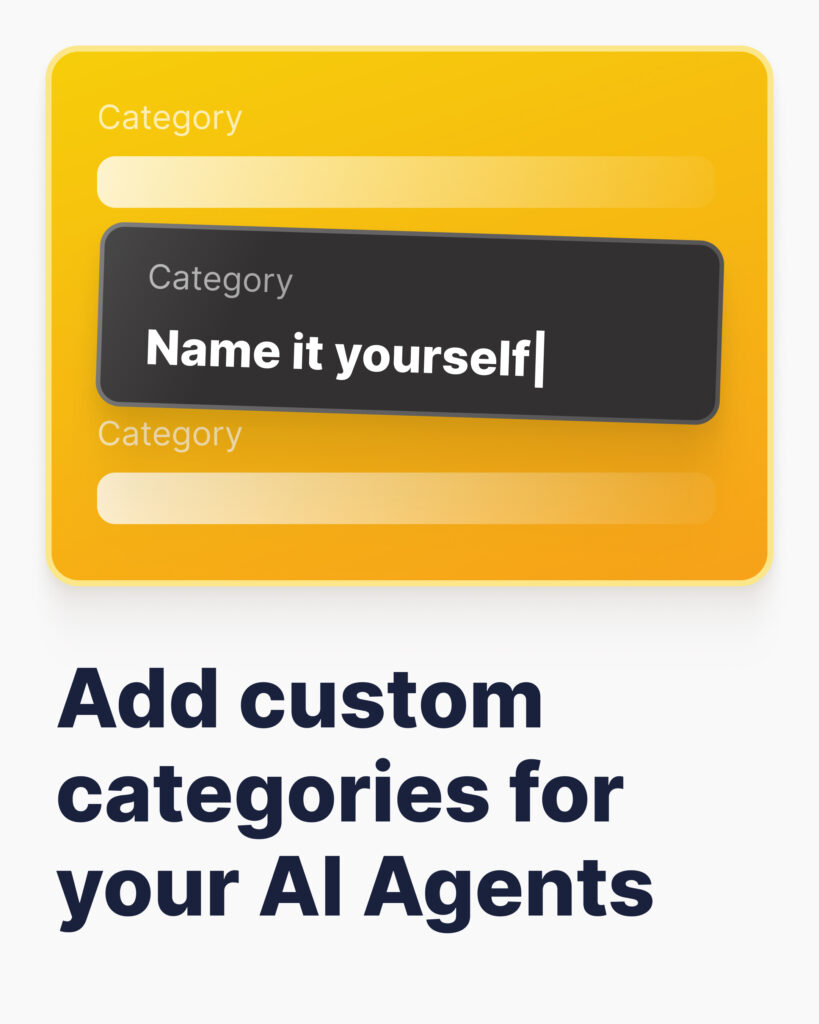
Legal, Healthcare, IT – whatever the task or department, organize your workspace your way. Keep your AI Agents neatly sorted and always within reach!
Task Indexing
Staying on top of task management is easier than before – FuseBase AI Agents can now index your workspace tasks! What does this mean for you?
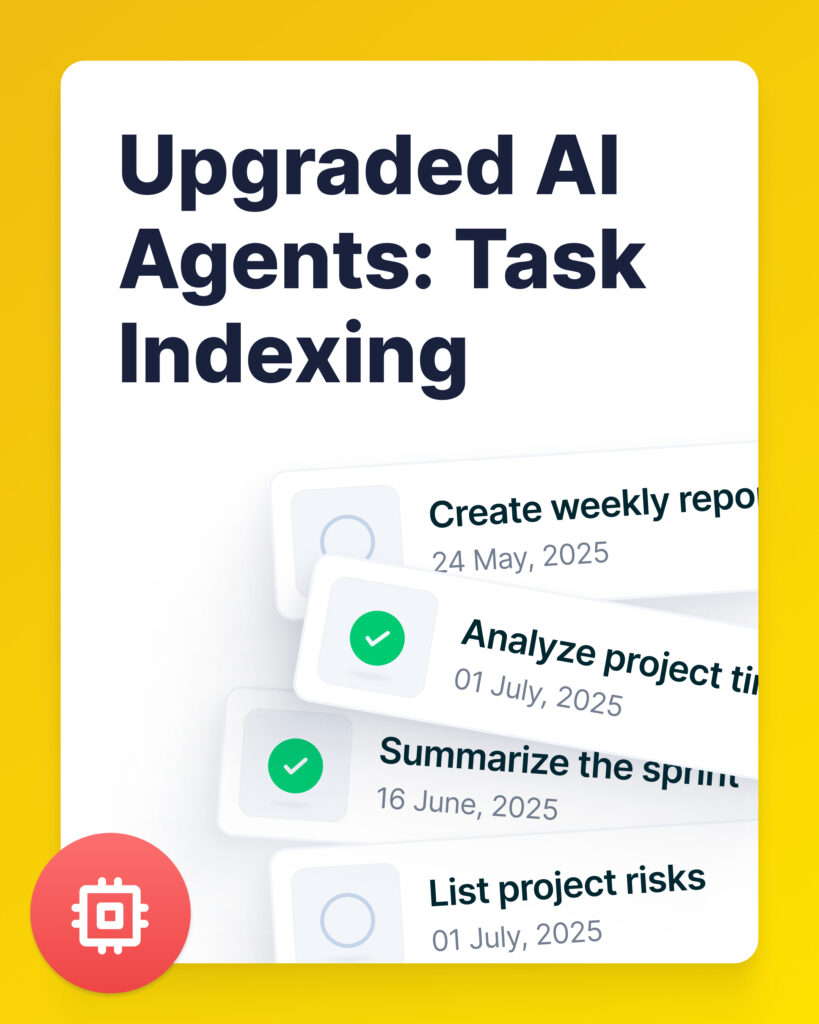
- Instant visibility into team progress and smooth onboarding.
- Effortless auto-indexing – simply add your workspace folders to the Source.
- Agents understand each task, its content, deadlines, labels, and more.
- Ask things like “Which tasks are overdue this week?” or “Who’s working on the Q3 Marketing Plan?”
Coming soon: Agents will be able to update and create tasks.
AI Agents Understand Your Documents
FuseBase AI Agents can manage all your office files more effectively than ever before. Just add your document as the Source or right in the chat!
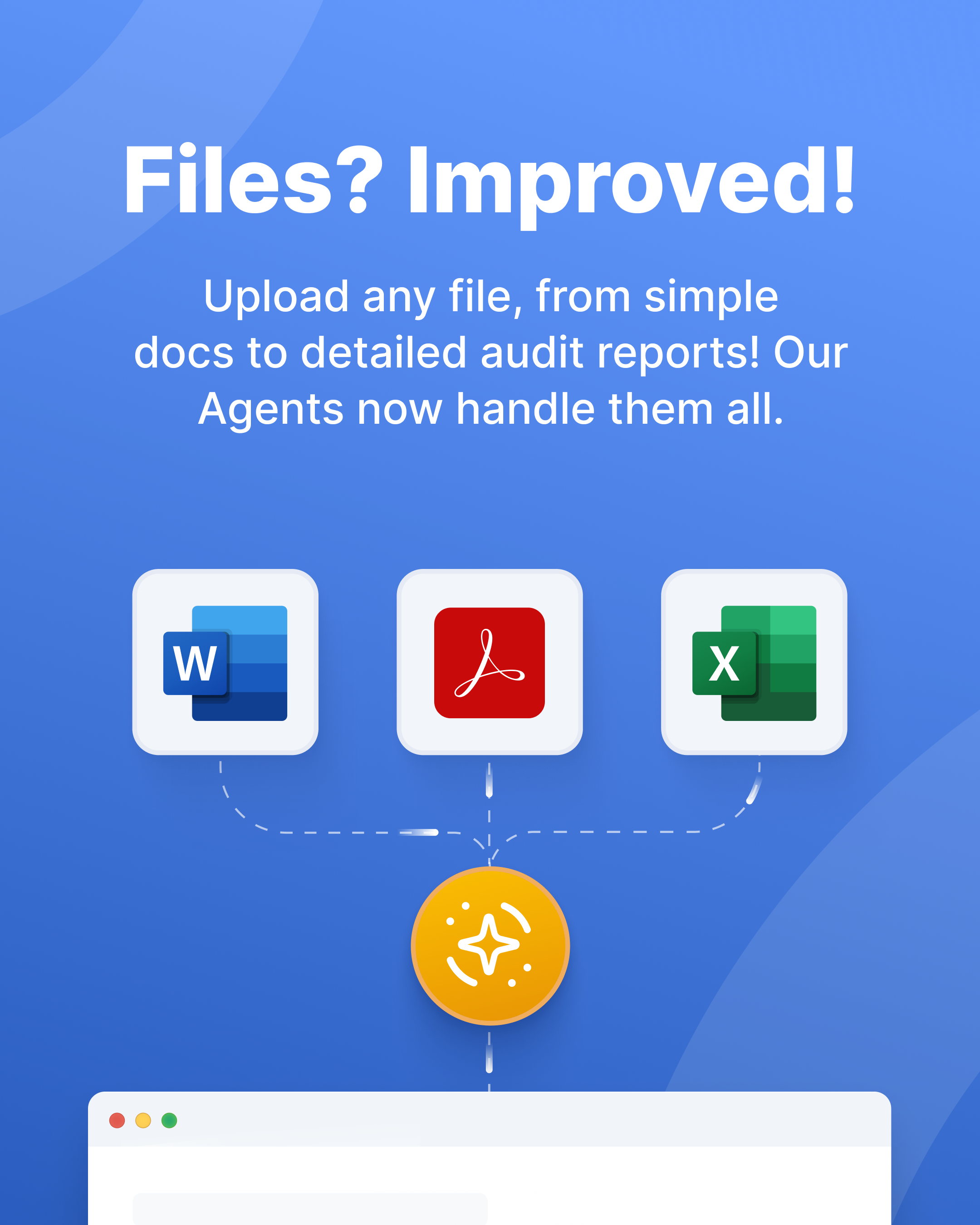
- No more format headaches! PDF, XLS, DOC, TXT – upload any file.
- Got a 50-page document with large tables? Agent captures every detail.
- Provides clear analysis, answers your questions, and extracts data from complex files.
AI Agent in Page Editor
Creating documents shouldn’t eat up your day. Instantly generate reports, proposals, and articles in FuseBase with a new Page Editor + AI Agents combo! Your agents now work right inside the page editor → Just click “Work with AI” and select AI Agent.
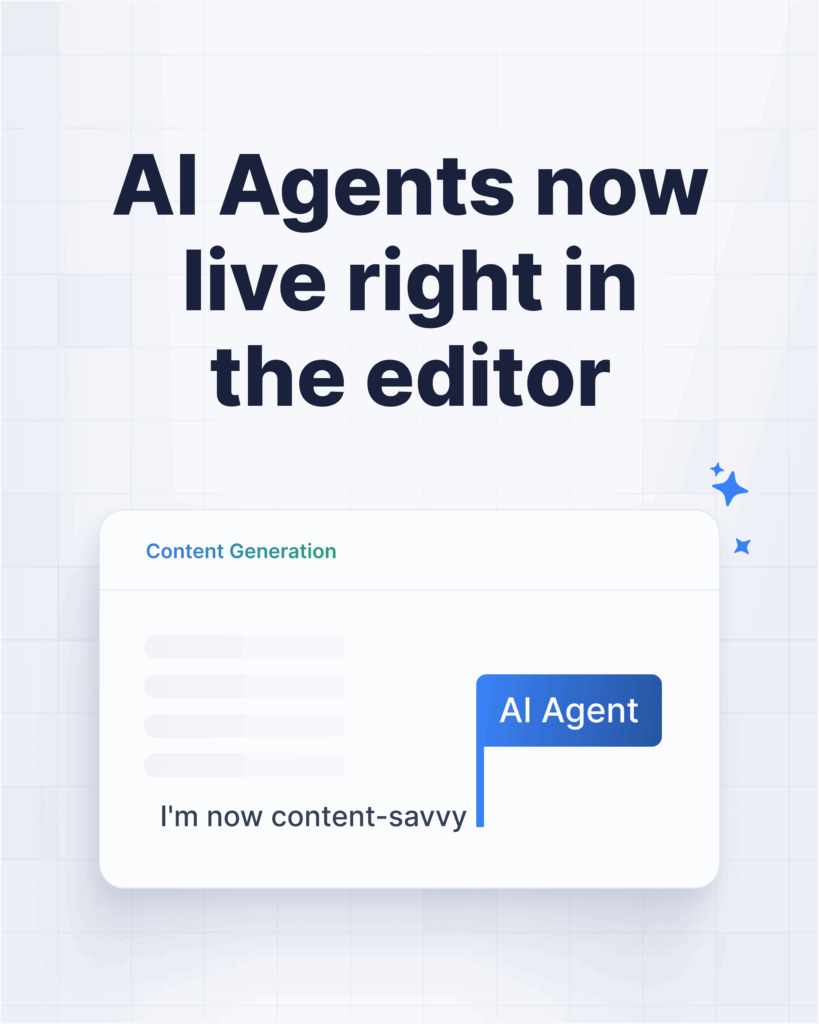
Have data in another app? No need to leave the page! Agents can pull exactly what you need via MCP.
Example: An agent generates an invoice from Supabase data or creates a report using database info.
Already working on the document? Agents understand your current page and cansummarize, translate, or improve the text.
Tip: Make sure the “Page context” option is on.
Got more than just text? Agents can understand video transcripts, PDFs, DOCs, etc.
Use case: A PDF proposal is open on the page – your Agent creates a new version tailored to a different client.
Agent Visibility
This feature lets you take full control of your AI agent’s privacy. Need an agent just for yourself? Or one that’s only accessible to the legal team? Now you can manage agent visibility with ease!

- Choose who gets access: only you, specific members or all clients and members.
- Simply go to Agent Settings → Visibility and set the right access level in seconds.
- Ensure data security: Perfect for agents handling sensitive or legal data.
Create a Fusebase page on agent response
Leave copy-pasting in the past! Simply create a new page in FuseBase from the agent’s response – or save it to an existing one.
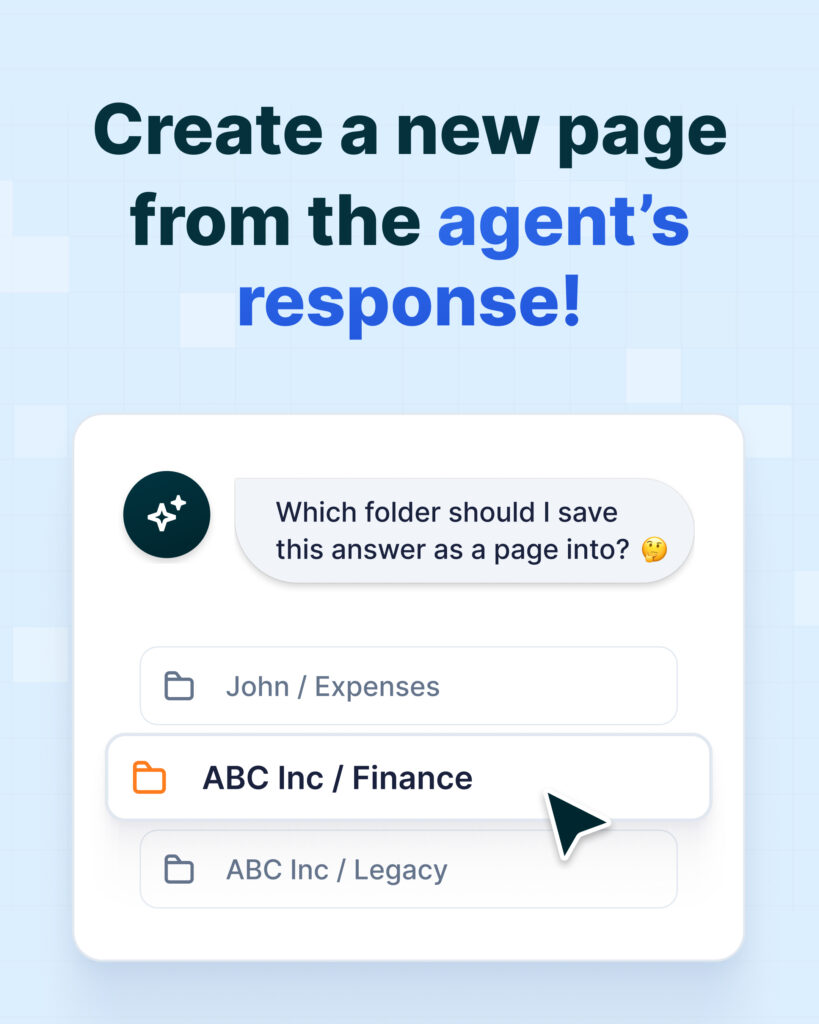
A few helpful cases for you:
- Smarter research: Collect insights and instantly store them in shared team folders.
- Portal-ready content: Generate content with an Agent and publish it to your portal in seconds.
- One-click saving: Always saving to the same spot? Enable the “Save choice” switch, so the agent remembers your selection.
Coming soon: create widgets from agent responses.
Reasoning support for agents
Smart orchestration + Reasoning support = more adaptive and capable FuseBase AI Agents.
Before, our AI Agents used the same LLM for all tasks. Now, they’ve leveled up! For complex challenges, they switch to reasoning models to deliver the most reliable results.
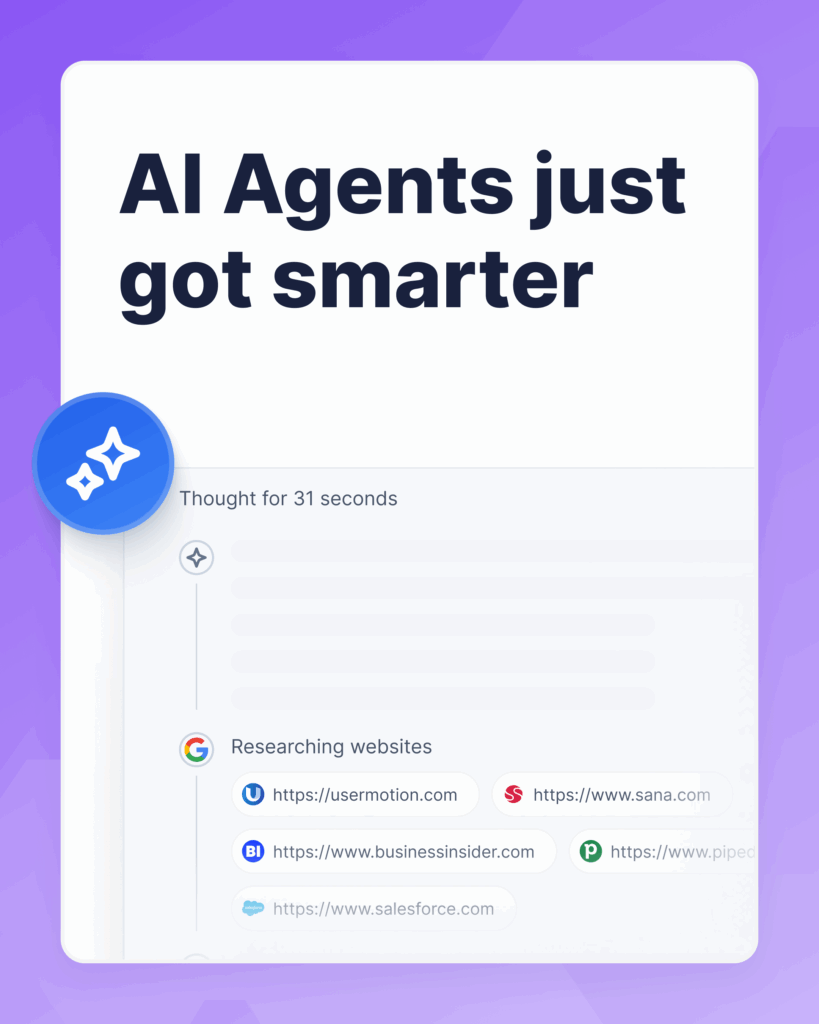
Smart Orchestration in action: No need to choose models manually. Agents adapt on the fly and choose the right approach for each task.
Reasoning power:
- Advanced source search: Get more accurate, context-aware answers backed by relevant data.
- Complex workflows with MCP: Replace rigid automation with adaptive flows.
- In-depth research: Agents analyze multiple sources, compare trends, and generate actionable insights.
Customization of the appearance of AI Agents
On-brand, on-point AI Agents are here. We’ve added new customization features so your Agents can look as stunning as your portals!
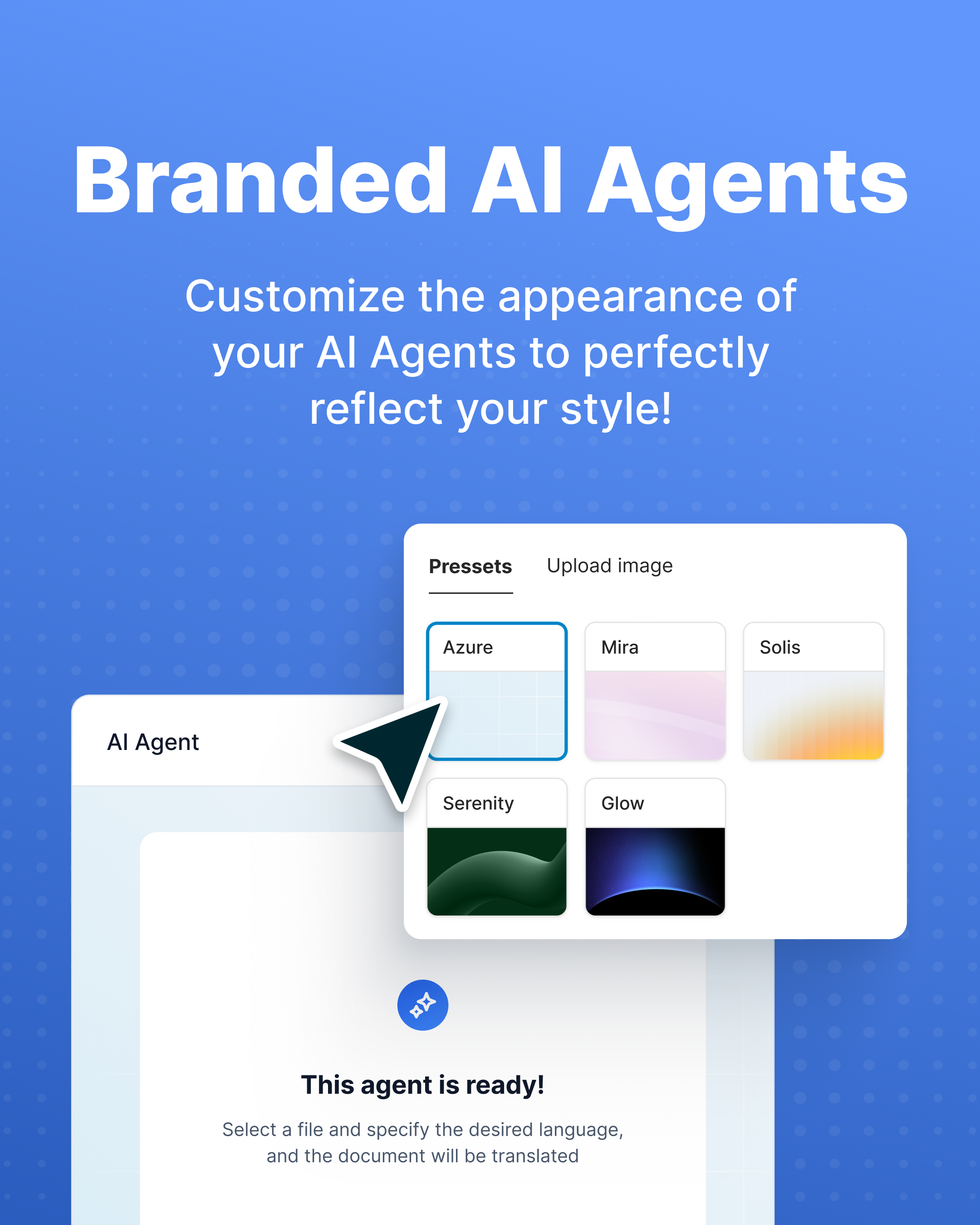
- Stylish Backdrop: Pick any solid color, gradient, or cover image.
- Image Options: Use a preset or upload your own + blur effect.
- Fully Unified: Your Agent’s style automatically matches your portal’s theme.
Reflect your brand from start to finish!
MCP & integrations
Did you know you’re losing up to an hour a day on tab-switching tasks? 5 minutes checking Google Calendar for free slots. Another 10 minutes scheduling a meeting. 5 minutes sending a quick Slack ping. And your main task is still waiting…
Let AI Agents take over the busywork! With MCP (model context protocol), FuseBase AI Agents break the barriers and work seamlessly across all your favorite platforms.
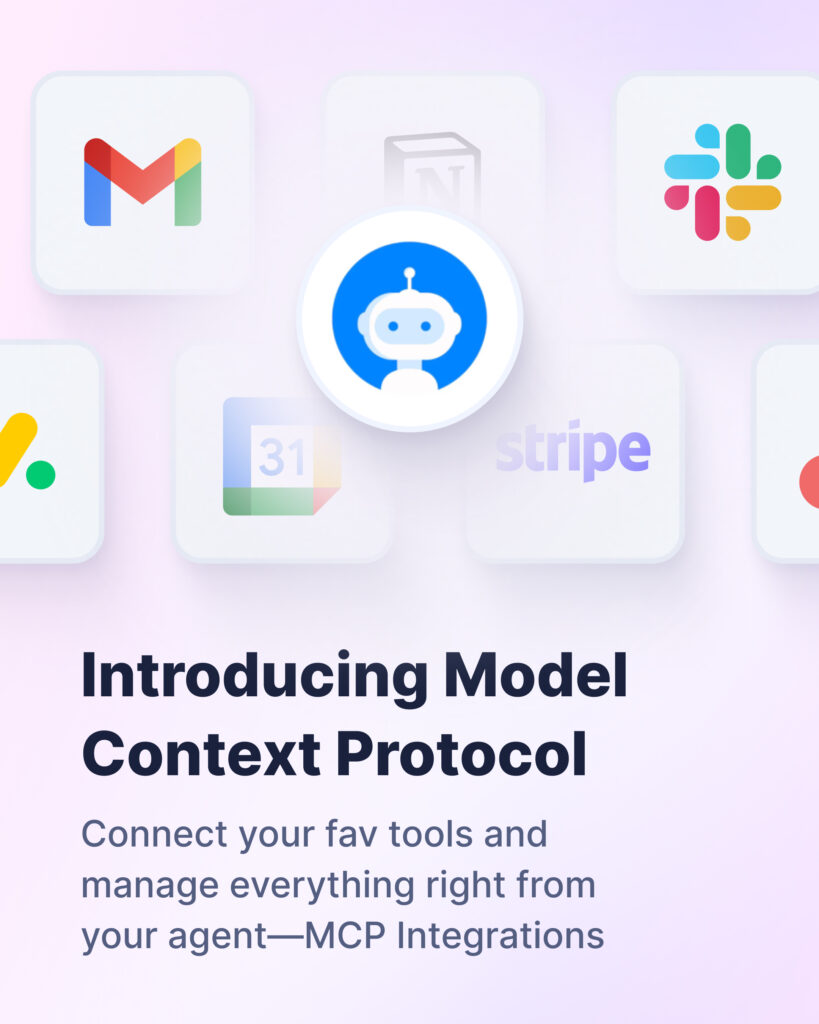
- Think: USB-C port for all your agents.
- Get more done in less time – and without switching tools.
- Just say it, and your agent handles it: “Create a task in Asana with a 1st of July deadline” or “Make an invoice in Stripe”.
- Automate even complex multi-step tasks: “Find info about this lead and add it to my Airtable database”.
💡 Read more posts on this topic:
CRM
Our dashboards (internal CRM) allow you to efficiently manage your entire organization from one place. All your data – from analytics to form responses – is collected in one view, so you always know where to look.
And the best part? Dashboards are fully customizable. Show the metrics that matter, hide the noise, and design views that fit the way your team works.
New Organization Dashboards
New aggregation dashboards = less guesswork, more clarity.
Before, managing clients and portals meant jumping between different workspaces. Now? See it all at a glance and take action right from one place!
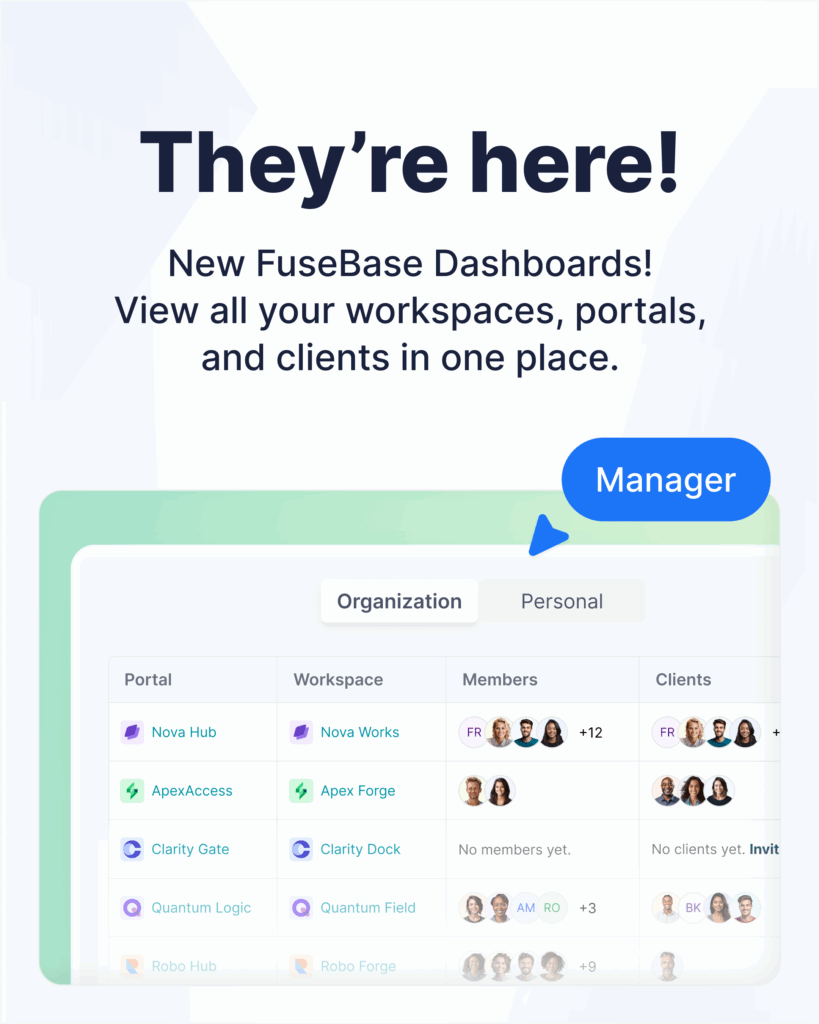
- Get the full picture: “Where was Client X invited to?” or “Which portals have no clients?”.
- Move faster than ever: Create a new portal and invite clients directly from the dashboard.
- Skip the extra clicks: Instantly delete/duplicate a portal or edit a client’s name.
Updates in Organization Dashboard
Transformation begins: from informative dashboards → into a full-fledged analytic CRM!
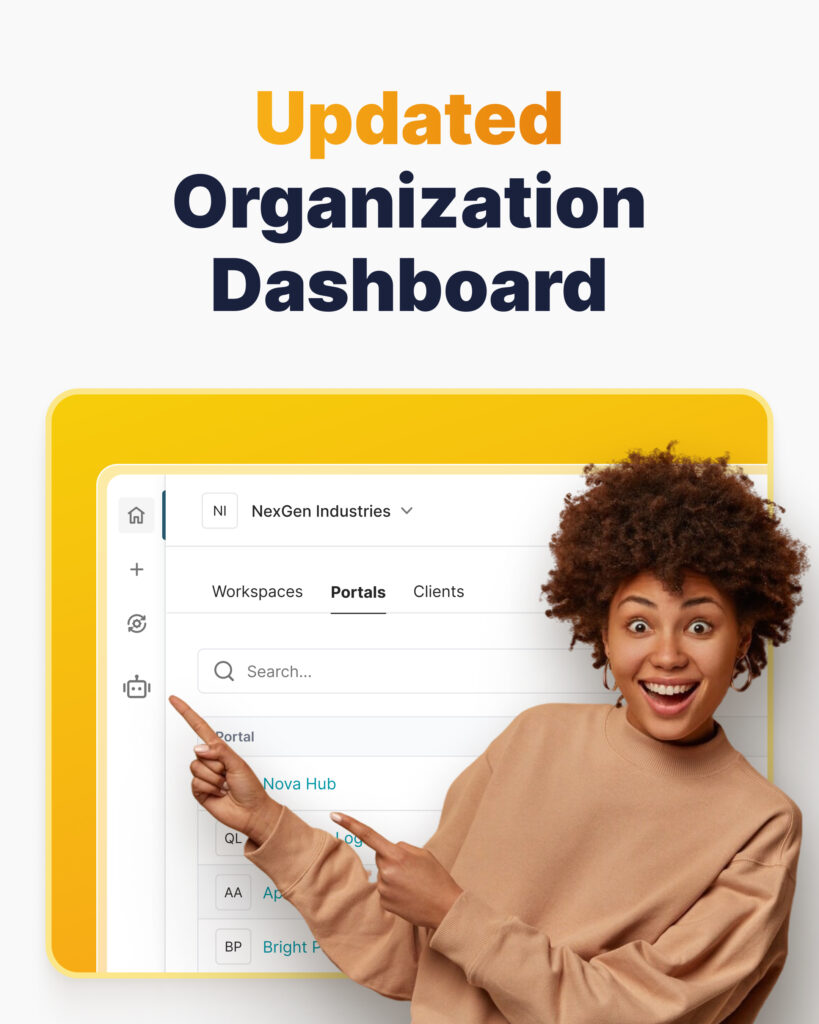
We’ve upgraded your Organization Dashboards, so now you can:
- Create custom columns and fill them with your own data (text, phones, emails, etc).
- Get deeper analytics on portals and clients.
- See all form responses aggregated in one place.
Coming soon: Connect data from external services.
What’s coming soon in FuseBase Dashboards
We’re taking dashboards to the next level with two big updates on the horizon:
- Build from scratch: create dashboards completely your way.
- Deeper integration: connect dashboards with AI Agents & automation to supercharge workflows.
New fields for forms
We supercharged our Portal Forms with new fields – so now your onboarding, feedback collection, and approval workflows are even more structured and effortless.
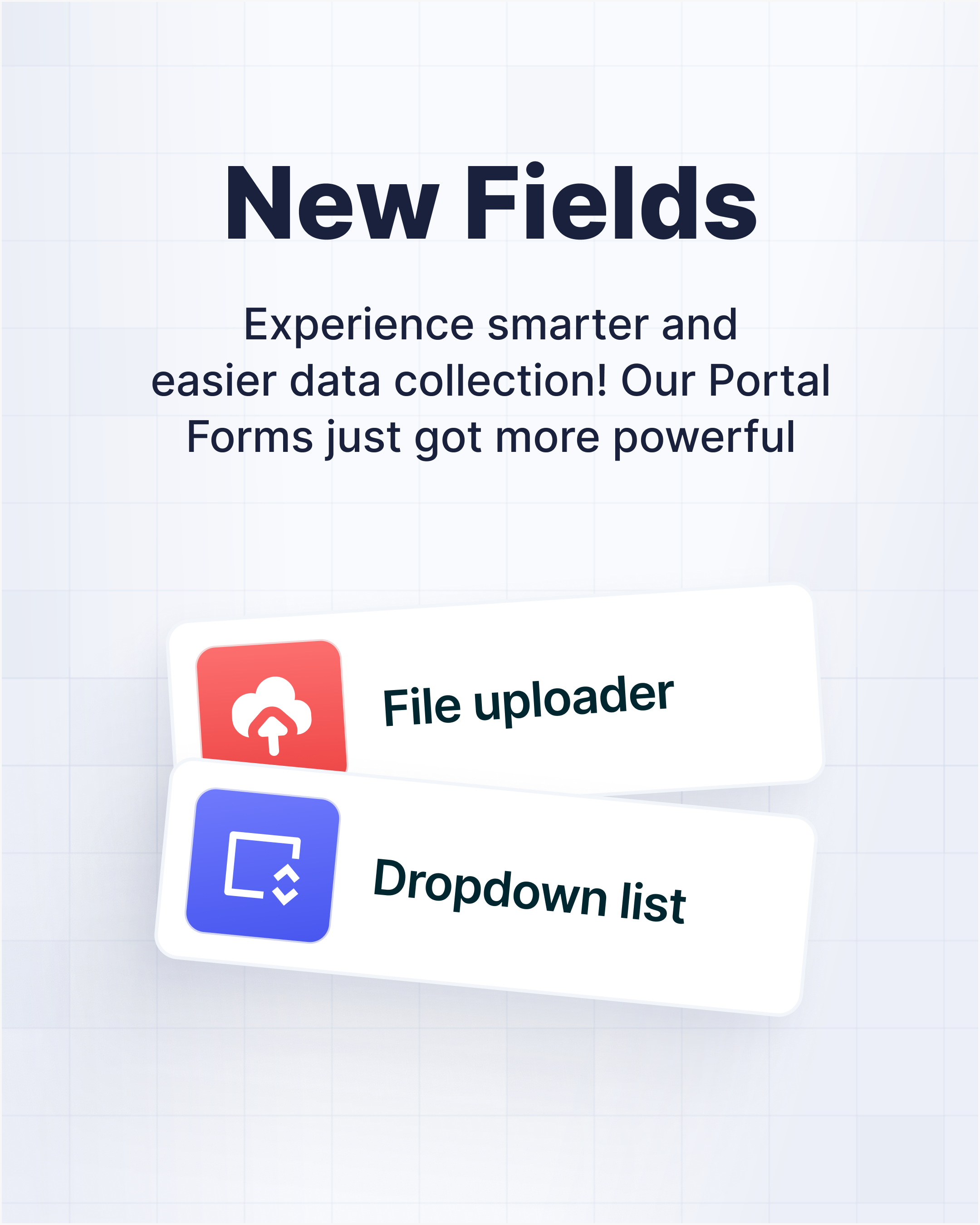
- Dropdown lists = quick choices. Let clients easily select from predefined options.
- File upload fields = smoother doc sharing. Collect files directly through the form.
- Date picker = seamless input for important dates. Great for meetings, deadlines, or birthdays.
Design more flexible and advanced forms in minutes!
Form trigger for automation
Imagine your forms organizing all client data for you. At FuseBase, they can! Meet the “Portal Form Submission” trigger for your automations.
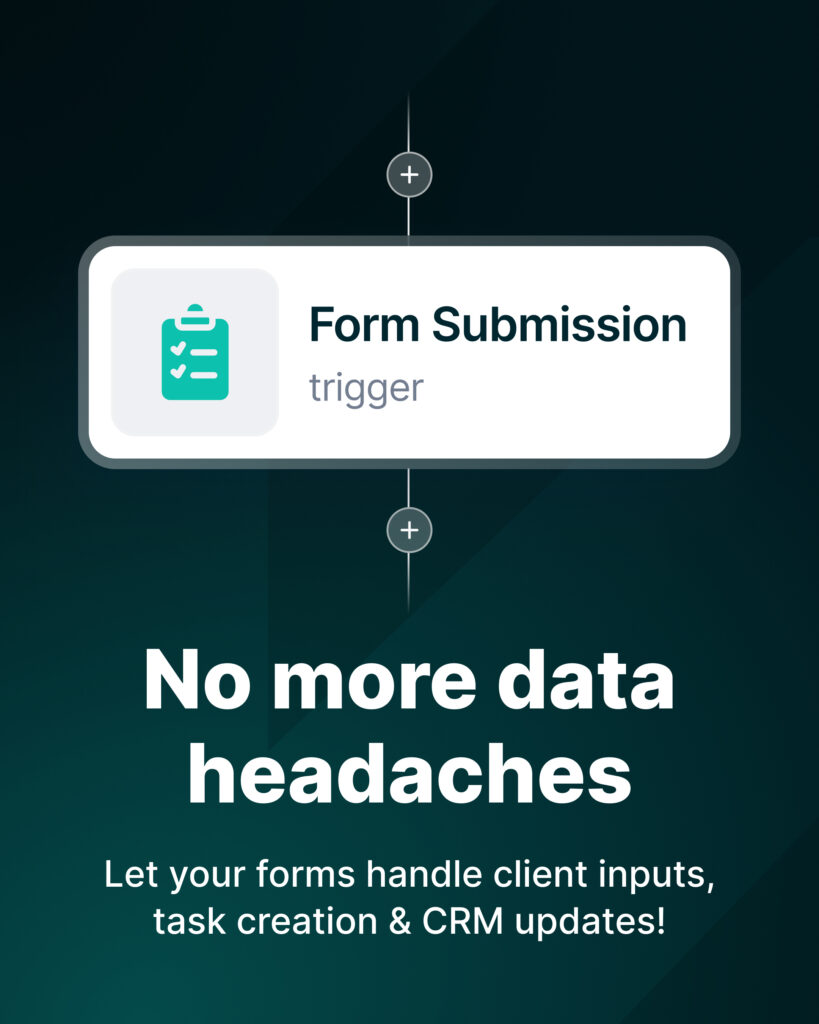
- Instantly create tasks based on client input.
- Easily transfer form data to external services.
- Automatically enrich client profiles in your CRM.
No more endless manual entry! Enjoy smooth onboarding and a fully automated data flow.
Audio Transcription
Remember our time-saving video transcription? Now, you can transcribe audio files too! All your meetings, long voice messages, and interviews – handled.
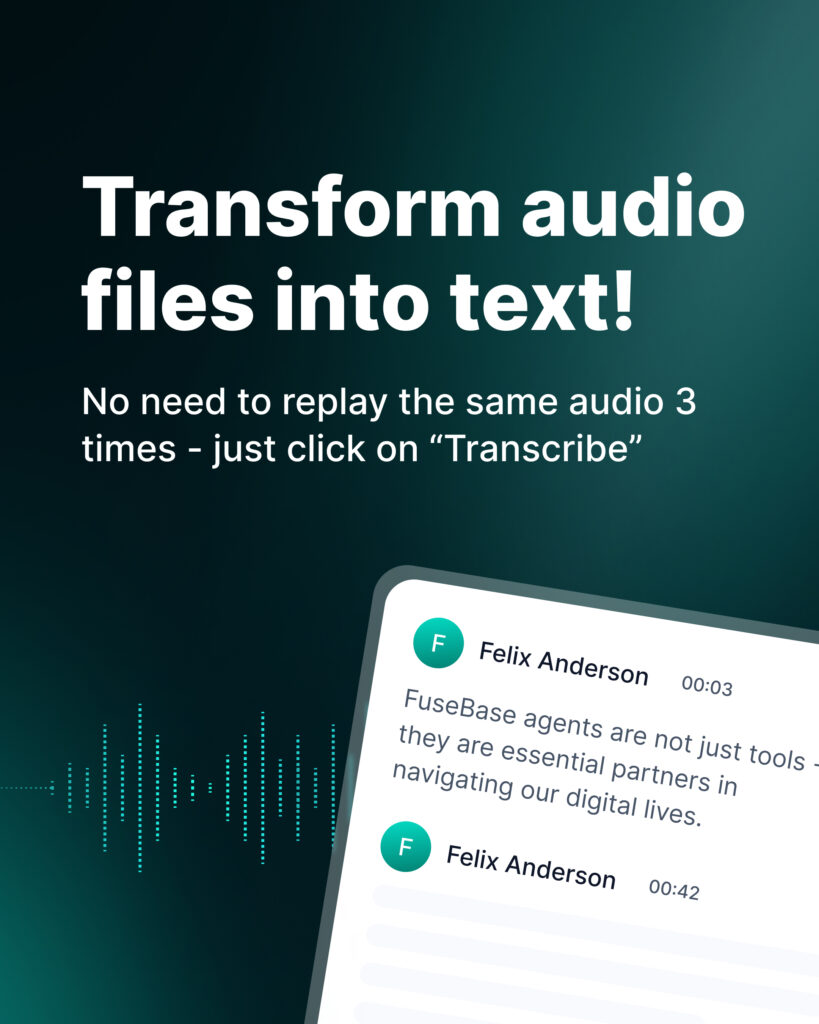
- Easily extract text content from your audio.
- Record it directly on the platform or upload an existing file.
- Mix with AI Agent to get a quick summary, next steps, and key insights.
No need to replay the same audio 3 times just to catch one detail.
New Extension FuseBase PRO AI
What if your meetings could record, transcribe, and summarize themselves? While keeping everything perfectly organized.. Introducing your ultimate AI voice recorder & note-taker –FuseBase PRO AI extension!
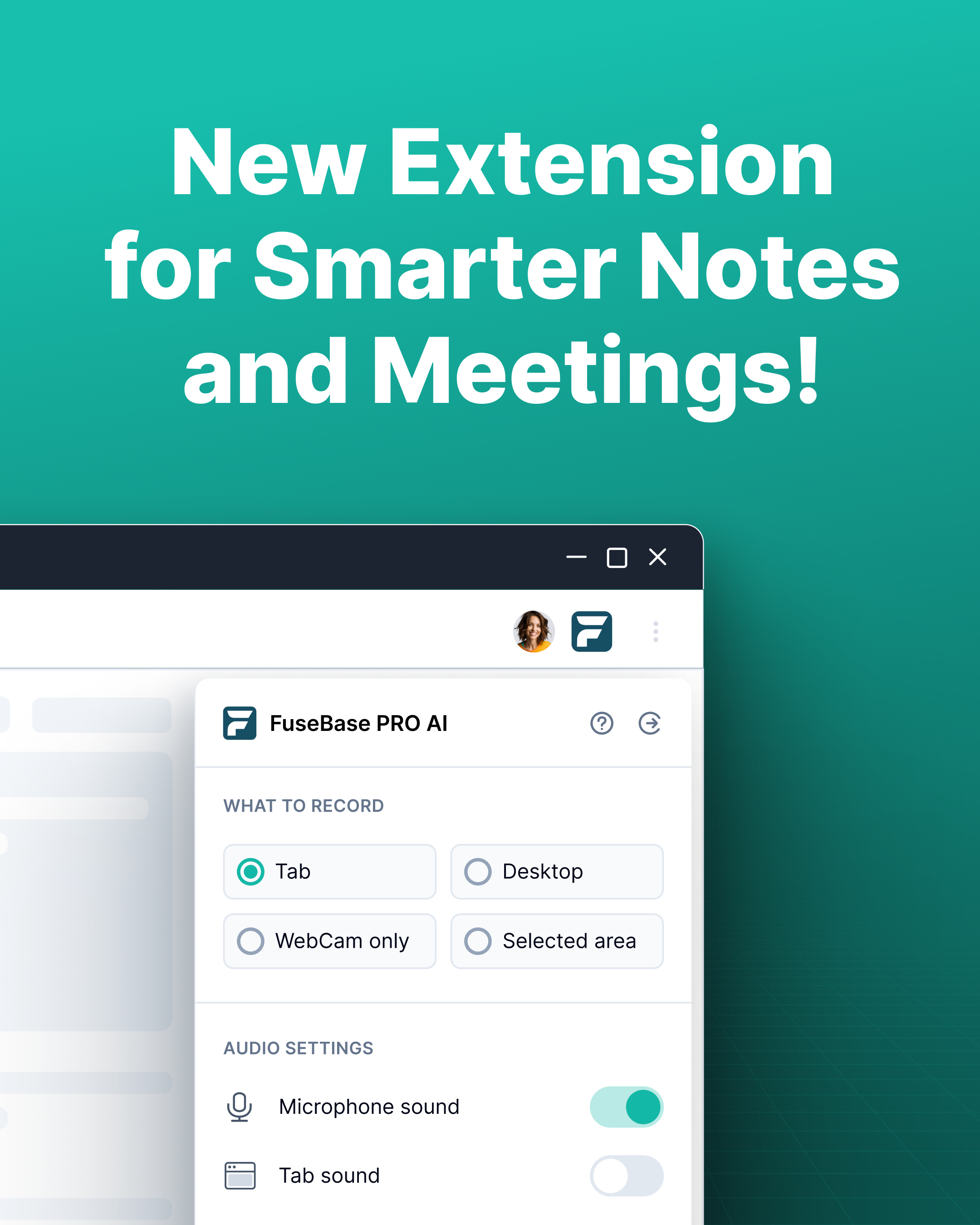
- Captures notes, screenshots, and videos from any meeting or webpage.
- Instantly organizes everything into the right FuseBase folders.
- Transcribes conversations after recording – perfect when information is flying fast.
Must-have for teams that value speed, clarity, and zero busywork!
Quick Tip: Use AI Agents to convert transcripts into actionable super docs.
Summing Up
That’s a wrap! The Summer 2025 release of FuseBase is all about practical improvements that add up. AI Agents understand more and fit better into your ecosystem. Forms capture better data and kick off real workflows. Audio transcription turns conversations into assets. Dashboards help you steer. Integrations and a pro-level AI extension set the stage for scale.
Stay tuned for more exciting updates and enhancements in the future! Haven’t tried these new features yet? Log in to your FuseBase account today and explore what’s new.
Found it useful? Share the article with your community
Subscribe to our blog!
Get weekly tips and insights on how to grow your business