





Product of the year4.8 rating

AI-Native Client Portal Software & Client Collaboration Platform — since 2014

Connect and extend your expertise by building client-facing apps. Unlock new revenue streams, increase stickiness, and achieve operational excellence.

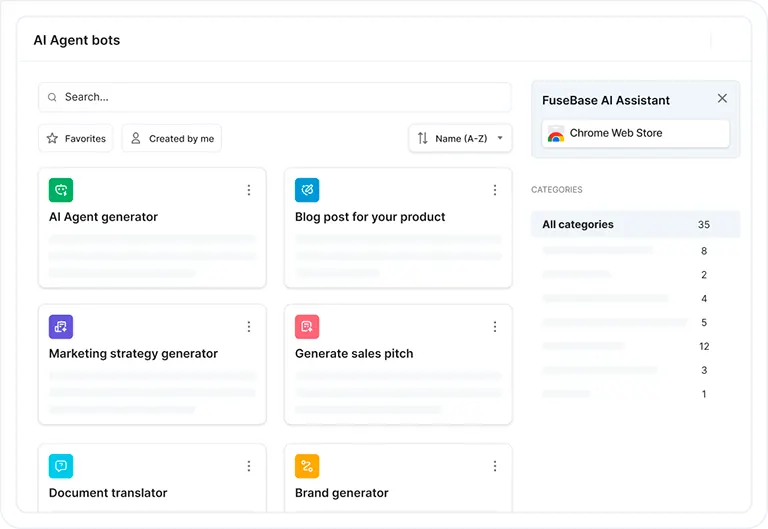
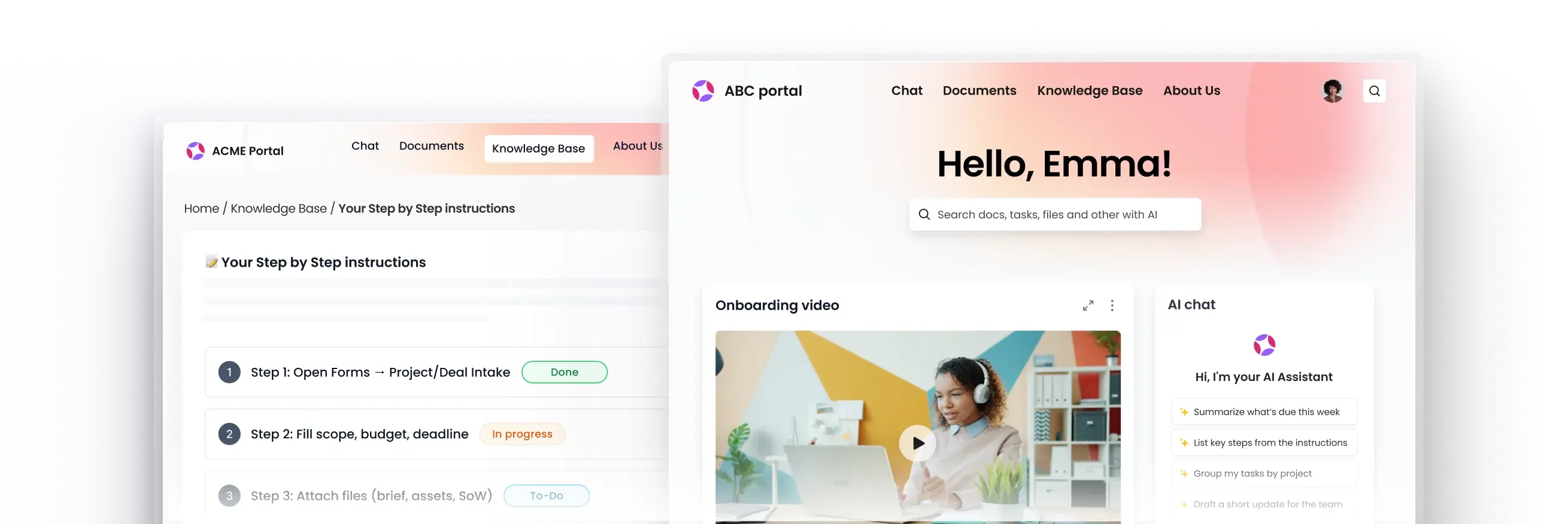
FuseBase workspace preview — PortalsFuseBase client portal interface
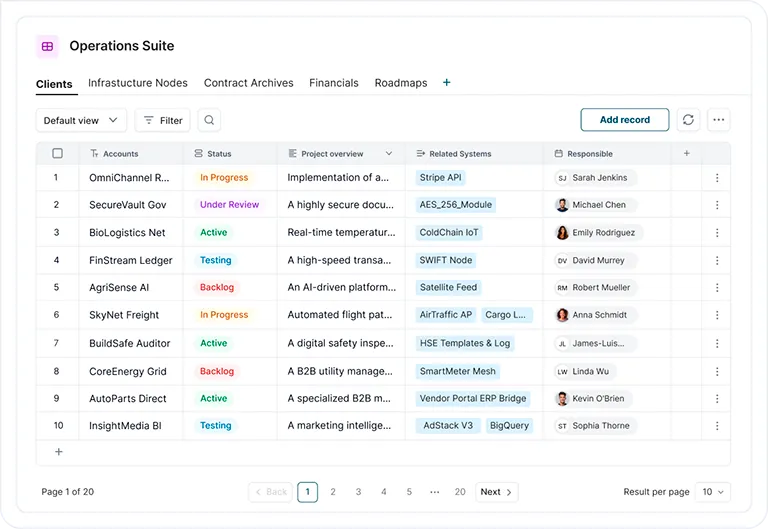
FuseBase workspace preview — DashboardsFuseBase dashboard view
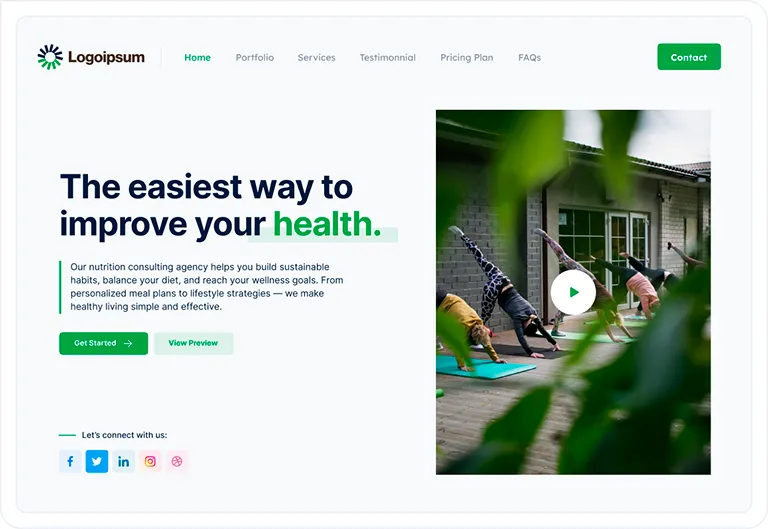
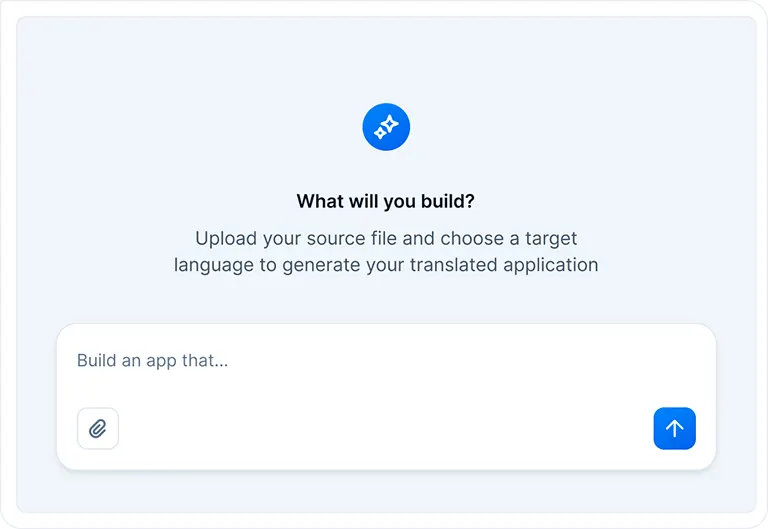
FuseBase workspace preview — AppsFuseBase apps interface
FuseBase workspace preview — AI AgentsFuseBase AI agents workspace
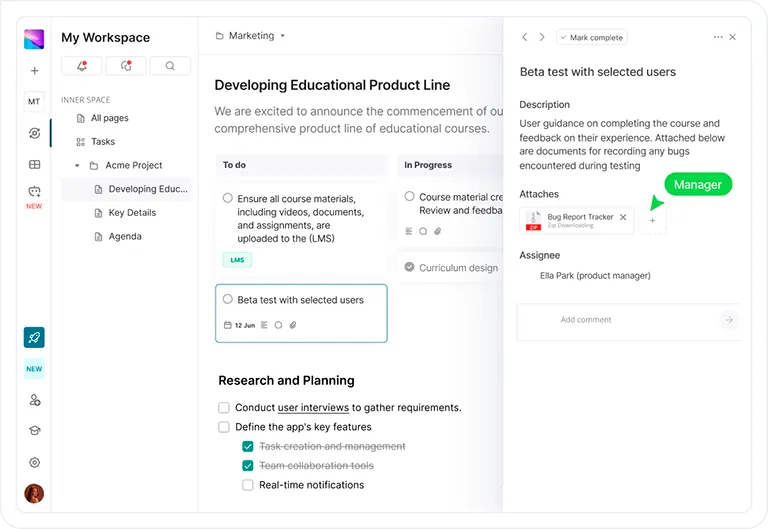
FuseBase workspace previewFuseBase team workspace
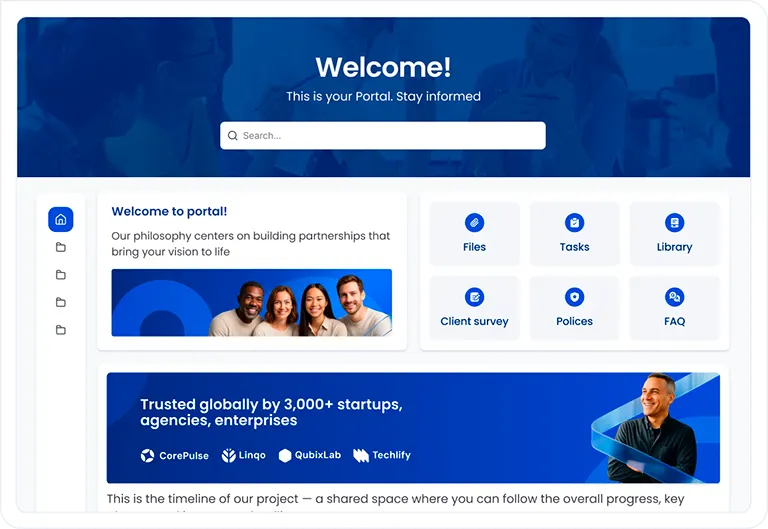
FuseBase workspace previewFuseBase client portal

Trusted by 3000+ businesses across the world

Logos of companies using FuseBase

Need more revenue?

You worked hard to earn trust. Now don't lose the relationship

Guide new clients through branded onboarding portals with tasks, documents, and e-signatures in one place.

Need to streamline operations?

Your team experience is also important. We got you covered!

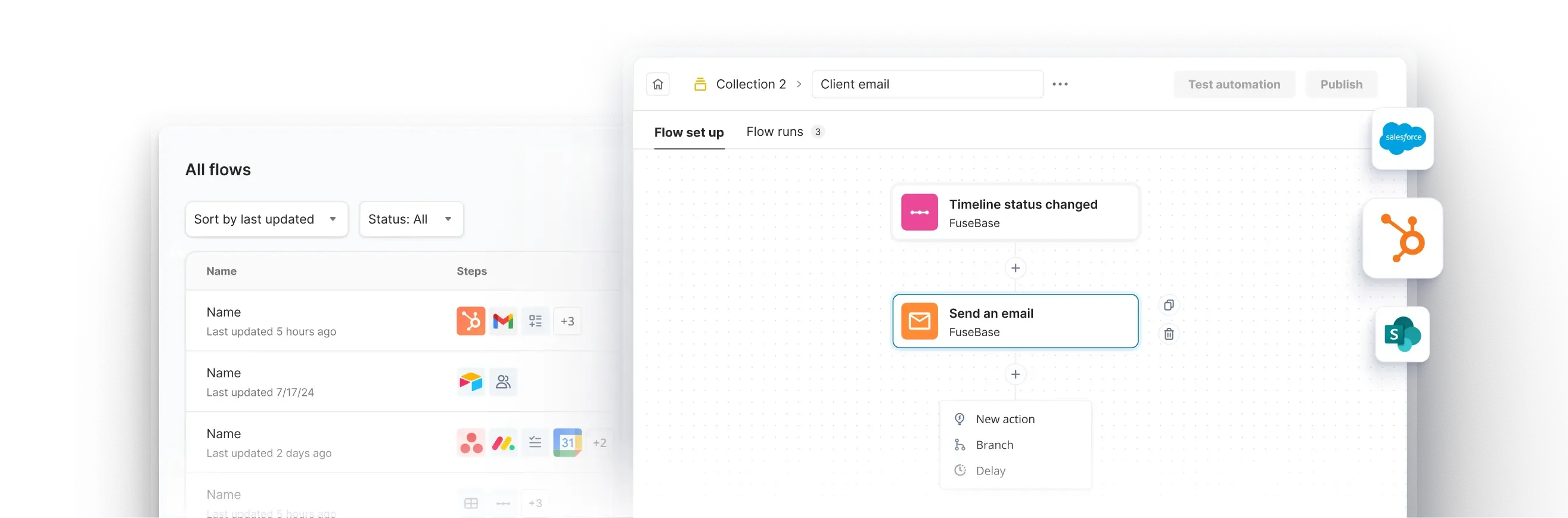
Automate repetitive workflows across portals, notifications, and integrations.

Start with what you need, customize as you go

Internal Workspace

Stay organized, aligned, and productive with everything your team needs in one place

What you get:

  • Sales Portal
  • Process Portal
  • Centralized Hub
  • Internal Knowledge Base
  • Real-Time Collaboration
  • Secure File Storage
  • Video Recording & Transcription
  • Meeting Notes with Context
  • Fast Search & Organization
  • Client-Ready Sharing
  • Tool Integrations

AI Agents

AI that lives inside your everyday tools, answers questions, takes action, and does the busywork for you

What you get:

  • Works Where You Work
  • Internal & External Workspaces
  • Real Answers from Your Content
  • Automates Busywork
  • Screen-Aware & Prompt-Driven
  • Custom or Prebuilt Agents
  • External Agent Access
  • Synced with Your Stack
  • On-Brand, On-Point
  • No Extra Tools Needed

External Workspace

Deliver a seamless client experience with custom-branded portals, real-time updates, and secure file sharing

What you get:

  • Partner or Vendor Portal
  • Client Portal / Branded Client Portals
  • External Knowledge Base
  • Drag-and-Drop Page Builder
  • Mutual Action Plans & Task Lists
  • Built-in CRM
  • Built-In E-signatures
  • Forms & Surveys
  • Secure File Sharing
  • Meeting Notes & Videos
  • Live Chat with Clients
  • Client Analytics
  • White-Label & SMTP Support

Recognized with numerous awards

  • Software Advice Front Runners
  • Slashdot Users Love Us
  • G2 Momentum Leader
  • G2 Easiest Setup
  • G2 Winter Leader
  • SourceForge Top Performer
  • Front Runners
  • G2 Momentum Leader
  • G2 Meets Requirements
  • G2 High Performer
  • Capterra Category Leaders
  • G2 Performer
  • SourceForge Customer Favorite
  • G2 Easiest Admin
  • G2 High Performer
  • Capterra award

What is client portal

A Client Portal is the space where you meet your clients and partners in one place. A great client portal doesn't require any learning curve from your clients. If a client portal looks like a Project Management tool, your clients won't use it. From years of experience, the best engaging client portal must look and feel like a secure microsite, because all people know is how to navigate websites. That's exactly how we built FuseBase Portals: a one-stop shop for all your client collaboration with no learning curve, matching your brand identity.

Frequently asked questions

How does client portal software work?

FuseBase provides internal and external workspaces. External workspace = client portal. These are special areas that have the look and feel of a microsite with protected access. Your clients and partners don't need to learn how to use them. Every client portal has all the necessary tools for your client collaboration. Additionally, FuseBase lets you build apps that you can connect to and use to ex

What's the difference between client portal software and a project management tool?

Project management tools are built for tech-savvy users, and they DO require onboarding and training. You don't want to overwhelm your clients; that's why you need a special area with zero learning curve for your clients and partners. PM tools look and feel heavy, unlike client portals, which are specifically designed for service delivery and external collaboration. The last thing you want is to f

What is client collaboration software?

Client collaboration software is specifically designed to enable your internal team to collaborate with external team members, such as clients/partners/vendors, in a way where they don't need to learn how to use it. Client collaboration software has workspace areas with all advanced tools, including CRM, Project Management, Billing, Invoicing, etc., and external workspaces - client portals. These

How is FuseBase different from Notion, SharePoint, or Confluence?

These tools are primarily built for internal collaboration, and these are great tools! However, we believe that they are not fully optimized for client collaboration, e.g., lack of advanced client permissions, branding and customization, and client portal areas that are specifically designed for external users such as clients/partners/vendors. FuseBase brings both worlds: internal collaboration an

Can I white-label FuseBase with my own brand?

Yes, FuseBase provides multiple options. You can fully white-label your FuseBase organization by connecting it to your subdomain. Additionally, you can customize every portal to look completely different. Besides that, FuseBase allows you to build your custom apps and connect them to different domains or subdomains. The main benefit of white-labeled portals is to provide a unified and professional

Can I build client-facing apps inside FuseBase?

Yes, in fact, you can do both: internal apps and client-facing apps. FuseBase provides you with all necessary infrastructure. Client-facing apps require more stuff out of the box compared to internal apps. Instead of reinventing the wheel and using general-purpose app builders, FuseBase closes the gap in one place. Additionally, you can connect FuseBase apps to your domains and make them fully whi

Does FuseBase work for agencies and consulting firms?

Yes, FuseBase is built for client-facing teams and businesses. That's why FuseBase provides internal and external workspaces. For agencies and consulting firms, it is a must to have internal project management and a collaborative workspace and an external area, which is a client portal. Client Portals are designed to be simple and beautiful, so your clients don't need to learn how to use them. At

Security & Integration

Enterprise-Grade Security

SSO, 2FA, and encryption keep your data protected — always.

Seamless Integrations

Connect instantly to CRM, Slack, Teams, email, and your full tech stack.

Compliance & Control

Track access, stay audit-ready, and manage permissions at scale.

SOC 2 Type IIHIPAA compliant
SOC 2 Type IIHIPAA

Ready to work smarter?

Cut through complexity, accelerate task completion, and empower your team to focus on what truly matters. Get started today