In FuseBase, you can search all document attachments including PDFs, Microsoft Word documents, and text files. In the search results listing, FuseBase conveniently displays text snippets that indicate the context of the matching text in each of the documents.
Search and extract text from images (OCR)
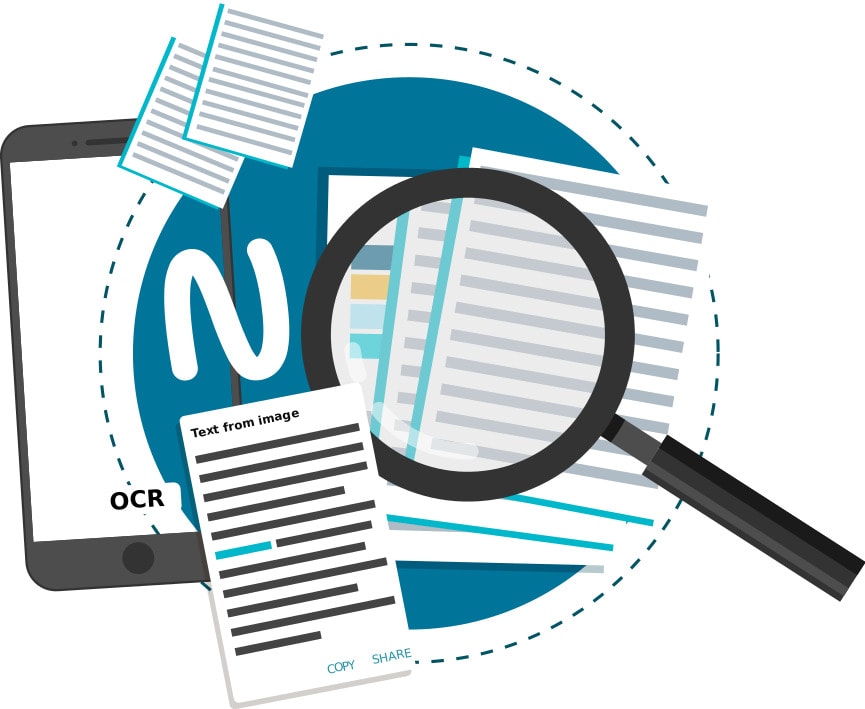
Image-to-text recognition is a powerful feature that enables searching for text within images. You may have always wanted to extract the text from some of your scanned photos or documents. The OCR capabilities in FuseBase can make this a reality for you. Any of your images that contain text representations become searchable in FuseBase. You can search all of your images for text just as easily as you search your notes and document attachments.
Even better, you can extract all the text from any image, copy it and then store it in a page or other document. For example, lets’s say you’d like to capture a lengthy webpage address or a long list of instructions. With FuseBase, it’s unnecessary to retype everything manually. Simply copy and paste the text that was automatically recognized with the OCR feature.