FuseBase allows you to view all events in your workspace (including the creation and editing of pages, mentions, reminders and comments) through the activity panel. Events can be viewed and marked as read. You even can add a task to the page directly from the activity panel.
To see the Activities list, click on the Updates in the left tab bar in the web client.
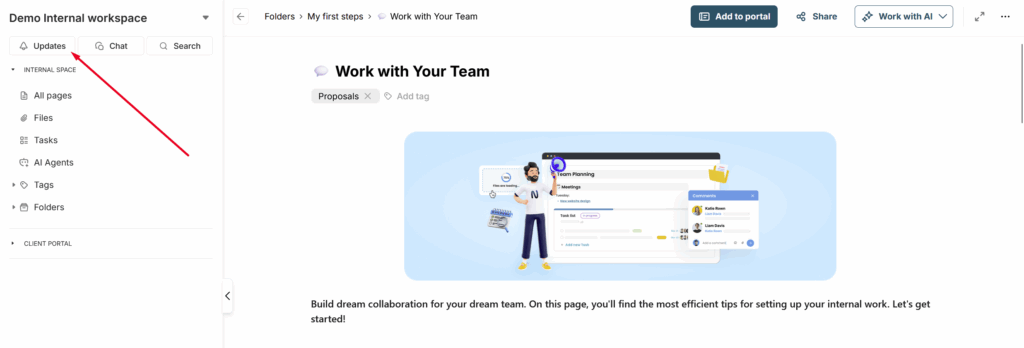
You will see a list of all the activities that took place in the current workspace. The panel is divided into two sections:
Important – these are events that directly affect you, such as task assignments, mentions in comments, etc.
Other – these are all other events, such as page creation and editing.
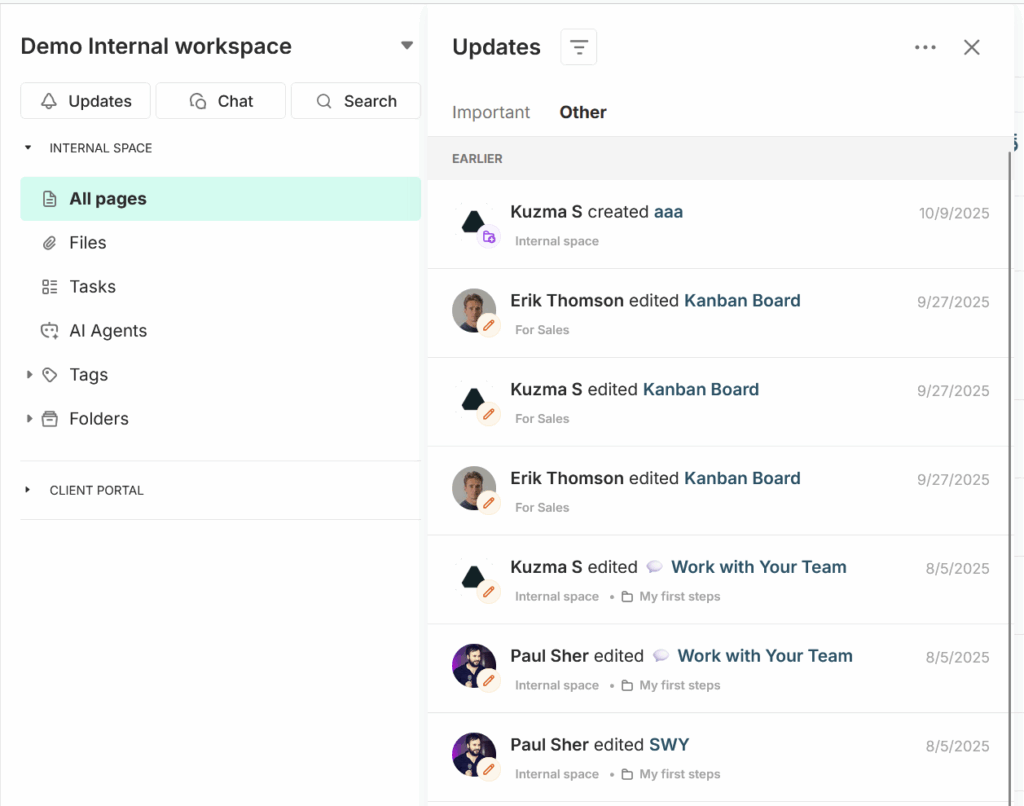
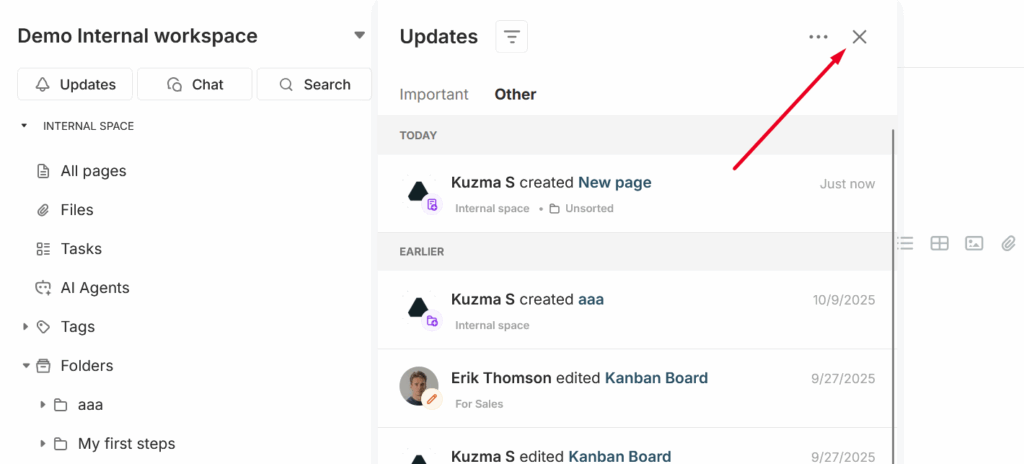
To close the window, click on X –
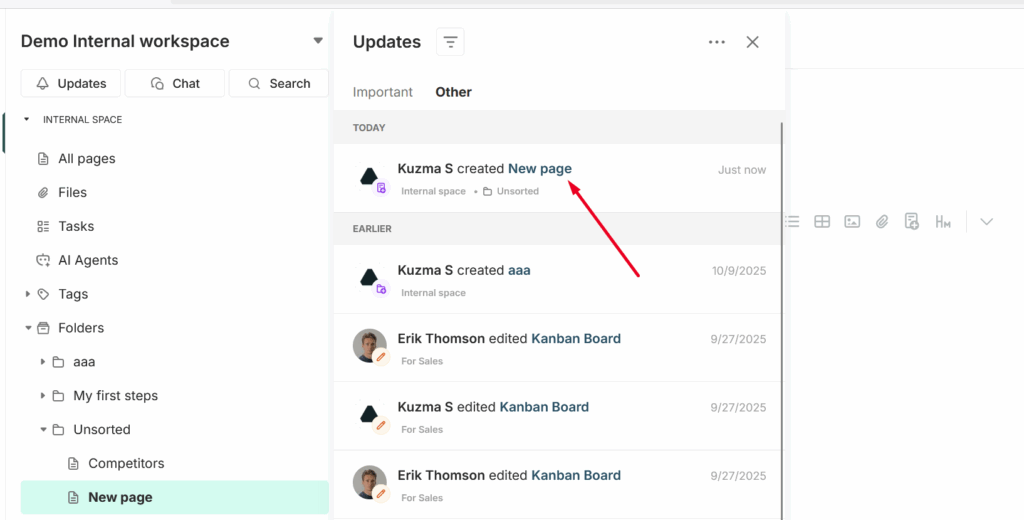
To open the edited page, click on its name and you will be navigated to the page –
If there are many events, you can filter them by clicking on the filter icon –
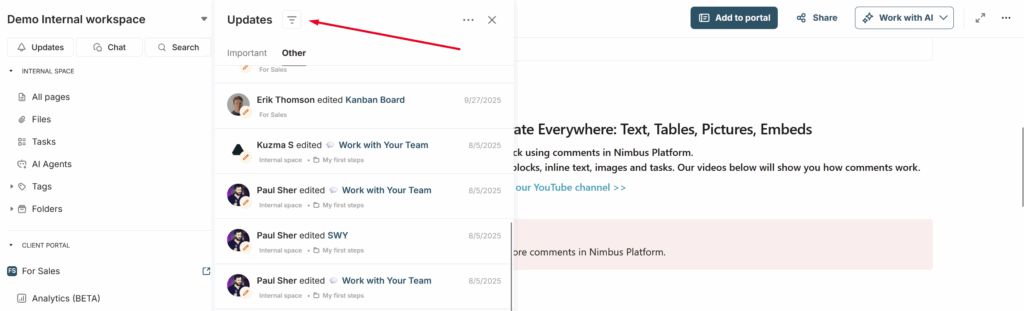
Here, you can, for example, display only the events that occurred in the portal.
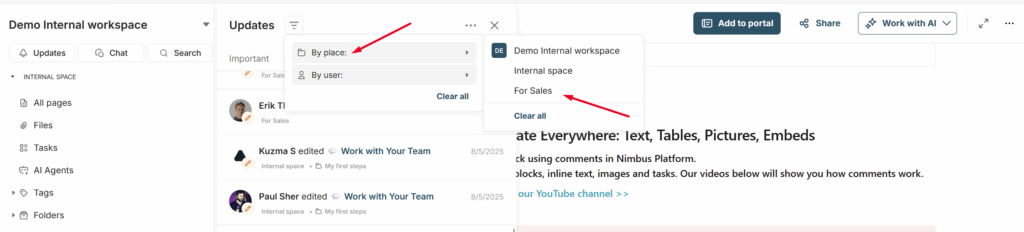
Or, for instance, show events related to a specific member or client.

You can also enable the notifications panel in the portal. You can find detailed instructions on how to do this here: https://thefusebase.com/guides/client-portal/notification-updates-panel-quick-guide/